How-to · Image to video
How to Animate a Photo With AI: Steps, Prompts and Costs
By Bolly teamPublished 7 min read
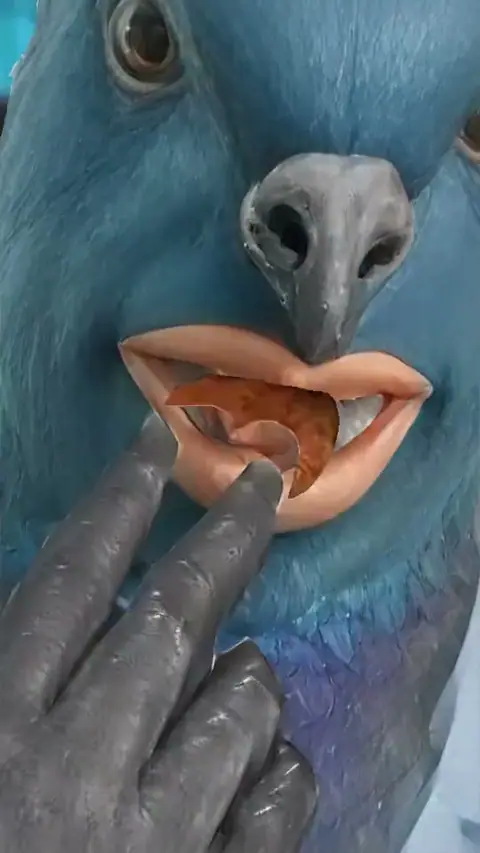
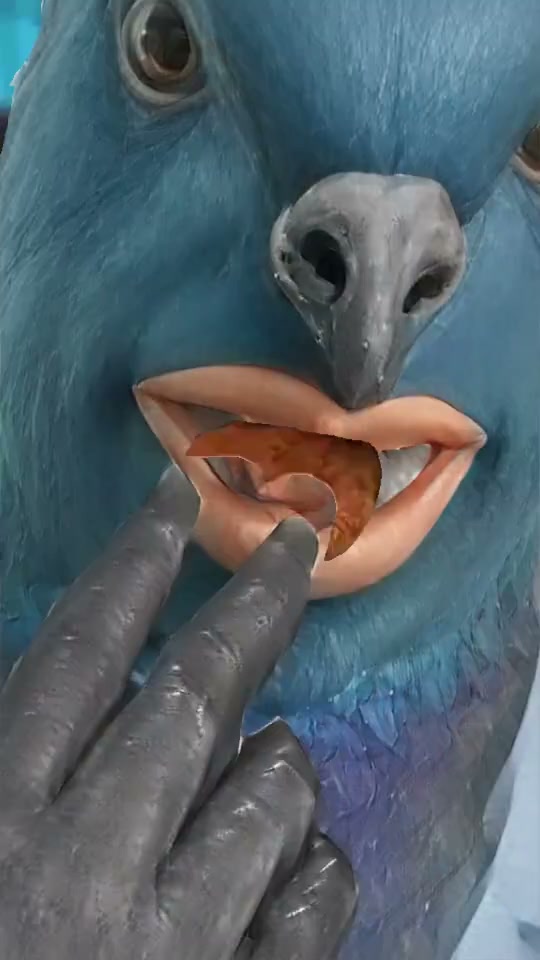
How to animate a photo: upload it to an image-to-video model, describe the motion in a sentence or two, and press Generate. On Bolly, this starts on the Starter plan at $19 a month, and a 5-second clip can cost as little as 6 credits.
Below: how to choose and prepare the photo, which model to use, five prompts to copy and how to animate old photos. The clip at the top of this page is a Mix template. Mix swaps a person into an existing clip and doesn't animate a still, so it isn't the route here. For all three routes, see how to make AI videos.
Pick and prepare the photo
Bolly Animate's own tips: use a single subject on a simple background, because busy scenes make the model guess what should move. For a character, attach a clear, front-facing shot with the whole body visible.
- Start sharp. Use the largest, cleanest copy you have. A small one can be upscaled first with Crystal Image Upscaler (1 credit) or Topaz Image Upscaler (4 credits up to 3x, 7 at 4x), both on the Free plan.
- Crop to the shape you want. MiniMax H3, H3 Max and Bolly Animate follow your photo's shape. Kling 3 and Seedance 2.5, among others, have no aspect setting in photo mode, so crop first. Veo 3.1 asks for 720p or higher, in 16:9 or 9:16.
- No photo yet? Make the starting image with Nano Banana 2 (see Nano Banana prompts) and animate that.
Which model to use to animate a photo
There's no single best photo to video AI; it depends on what you want to control and what you want to spend. Credits below are for a 5-second clip at default resolution.
- Cheapest tests (Starter). Luma Ray 3.2, 6 credits at 540p; PixVerse V6, 12 at 720p; MiniMax H3 Max, 16 at 768P.
- Made for characters (Starter). Bolly Animate, 12 credits (MiniMax H3 at 768P). It takes a photo, drawing or 3D render, and adds a line asking the model to keep the character's look consistent, so you only describe the movement.
- Most control (Starter). Kling 3, 34 credits with sound or 23 without, with a negative prompt, a Cfg scale and an End frame.
- Camera only (Starter). Ken Burns Effect, 12 credits: a slow cinematic zoom while the scene stays still.
- Plus-only models. Veo 3.1, 64 credits for 4 seconds and 128 for 8 with sound; Seedance 2.5, 95 at 720p or 45 at 480p.
The image-to-video roundup compares all 13 video models.
How to animate a photo, step by step
Prepare the photo
Crop it to the shape you want, upscale it if it's small and save it as a JPEG, PNG or WebP.
Open a model and attach it
On a model page, set the Mode chip to "Image to video" and attach the photo. For a character, open Bolly Animate instead.
Describe the motion
In one to three sentences, say what moves, how the camera moves and what stays still. Keep to one action per clip.
Set length and resolution
Start at 5 seconds and the lowest resolution that shows the idea. The composer shows the credit price before you press Generate.
Press Generate
Bolly takes the credits at submit and refunds them if the run fails or is refused. Finished clips land in your Library.
Change one thing, then export
If it's off, change only the prompt, the model or the photo. Then "Edit video" in the Library trims, changes the aspect, adds text and exports WebM or MP4.
Five motion prompts, by photo type
All five were written for this guide. Swap in your own subject.
The person turns their head slightly toward the window and breaks into a small, relaxed smile. Their hair moves a little in a light breeze and they blink once. The camera stays still at eye level. Face, clothing and background stay exactly as in the photo.
Clouds drift slowly from left to right and the light on the hills brightens a little. The water in the foreground ripples gently. The camera pushes in very slowly. No people, boats or birds appear.
Steam curls up from the coffee mug while the camera drifts in slowly. A little light glints on the rim. Nothing else moves: the table, the mug and its printed design stay unchanged.
The dog perks up its ears, tilts its head and blinks slowly. Its fur ruffles in a light breeze. The camera stays at the dog's eye level and doesn't move.
Very gentle motion only. The people blink and shift their gaze toward the camera, and one small smile forms. The paper texture, grain and faded colors stay exactly as they are. The camera doesn't move.
Name the camera move in plain words and say what stays fixed. Ask for one small movement first, then add more once it works.
Warning: Photos of people need consent
The consent rules cover animating a photo: use only yourself or someone who clearly agreed, and never anyone under 18, so skip photos of children, old ones included. For someone who has died, they ask you to respect their family and estate and not to use their likeness commercially without authorization.
Loops and end frames
An End frame is a second photo the clip should finish on. Nine models take one: Seedance 2.5, MiniMax H3, MiniMax H3 Max, Gemini Omni, Wan 3.0, LTX 2.5, Kling 3, Luma Ray 3.2 and Vidu Q3. Flux 3, Veo 3.1, Grok Imagine Video 1.5 and PixVerse V6 don't.
For a clip that loops, Luma Ray 3.2 has a Loop switch under Additional settings, which can't be combined with an End frame. On the other eight, you could try the same photo in both slots; results vary.
How to animate old photos
Scan the print at a high resolution, crop away the border and upscale it if it's small. Then ask for very little movement, like a blink, a small head turn or a slight smile, and tell the model to keep the grain, color and clothing as they are. The fifth prompt above is written that way. Follow the consent note above before you use a photo of a relative.
How to make a photo talk
A talking photo needs a voice. Create Video Avatars turns a photo and a voice track into a talking video avatar of up to 5 minutes, on Starter. Record your own voice, or make audio from a script with Text to Speech. Don't imitate a real person's voice without their permission. Lipsync Video re-voices an existing video, not a still.
When the motion looks wrong
A run that fails, is refused or returns nothing is refunded automatically, but a finished clip you dislike is not, so test at 5 seconds first.
- Too much moves, or the wrong thing moves. Say what moves and what stays fixed ("only the hair and eyes move, background fixed"), or shorten the clip.
- Extra objects or text appear. Kling 3, PixVerse V6 and Veo 3.1 have a negative prompt field under Additional settings.
- It ignores the prompt. Kling 3's Cfg scale (0 to 1, default 0.5) sets how closely it follows the prompt. Try a little higher.
- It ends in the wrong place. Add an End frame on one of the nine models above.
- The prompt is blocked. Nothing is generated and no credits are used. Our integrity rules ask you not to reword it to slip past the filter.
What animating a photo costs
Video isn't on the Free plan, which gives 10 credits a day for image, audio and tool models. Starter is $19 a month with 300 credits: about 50 five-second Luma Ray 3.2 clips (6 credits each), 25 PixVerse V6 or Bolly Animate clips (12 each) or 8 Kling 3 clips with sound (34 each). Veo 3.1 and Seedance 2.5 need Plus, at $59 a month ($47 a month billed annually). See pricing and the AI video generator pricing guide.
Label it before you post
Note: Say it's AI
If a clip could pass for real, tell viewers it's AI-generated and use each platform's AI label. Don't remove watermarks, provenance data or AI labels a tool adds (see disclosure).
Frequently asked questions
Can I animate a photo without paying?
Not on Bolly. Free gives 10 credits a day for image, audio and tool models, but video starts on Starter at $19 a month. On Free you can still make or clean up the photo first, for example with Nano Banana 2 (4 credits for a 1K image) or an upscaler.
How long can an animated photo be?
It depends on the model. Luma Ray 3.2 stays at 5 seconds from a single photo, MiniMax H3, MiniMax H3 Max and Kling 3 go up to 15, and Wan 3.0 and Seedance 2.5 up to 30. Start with 5 seconds.
Can I animate an old photo of a relative?
It depends on who is in it. The consent rules allow yourself or someone who clearly agreed, rule out anyone under 18 and, for someone who has died, ask you to respect their family and estate and not use their likeness commercially without authorization.
Can Mix animate a photo?
No. Mix swaps a person into an existing template clip and doesn't animate a still. To swap a face into a photo, use Face Swap. Template remixes stay personal and non-commercial unless the rights holders permit more (see other people's work).
Can I make an animated photo talk?
Yes, with the Create Video Avatars app: it takes a photo and a voice track and makes a talking video, up to 5 minutes, on Starter. Use only your own face and voice, or those of someone who agreed.
How much does it cost to animate a photo?
For 5 seconds at default resolution: 6 credits on Luma Ray 3.2, 12 on PixVerse V6 and Bolly Animate, 16 on MiniMax H3 Max and 34 on Kling 3 with sound. Starter is $19 a month with 300 credits.
Try the Boneless Wing Pigeon Meme template
Upload a photo and Bolly swaps you into the clip. Mix comes with every paid plan, from Starter at $19 a month, and failed runs are refunded automatically.
More from the blog
How-to
How to Make AI Videos: From Text, a Photo or a Clip
Make an AI video from text, a photo or a template clip. Pick a model, copy four prompts, add sound and export, with the real credit cost of each model.
· 9 min read
Prompts
Nano Banana Prompts: 17 Copy-Paste Examples and Use Cases
17 copy-paste Nano Banana prompts for photo edits, product shots, posters and figurines, with what to attach, how to run them and what each image costs.
· 10 min read
AI video pricing
AI Video Generator Pricing: What a Clip Really Costs (2026)
What AI video costs in 2026: Bolly credits per model for 5 s and 10 s clips, plan rates, clips per month, and how Runway and Higgsfield credits compare.
· 8 min read
How-to
How to Make a Face Swap Video of Yourself (Step by Step)
How to make a face swap video of yourself with Bolly Mix: photo tips, clips to start with, credits per run, fixes when it slips, and the consent rules.
· 8 min read