What is an AI character swap video?
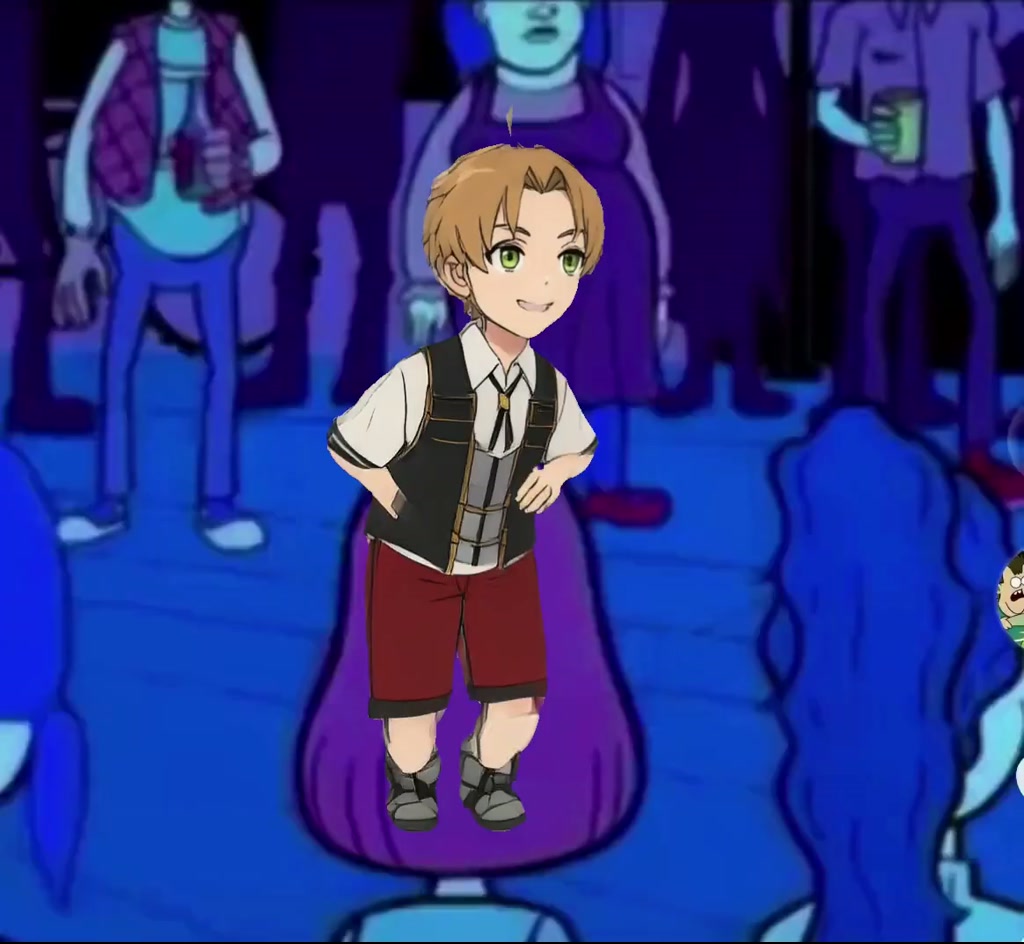
An AI character swap video recasts a clip that already exists. One person in it becomes you, a friend or a character, and everything else stays as filmed: the moves, the camera, the set, the other people and the sound. It replaces the whole look, not just the face. Hair, skin tone, build and clothes come from your photo.
Mix is Bolly's character swap. It runs in your browser, works with 216 ready-made templates or a public TikTok link, and your first video costs nothing.
How to make a character swap video
Pick the clip
Choose a template from the library or paste a public TikTok link. Templates are already cut to length. From a link, Mix uses the first 15 seconds.
Add a photo
One clear, front-facing photo per person: a JPG, PNG or phone photo up to 30 MB. Two-person templates take a photo each. On a pasted link you can add a short note on who to replace.
Press Swap me in
On a free account, your first one-person video is on us. After that, Mix comes with every paid plan, from Starter up.
Collect it from your Library
The free video usually takes 1 to 3 minutes, paid runs 2 to 4 minutes. You can close the tab: the video lands in your Library on its own.
Your first character swap is free
Every Bolly account gets one free character swap video. Here is exactly how it works:
- It opens a day after you sign up. Sign in with Google, and 24 hours later your free video unlocks. We send an email when it does.
- One person, one photo. It works on 140 of the 216 templates, on community templates and on a pasted TikTok link.
- It runs on Viggle. Viggle's Video Remix swaps the clip's main person for the one in your photo, usually in 1 to 3 minutes.
- It carries a watermark. The free video has a Bolly.AI mark that moves around the frame and a short end card. Upgrade and the same video downloads clean.
- It uses 5 of your 10 daily credits. The Free plan refills them every day for images, audio and tools.
Two-person swaps and the templates that run on a model of their own (Raindance, Car Jump, Storm, Fan Outfit Transition) come with the paid plans.
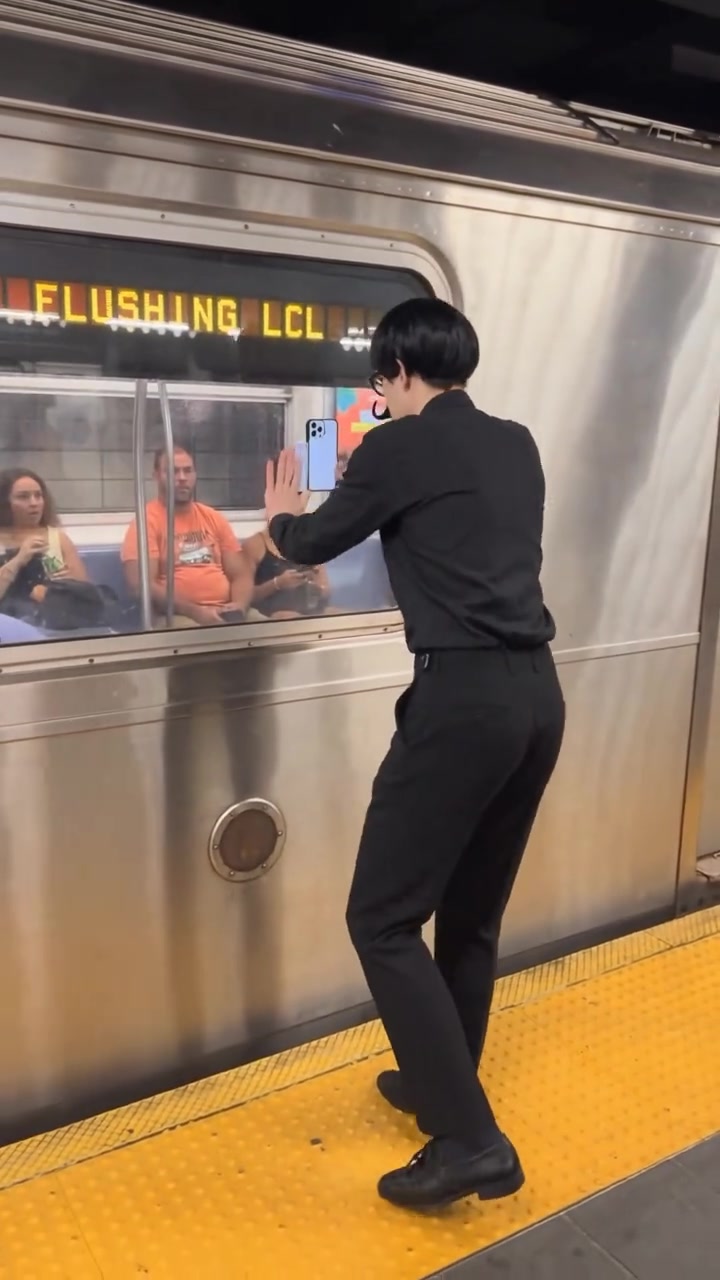
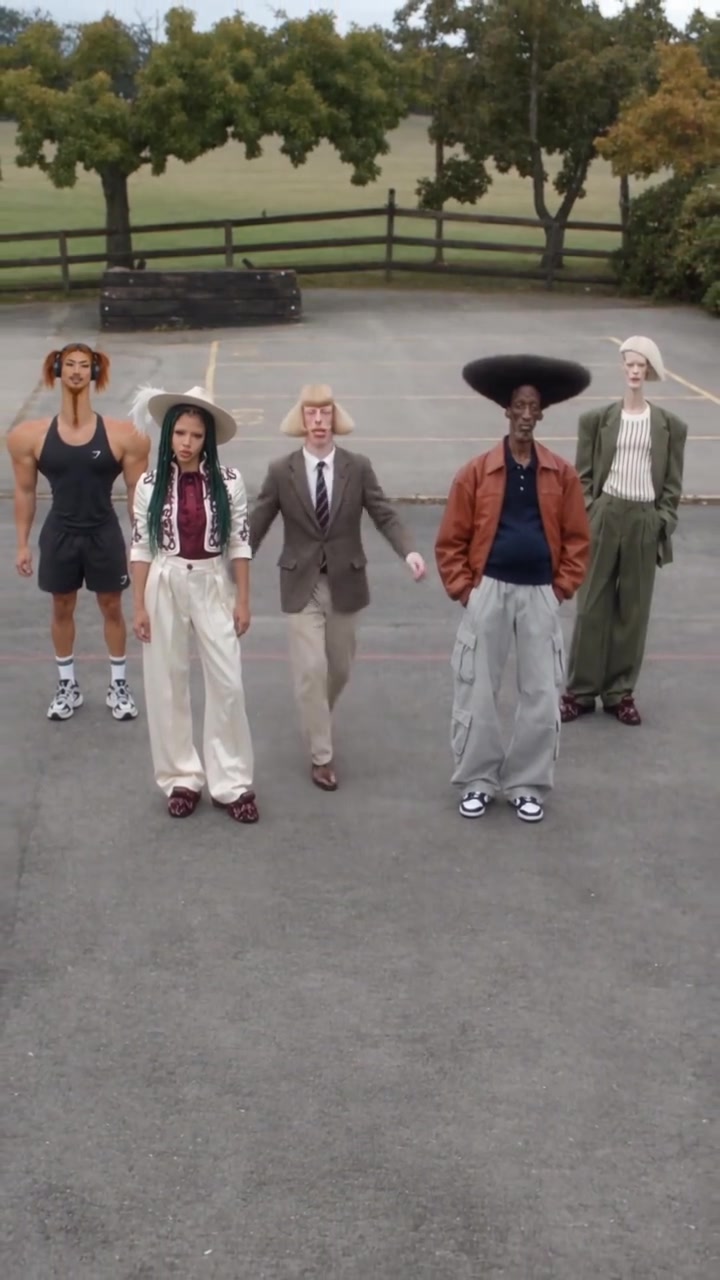
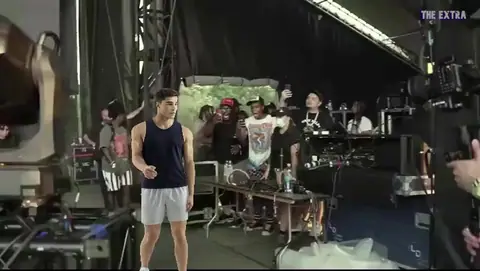
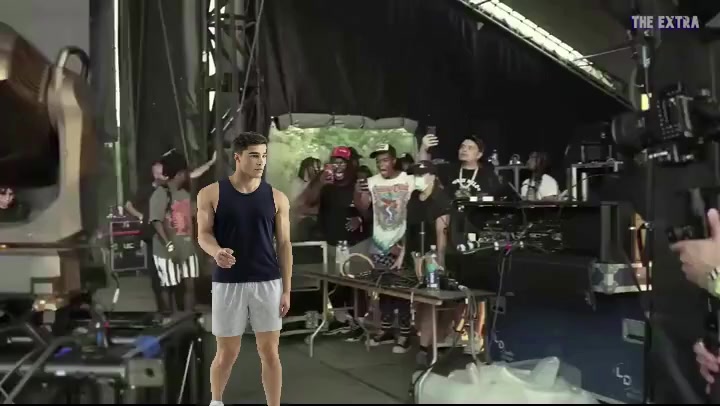
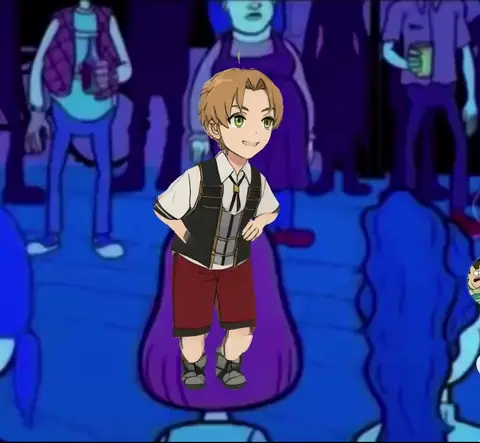
Templates that work for the free video
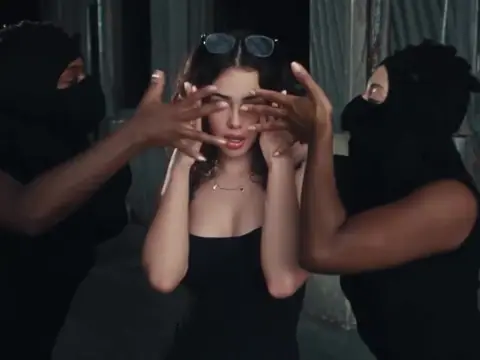
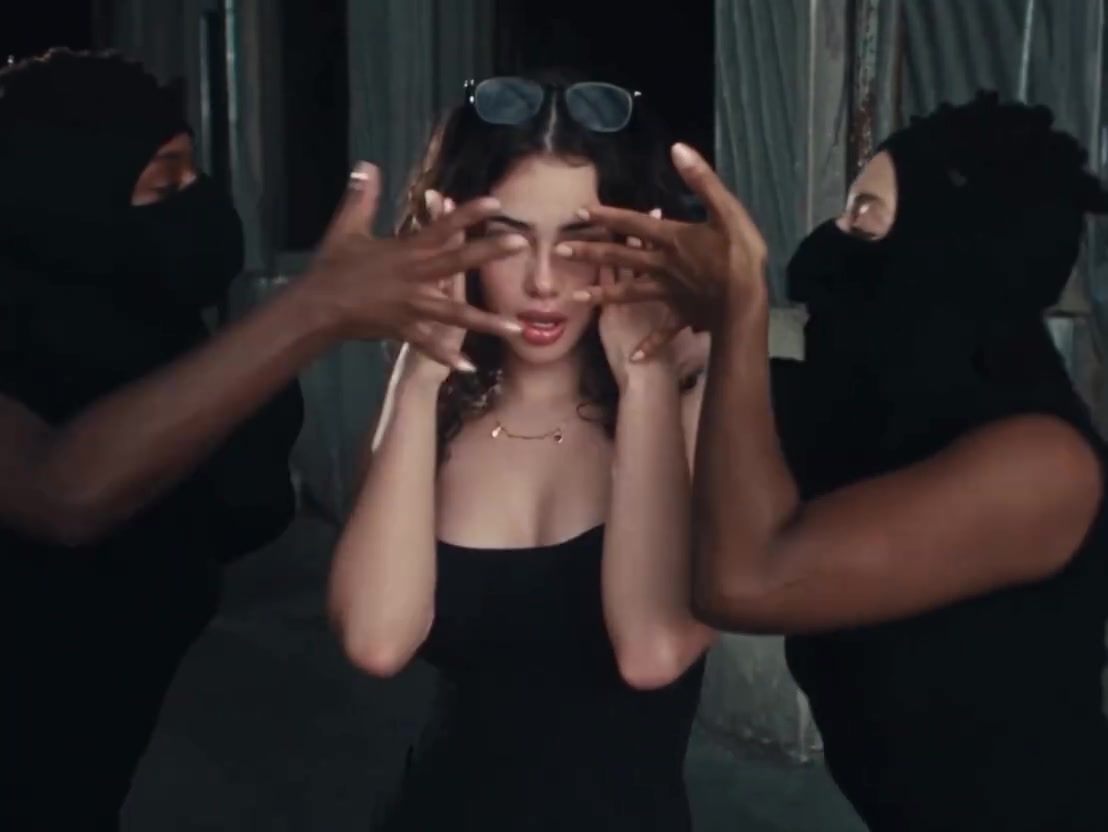
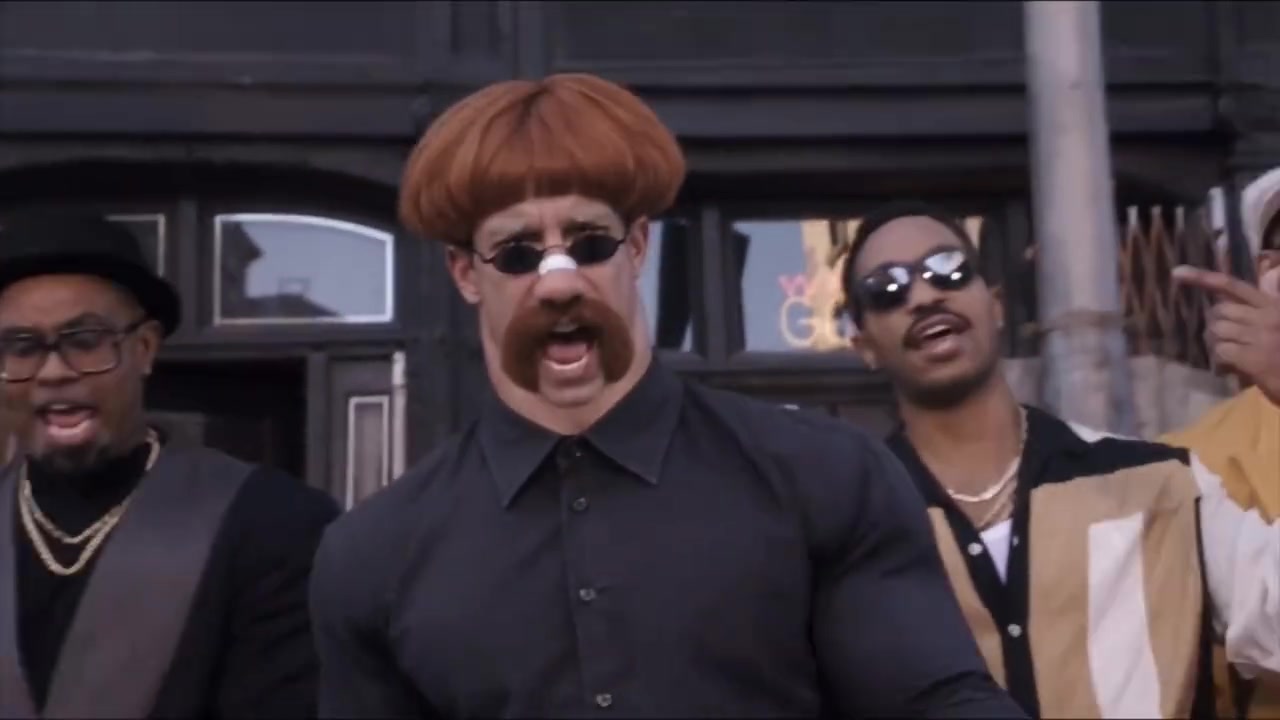
Which AI model makes the swap
Mix picks the model for you, so there's nothing to set up:
- Free first video: Viggle. Video Remix keeps the clip's motion and camera and puts your look on its main person. More on the Viggle AI character swap page.
- Paid runs: Kling 4.0. Kling's video-edit model recreates the clip shot for shot with one change, the person, at 720p. More on the Kling AI character swap page.
- Fan outfit transition: Seedance 2.5. The outfit-change template has its own pipeline, one look per shot.
Want the moves without the clip's scene? Kling Motion Control moves your own photo with a clip's motion and keeps your picture's background.
What you get
- Same moves, same scene. The movement, timing, camera, lighting, background and every other person stay as filmed.
- Your look. Face, hair, skin tone, build and clothing come from your photo.
- The original sound. Clips with a soundtrack keep it.
- Up to 15 seconds. Longer clips are cut to their first 15 seconds, and two-second meme loops are repeated to six.
- Up to 2 people. On two-person templates, a paid run swaps both.
Character swap, face swap or body swap?
A face swap pastes a new face onto someone else's head and body. A character swap replaces the person: face, hair, build and clothes, so a different body type or outfit shows up in the clip. Many people call that a body swap. If you came for a classic swap of faces in a clip, the face swap video page covers it.
Face swap for photos, free every day
For a still image, Face Swap puts a face into any photo with Nano Banana 2. It costs 4 of the Free plan's 10 daily credits, so you get two free photo swaps every day.
What a swap costs after the free one
Mix charges by the second of clip on Kling 4.0: a 15-second template is 113 credits and a short meme loop is 46. Starter is $19 a month with 300 credits, enough for two full-length swaps or six short ones. Plus is $59 a month with 1,200 credits. Paid videos download without a watermark. Compare plans.
Photo tips
- One person per photo. A group shot leaves the model guessing which face you mean.
- Face the camera in even light. Sharp, front-facing, head and shoulders in frame, nothing covering the face.
- Dress for the scene. The clothes come from your photo, so wear what you want to be seen in.
- Show your hair. In wide shots, hair and build carry the likeness as much as the face does.
What people make with it
- Memes and dance trends. Put yourself in this week's dance or meme template while it's still going around.
- Duos with a friend. Two-person templates like the Hotel Lobby AI video take a photo each, so you can share the scene.
- Your own character. Any clear image of one character works: a drawing, a 3D render or a generated image.
- Fan edits. Recast anime, sports and K-pop edits with your own face.
Whose face you can use
Your own, or someone who has clearly agreed to be in this video. Never upload a photo of anyone under 18. Templates include clips from music videos and shows, so keep remixes personal and non-commercial, and label what you post as AI-generated. The details are in the Responsible AI policy.
Frequently asked questions
Is the AI character swap free?
Your first character swap video is free. It opens 24 hours after you sign up, works with one photo on a one-person template or a pasted TikTok link, runs on Viggle and carries a Bolly watermark. More videos come with the paid plans, starting with Starter at $19 a month with 300 credits.
Can I make a character swap video without signing up?
No. Mix saves every video to your Library, so it needs an account. Signing in with Google is free, and the account is what holds your free first video.
Does the free video have a watermark?
Yes: a Bolly.AI mark that moves around the frame, and a short end card. On a paid plan the same video downloads clean, and paid runs never carry one.
Which AI model does the character swap?
The free first video runs on Viggle's Video Remix. Paid runs use Kling 4.0 video edit, and the fan outfit transition uses Seedance 2.5. Mix picks the model, so you don't have to.
How many people can I swap at once?
Up to 2 per run, on templates with two people. Everyone else in the clip stays as filmed. The free video swaps one person.
Can I use my own video?
Paste a public TikTok link and Mix uses its first 15 seconds. A link takes one photo and an optional 120-character note on who to replace, and it works for the free video too.
Can I swap in a cartoon or game character instead of me?
Yes. Any clear image of one character works: a drawing, a render or a generated image.
How long does a character swap take?
Usually 1 to 3 minutes for the free video and 2 to 4 minutes on Kling 4.0. The video appears in your Library on its own.
Does it keep the original sound and background?
Yes. Clips with a soundtrack keep it, and the background, camera and other people stay as filmed.