
Bolly Animate
Bring any character to life
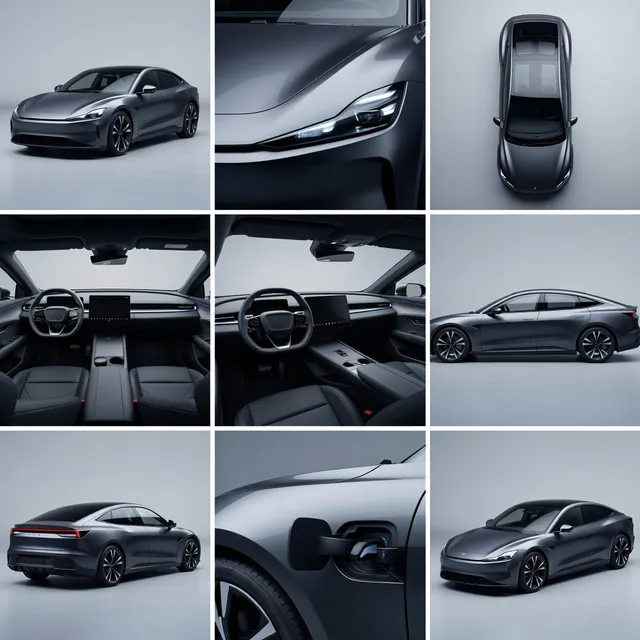
Bolly Animate turns a single still image into a short video clip. It keeps the character's look intact and adds the motion you describe — dancing, waving, walking, talking with the hands — so a drawing, a product mascot or a photo of you becomes a moving character in one step.
Overview
| Type | Bolly Animate (video generation) |
| Model | Minimax H3 by MiniMax |
| Input | A prompt plus your own file |
| Output | Video |
| Credits | from 26 per run |
How it works
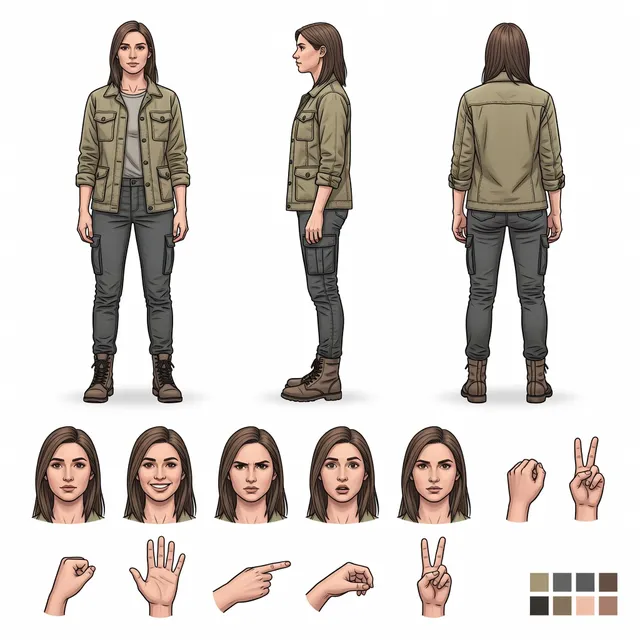
- Attach an image of the character (a clear, front-facing shot with the whole body visible animates best).
- Describe the motion in plain language. Keep it to one action per clip for the cleanest result.
- Generate. MiniMax H3 renders a 5-second clip; results land in your Library where you can download or reuse them.
Examples
Dance
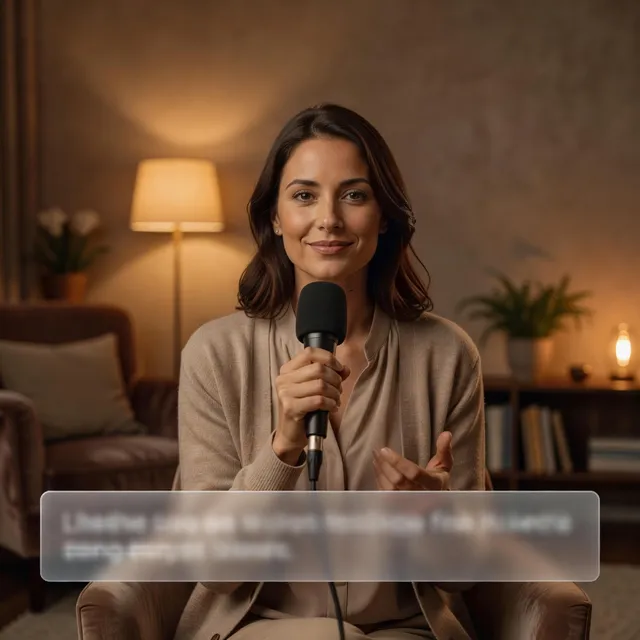
does a smooth hip-hop dance, arms swinging, camera fixed
Wave hello
looks at the camera, smiles and waves hello, slight head tilt
Walk cycle
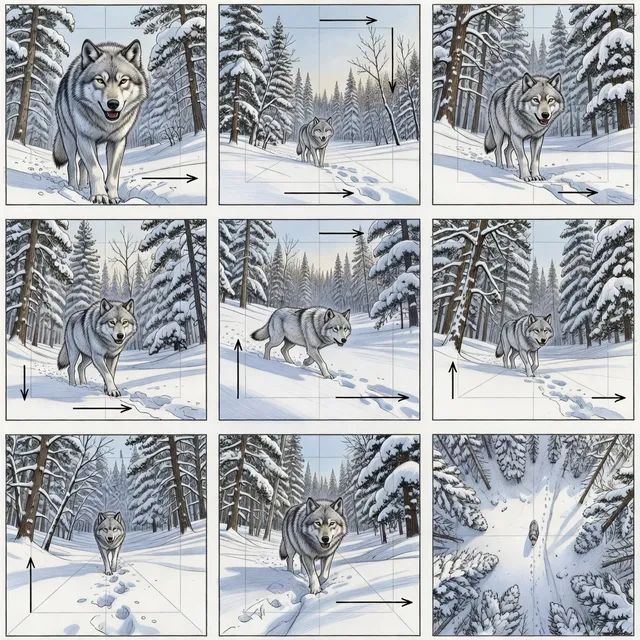
walks confidently toward the camera, natural gait, background stays still
Best practices
- Use a single subject on a simple background — busy scenes make the model guess what should move.
- Say what stays still ("background fixed", "camera locked") to avoid unwanted camera drift.
- For meme templates, use Mix instead: it copies real motion from a reference clip onto your character.
FAQ
What does Bolly Animate do?
Bring any character to life. Upload an image — a photo, a drawing, a 3D render — describe the motion, and Bolly animates it into a video with MiniMax H3.
Which model powers Bolly Animate?
Minimax H3 by MiniMax. You can switch to any other model from the composer if you want a different look.
Can I edit the result?
Yes. Every result lands in your Library where you can download it, reuse the prompt with tweaks, or run it through another model.