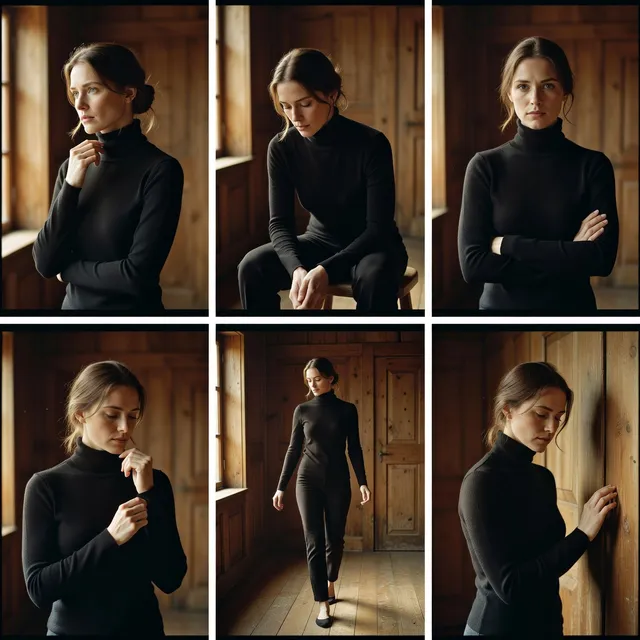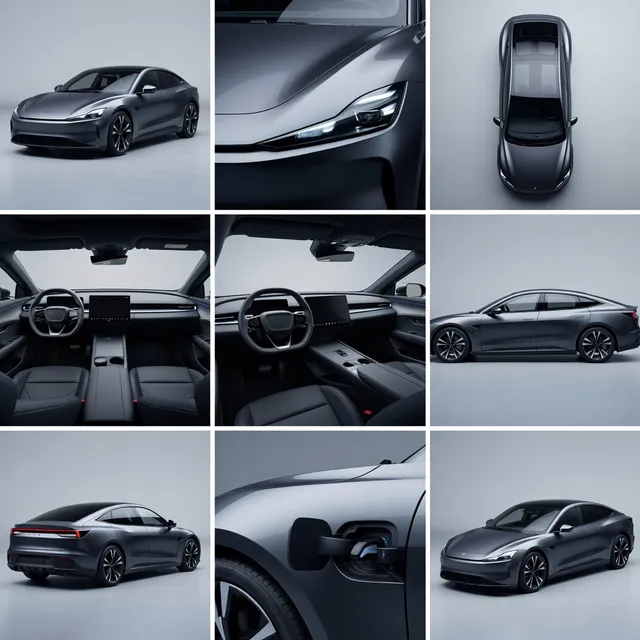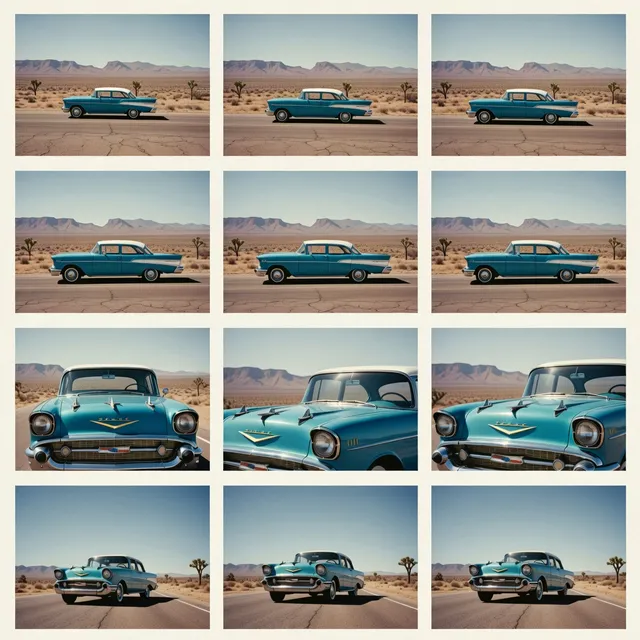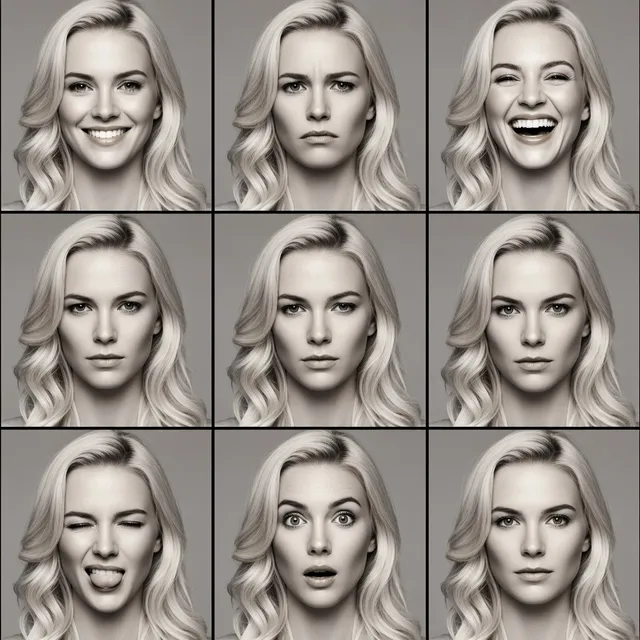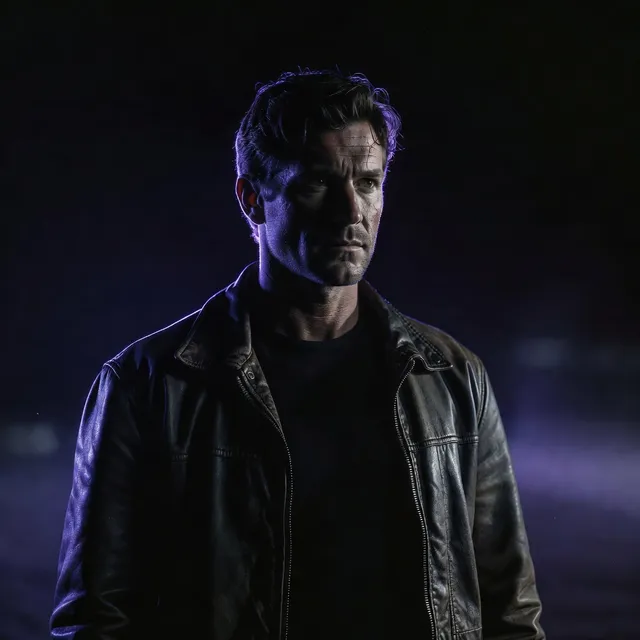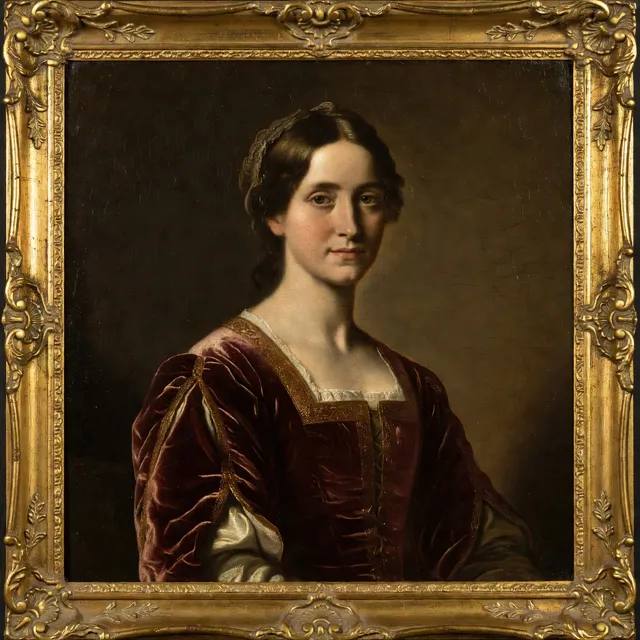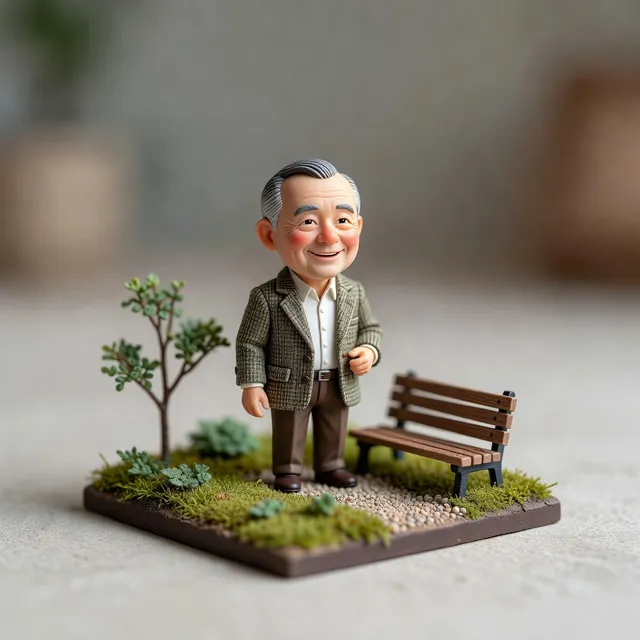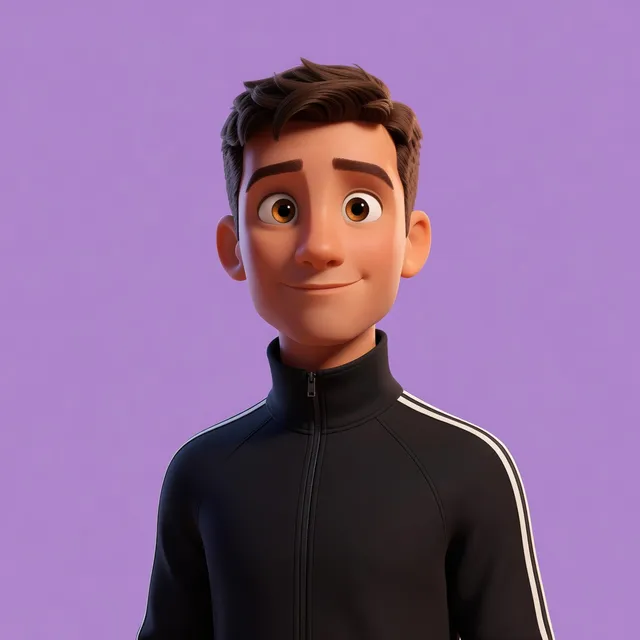
What is Nano Banana 2?
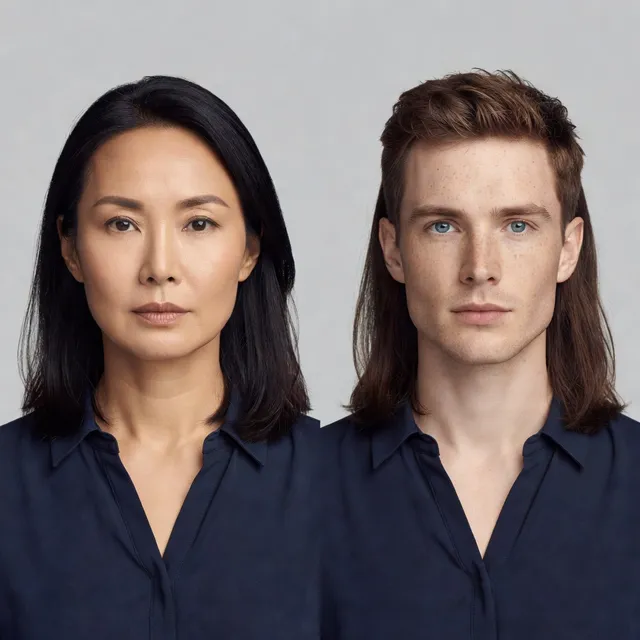
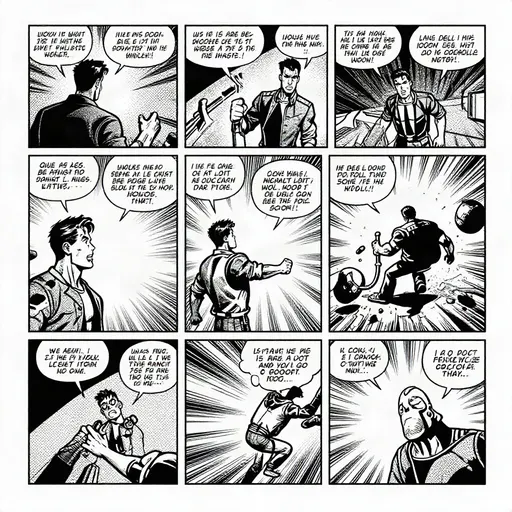
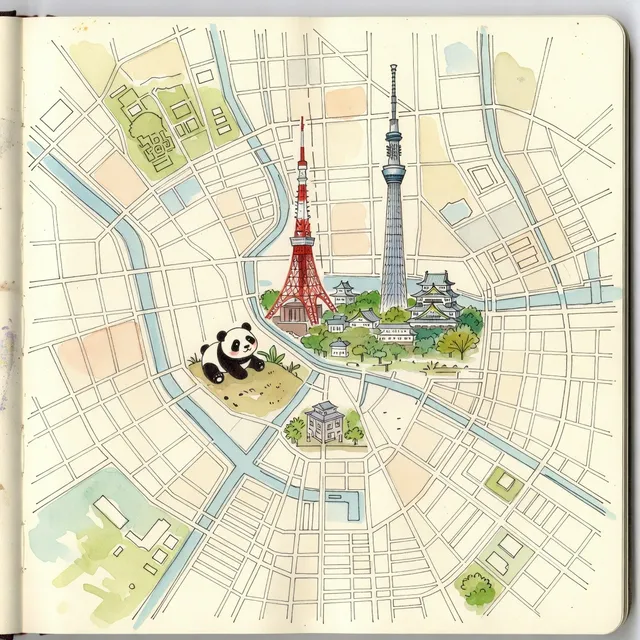
Nano Banana 2 is Google's AI image model. It makes new pictures from a text prompt and edits the photos you give it. Its official name is Gemini 3.1 Flash Image. Google announced it on February 26, 2026, and sums it up as "Pro-level image generation and editing, at Flash speed."
On Bolly it runs in your browser with nothing to install, and it's on the Free plan: the credits every account gets each day cover it.
Nano Banana 2 free: how the daily credits work
Sign in with Google and your account gets 10 free credits every day. Here's what a Nano Banana 2 image costs at each resolution:
- 0.5K: 3 credits an image, three free images a day
- 1K, the default: 4 credits an image, two free images a day
- 2K: 5 credits an image, two free images a day
- 4K: 7 credits an image, one free image a day
Batches stretch the day a little further: set Images to 3 and one run makes three 1K images for 10 credits. For quick drafts, Nano Banana 2 Lite costs 2 credits an image, so the same credits cover five images.
The credits refill at midnight UTC and don't carry over. Free-plan images are public and can be featured in Explore; private images, folders and monthly credits come with the paid plans. Starter is $19 a month with 300 credits, enough for 75 images at 1K. Compare plans.
How to use Nano Banana 2 online
Write a prompt
Describe the picture in the box above: the subject, the setting, the light, the style and any words it should show.
Attach photos to edit them
Add one or more images with the + button, or drop them on the box, and the composer switches to Edit. Then say what to change.
Pick the size
Choose 1 to 4 images, an aspect ratio and a resolution from 0.5K to 4K. The credit price shows before you run.
Run it and download
Press the arrow and sign in with Google if asked. Results land under the box, with Download and Reuse prompt buttons, and in your Library.
Edit photos with Nano Banana 2
Edit mode starts from your picture, so say only what changes and what stays: the face, the pose, the light, the background. With several images, call them the first image, the second image and so on, in the order you added them.
Google built the model to keep characters and objects consistent from one image to the next, and to write and translate text inside a picture. Two edits that put that to work:
Translate every English word on the shop sign in this photo into Spanish. Keep the same lettering style, color, size and position, and leave everything else in the photo exactly as it is.
Dress the person in the first image in the jacket from the second image. Keep their face, hair, pose and background from the first image, and make the jacket's fit, folds and shadows match their body and the light.
The aspect ratio starts at 1:1. To keep your photo's own shape, pick its ratio, such as 4:5 or 9:16, before you run.
Generate images from text
With nothing attached, Nano Banana 2 builds the whole picture from your words, so describe all of it. Google says it draws on Gemini's real-world knowledge, and with web search on it can use current information and images from the web, handy for real places and products.
A vintage screen-print travel poster of Kyoto in autumn: the wooden stage of Kiyomizu-dera above hills of red maple trees, a pale sky and a few birds. The word "KYOTO" runs across the top in tall cream letters. Flat colors, visible paper grain, no other text.
The Nano Banana prompts guide has more to copy, from retouching to product shots and figurines.
Resolution, aspect ratio and other settings
- Resolution: 0.5K, 1K, 2K or 4K, starting at 1K. Use 4K for print, 0.5K for quick tests.
- Aspect ratio: Auto or any of 14 ratios: 21:9, 16:9, 3:2, 4:3, 5:4, 1:1, 4:5, 3:4, 2:3, 9:16, 4:1, 1:4, 8:1 or 1:8. The extra-long 4:1, 1:4, 8:1 and 1:8 shapes suit banners and tall strips.
- Images per run: 1 to 4. The price covers the whole batch.
- Extra settings: next to the credit price. Thinking is minimal or high (minimal by default); high gives the model time to reason through a complex prompt before it draws. Web search stays off until you turn it on, and the file format is jpeg, png or webp.
Apps built on Nano Banana 2
Bolly has 18 apps that run Nano Banana 2 with the prompt already written, on the same free daily credits. A few to start with:
- Face Swap: put the face from one photo into another.
- Professional Headshot: a studio-style headshot from a selfie.
- Product Photoshoot: new backgrounds, light and props around a product photo.
- Miniature Portrait: you as a tiny collectible figure in a diorama.
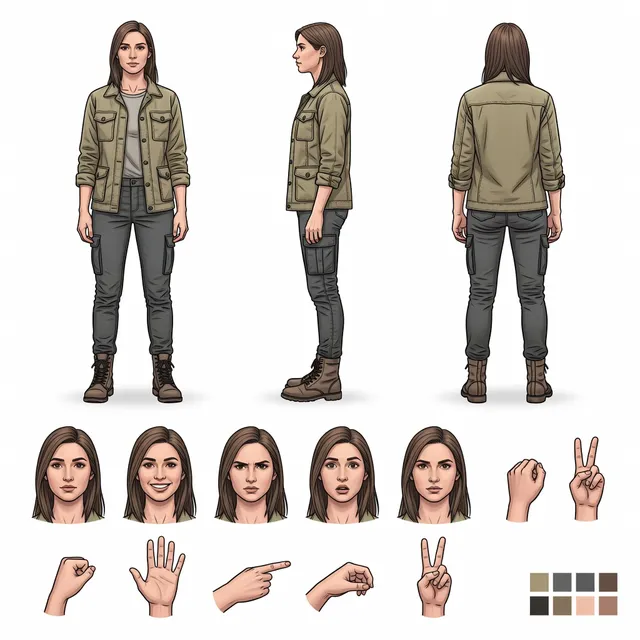
- Character Sheet: one character from the front, side and back, plus expressions.
Rather be in a video? Your first character swap video is free as well. It opens 24 hours after you sign up, uses 5 of that day's credits and carries a Bolly watermark.
Nano Banana 2 vs Nano Banana 2 Lite
Both are free-plan Google models. Nano Banana 2 Lite is the quick, low-cost one for trying ideas. Nano Banana 2 does more:
- Editing: Nano Banana 2 edits the photos you attach. On Bolly, Lite only makes images from text.
- Size and search: Nano Banana 2 goes from 0.5K to 4K and can use web search. Lite makes 1K images and has neither setting.
- Price: 4 credits an image here at 1K, 2 credits on Lite.
Other free image models on Bolly
These run on the Free plan too. Switch with the model menu in the box:
- GPT Image 2 by OpenAI: instruction following, typography and multi-image edits, from 8 credits.
- Seedream 5 by ByteDance: cinematic images and precise edits, from 6 credits.
- Ideogram 4: posters, logos and layouts built around text, from 1 credit.
- Z-Image Turbo: fast drafts and big batches, from 1 credit.
Photos of people and AI labels
Edit only photos of yourself or of people who have clearly agreed, and never a photo of anyone under 18. Label realistic images as AI-generated when you share them, and keep any labels in place. Details: Responsible AI policy.
Frequently asked questions
Is Nano Banana 2 free?
Yes, on Bolly's Free plan. Every account gets 10 credits a day, and a Nano Banana 2 image costs 4 credits at the default 1K. There's no card to add and no trial that runs out: the credits come back every day. Paid plans add monthly credits and private images.
How many free images do I get a day?
Running one image at a time: three at 0.5K, two at 1K, two at 2K or one at 4K. A batch of 3 at 1K costs 10 credits, so one run can make three. Nano Banana 2 Lite makes five drafts a day.
Nano Banana 2 vs Nano Banana 2 Lite: which should I use?
Pick Nano Banana 2 to edit a photo, to go above 1K or when the final image matters. Pick Lite for fast drafts from text: at 2 credits an image, it's the cheaper way to test an idea.
Can I edit a photo with Nano Banana 2?
Yes. Attach one or more photos and the composer switches to Edit. Say what to change and what to keep. An edit costs the same as a new image at the same resolution: 4 credits at 1K.
What resolutions and aspect ratios does Nano Banana 2 support?
0.5K, 1K, 2K or 4K, with 1K as the default, plus Auto and 14 aspect ratios, including square 1:1 and the extra-long 4:1, 1:4, 8:1 and 1:8. 0.5K costs 3 credits an image and 4K costs 7 credits.
Is Nano Banana 2 made by Google?
Yes. It's Google's name for Gemini 3.1 Flash Image. Bolly runs it for you: nothing to install, and no Gemini subscription or API key.
Is this Nano Banana Pro?
No. Bolly runs Nano Banana 2 and Nano Banana 2 Lite, not Pro. Google pitches Nano Banana 2 as Pro-level generation and editing at Flash speed, and here it's on the Free plan.
Are my Nano Banana 2 images private?
Not on the Free plan: free images are public and can be featured in Explore. Paid plans keep generations private and add folders.
Does Bolly add a watermark to Nano Banana 2 images?
No. Images from this page download without a Bolly logo or mark, on every plan. If you share a realistic one, label it as AI-generated.