
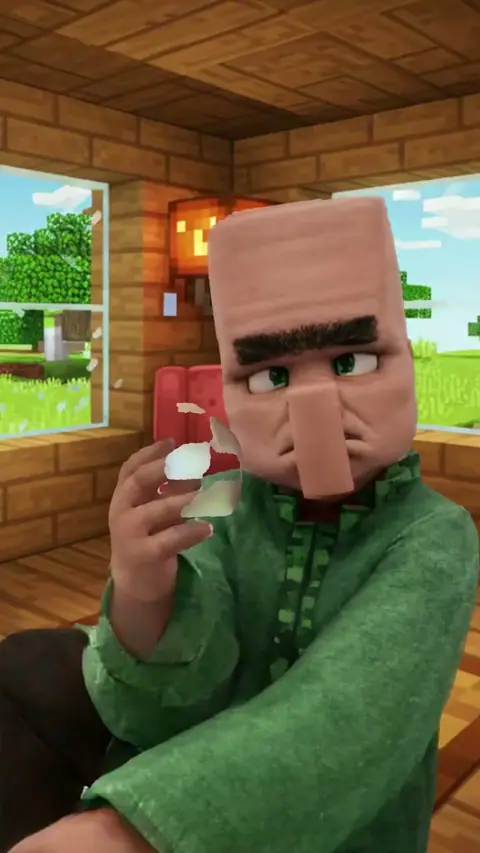
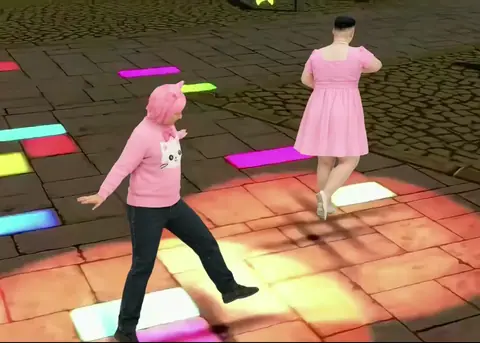
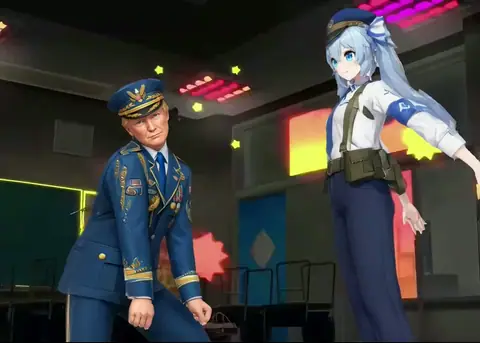
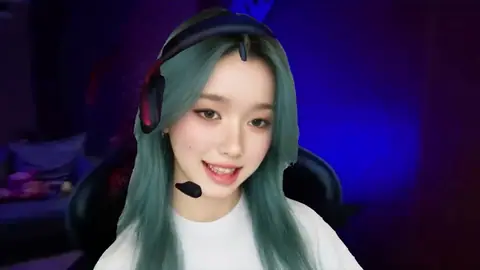
How the AI dance generator works
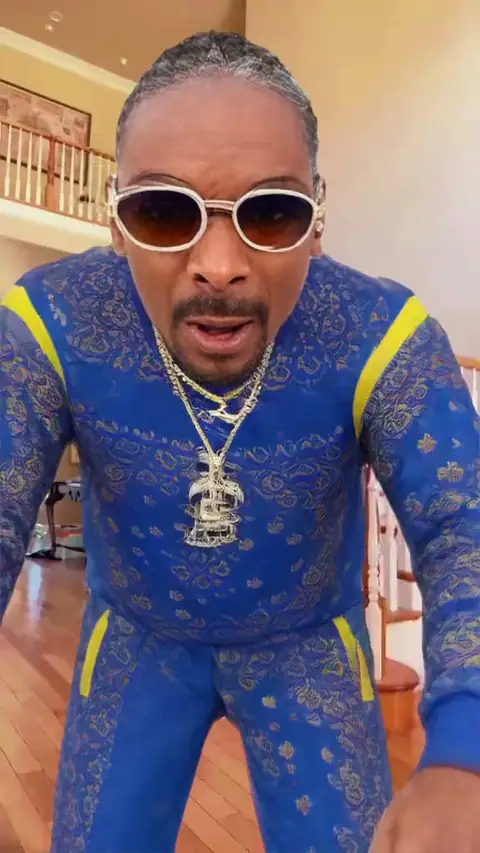
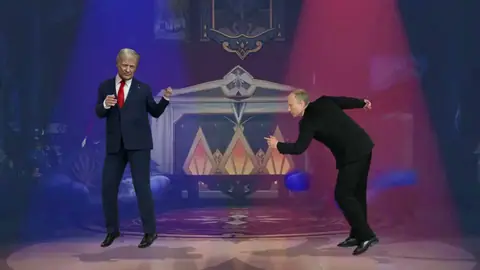
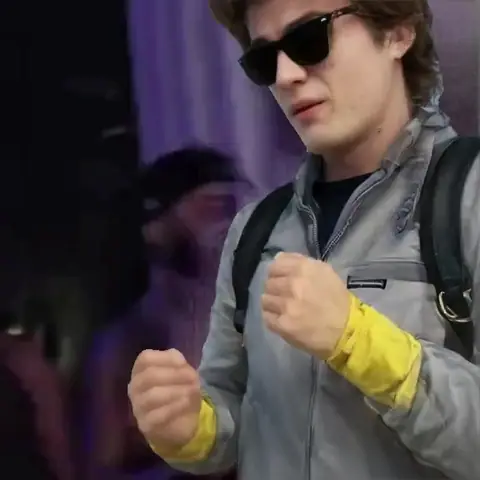
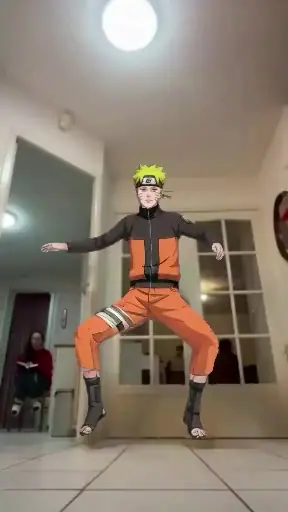
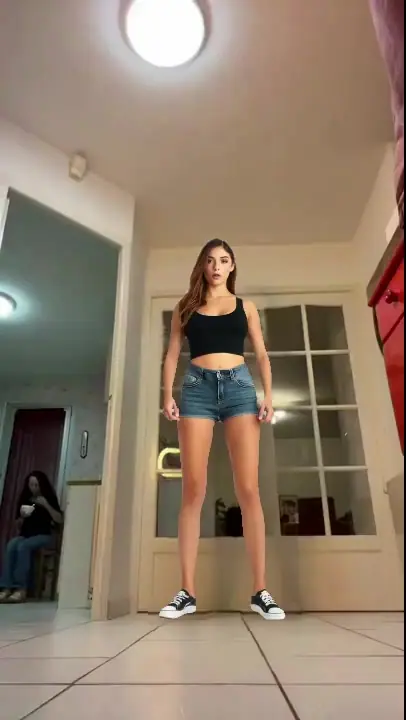
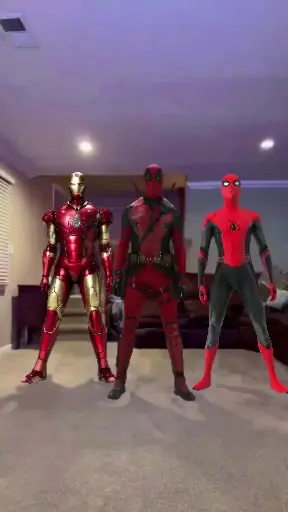
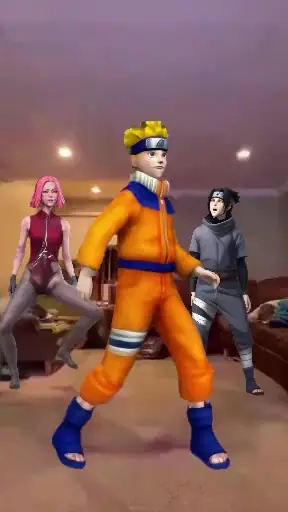
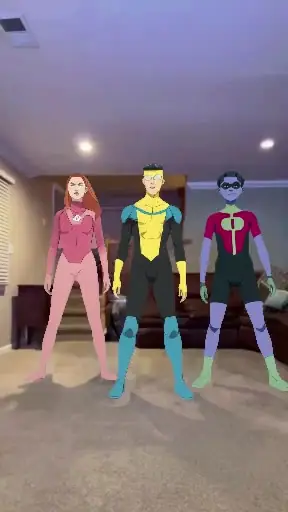
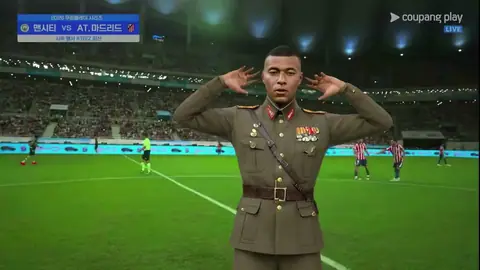
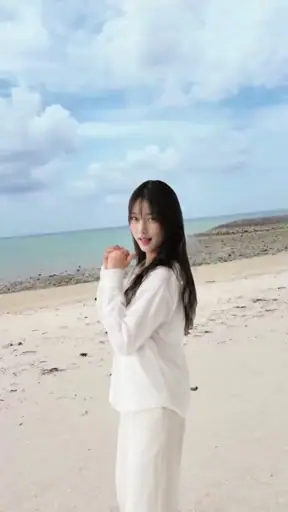
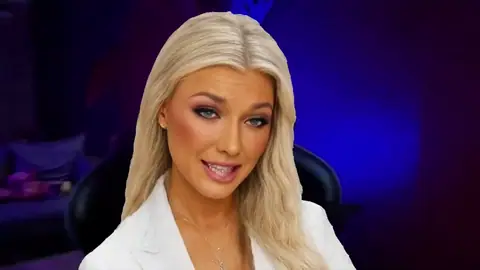
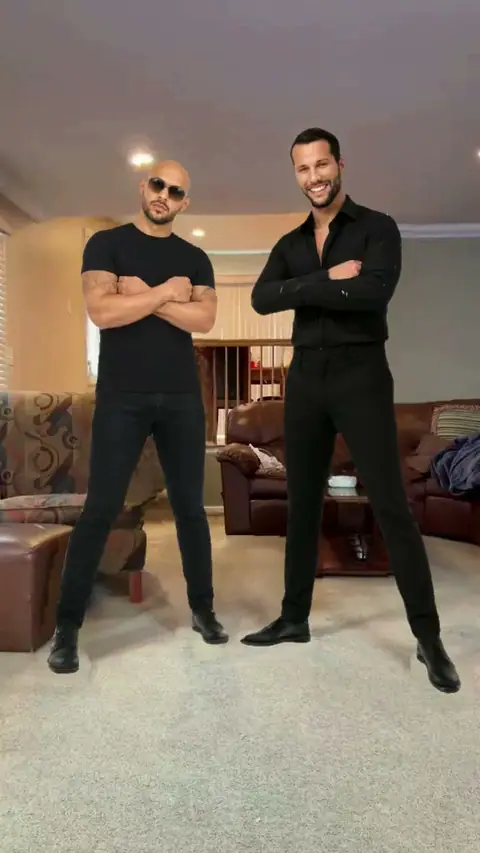
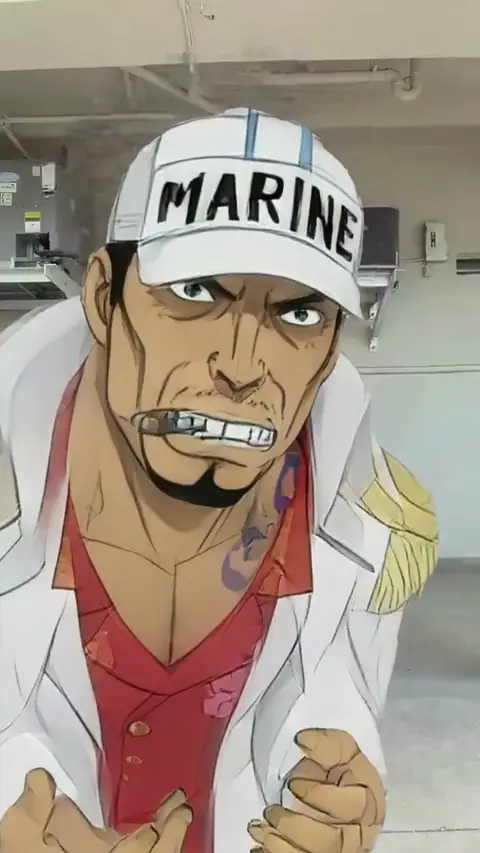
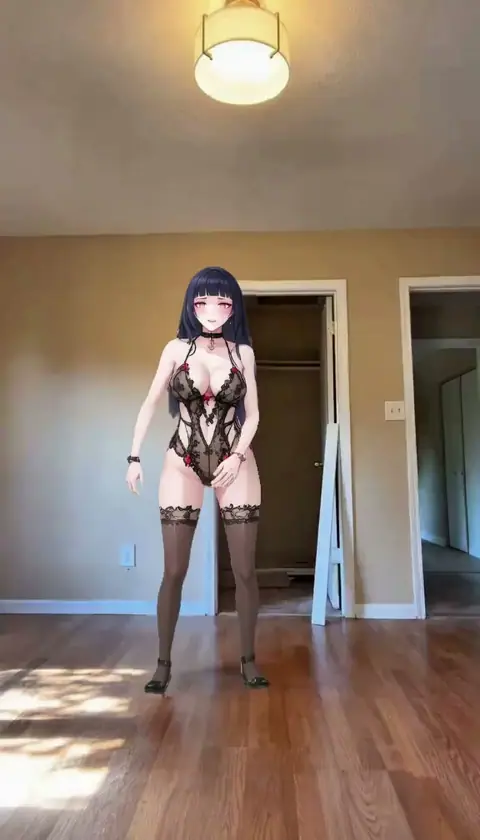
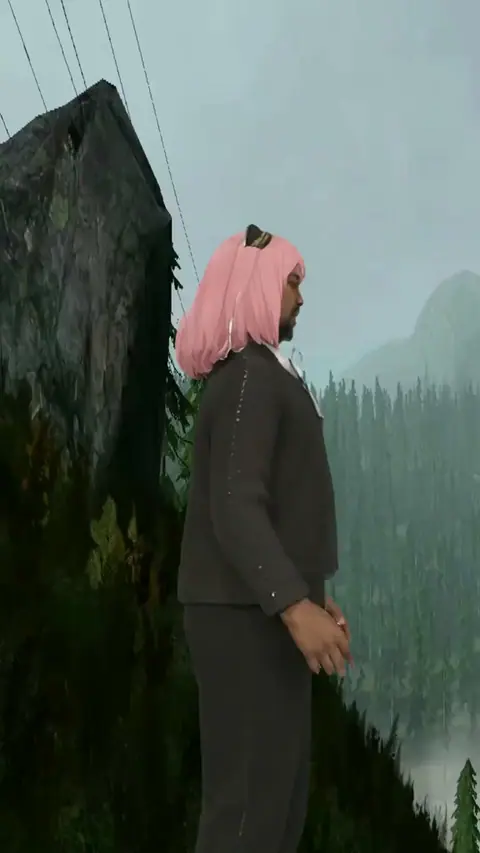
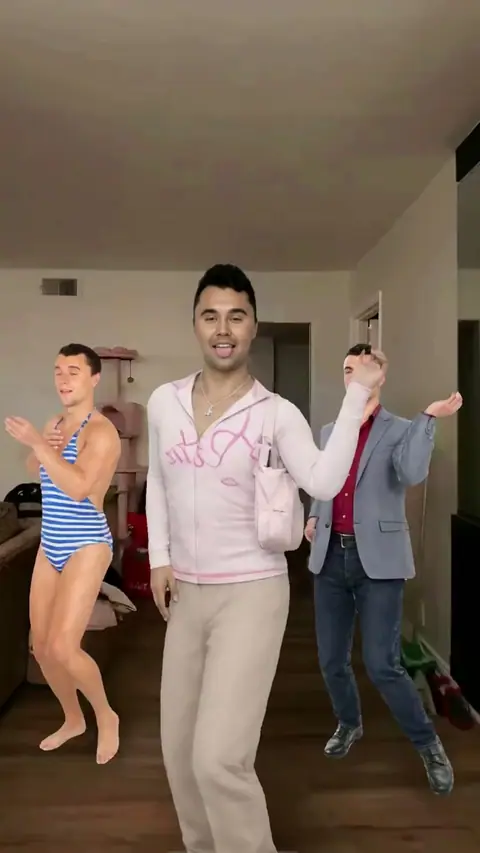
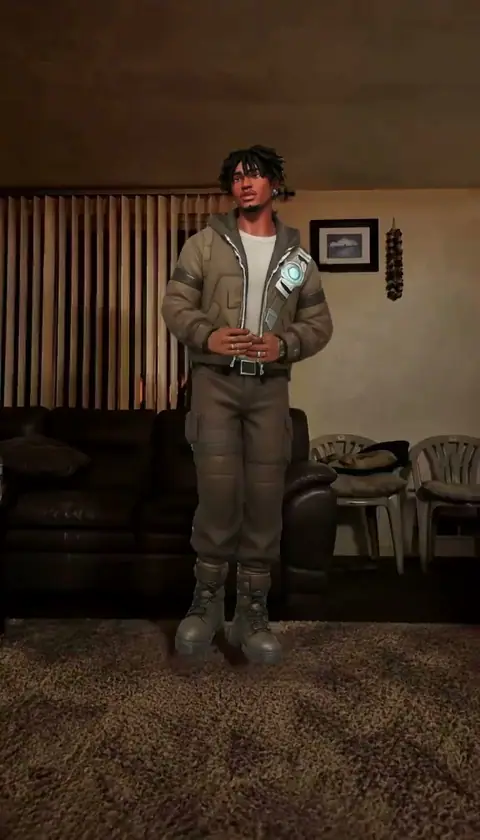
Every template here is a real clip of a dance trend. You don't film yourself or learn the steps. Add a photo, and Mix, Bolly's character swap, recreates the clip with you as the dancer. The choreography, the camera and the setting come from the clip. Your face, hair, build and clothes come from the photo. The clip's own sound plays under your video, so the routine stays on the beat.
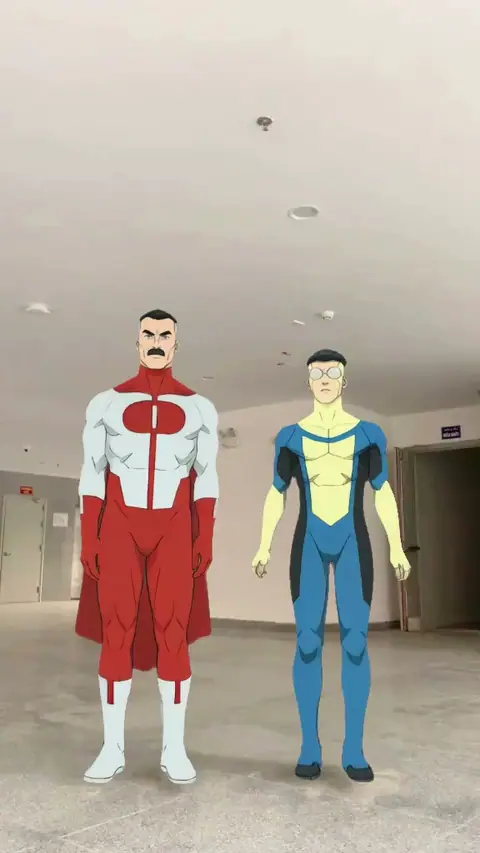
There are 37 dance templates on this page. On 25 of them you replace one dancer, and on the other 12 you can replace two.
Dance trends on Bolly right now
The newest dance templates, each with its own page:
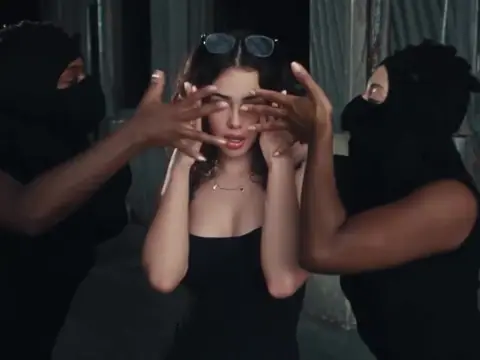
- SaWaDiKa Dance: you lead the crew, blow the kiss and hold the final close-up.
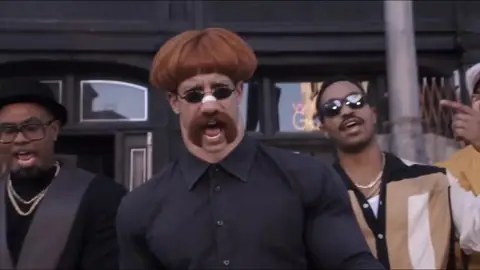
- Uptown Funk: the center spot in a five-man street crew, strutting toward the camera.
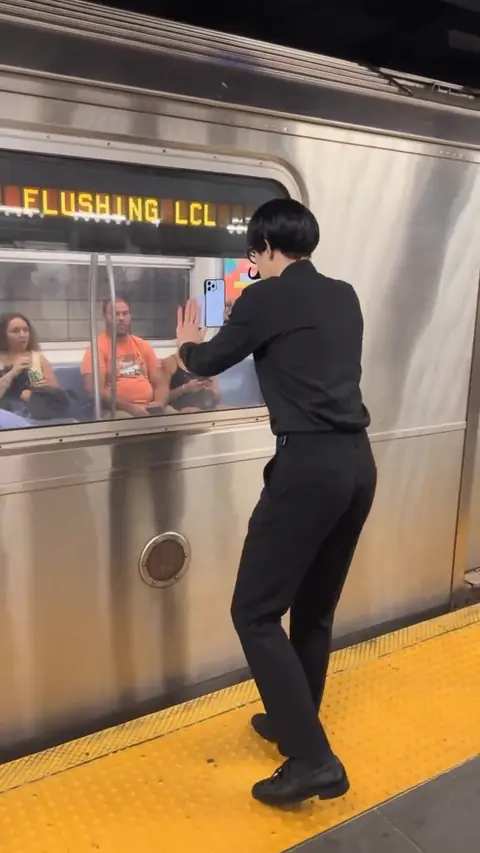
- Another Love: a solo past a subway train and down the platform, to a sped-up song.
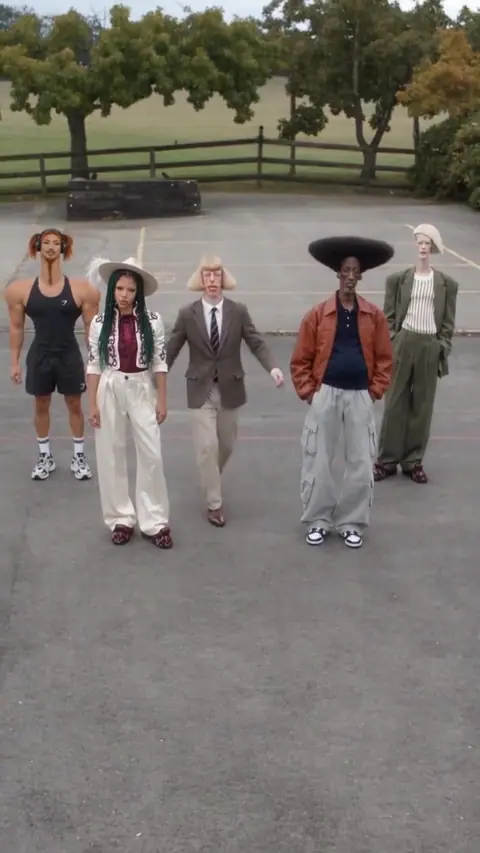
- Keep On Steppin: the middle of a line of five costumed dancers stepping in sync.
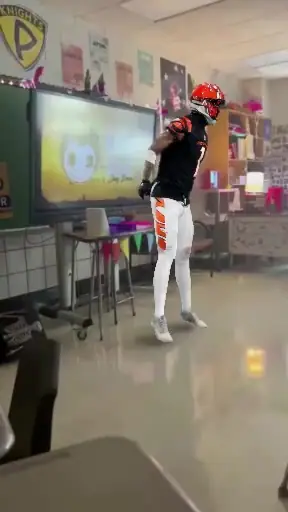
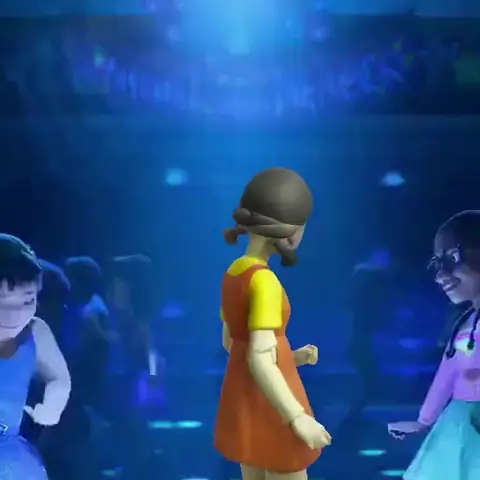
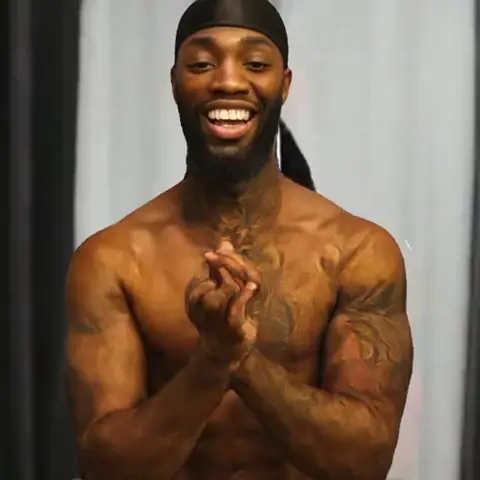
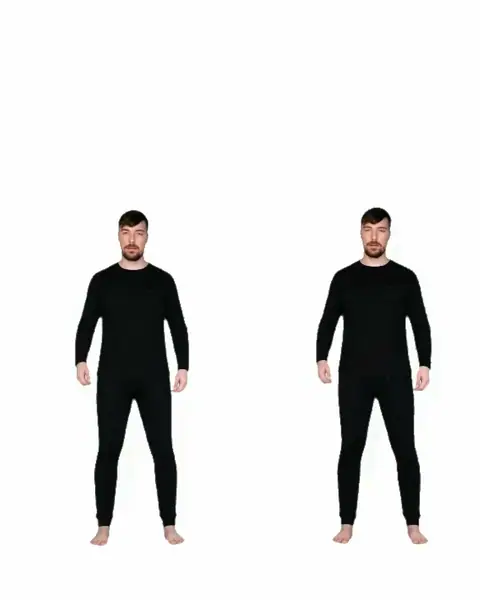
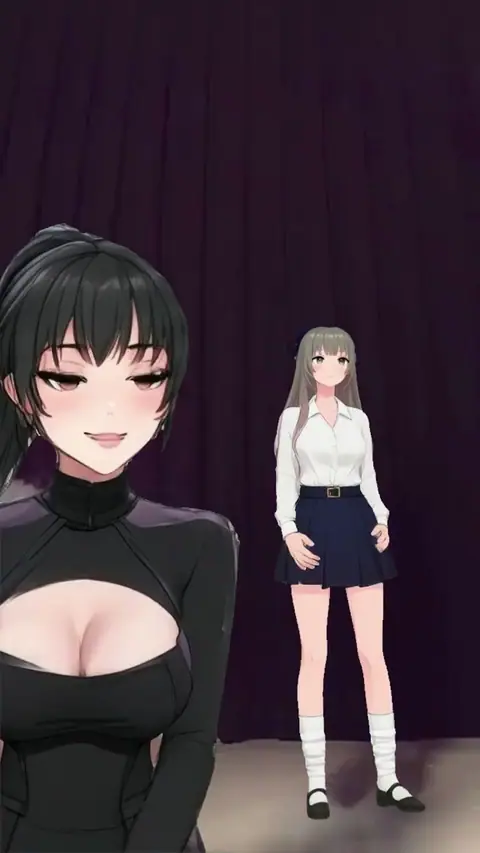
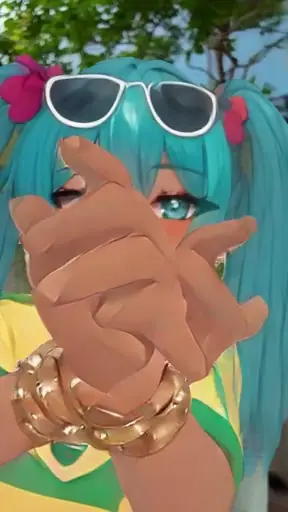
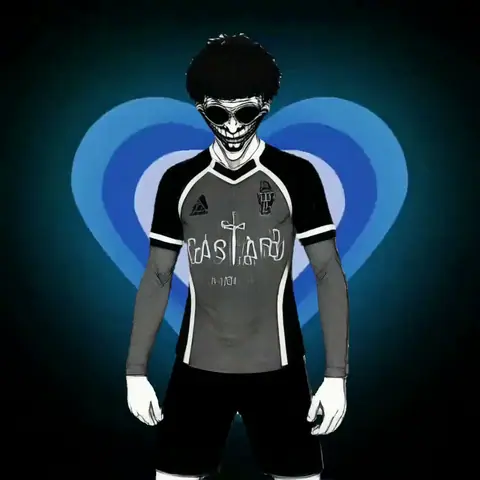
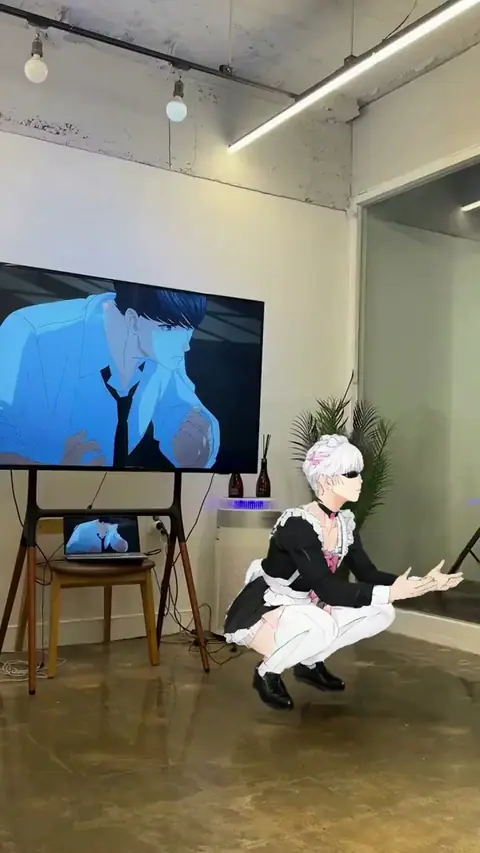
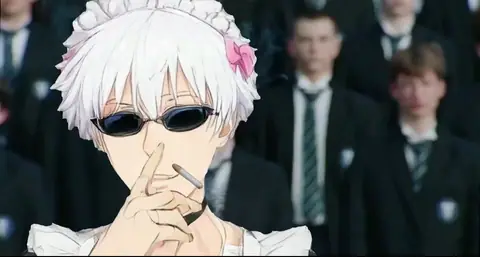
The page also has Pardon Dance, Hugo Dance, the OG Fortnite dance, the DaBaby dance and Cranks That, plus anime and Kpop routines like Wandance choreography and the Hatsune Miku Brazil Dance.
How to make an AI dance video
Pick a dance
Open a template above. The preview plays the routine with its song, so you can check the moves before you start.
Add a photo
Use one clear photo of yourself, facing the camera in even light. A photo that shows your outfit works best, since the clothes in the video come from it.
Make the video
Press Remix. A paid run takes 2 to 4 minutes, and you can leave the page while it works.
Post it
The video lands in your Library with the song. Download it and post it to TikTok, Reels or Shorts while the trend is still going.
Solo dances and dancing with a friend
In a solo template, you're the dancer. In a group clip, each template swaps one set dancer, usually the one in front, and the rest of the crew dance as they did in the original. Two-person templates take up to two photos, one per dancer, so a friend can take the other spot. You can also recast just one of the two.
Make your first dance video free
Your first Mix video is free, and 23 of the 37 dance templates here work with it, all four new trends included. Look for the "Free first video" tag on the card.
- It opens 24 hours after you sign up with Google.
- It's made on Viggle from one photo, on a one-person template.
- It uses 5 of the 10 credits the Free plan refills every day.
- It carries a Bolly watermark and an end card. The clean file downloads after you upgrade.
What a dance video costs
After the free one, dance videos run on Kling 4.0 with a paid plan, priced by the length of the clip. A full 15-second routine is 113 credits, and shorter clips cost less. Starter is $19 a month with 300 credits, enough for two full routines a month. Each template shows its price before you run it. See plans.
Tips for a better dance video
- Pick a clip where one dancer stands out. Your face reads best when the camera keeps coming back to you.
- Show your whole outfit. A full-length photo gives Mix your clothes from top to bottom, not just your face.
- Keep your hair visible. In wide dance shots, hair and build carry the likeness as much as your face does.
- Go while it's trending. Dance trends move fast. The newest ones sit in the first row of this page and in Hot Picks on the home page.
Found a dance that isn't here?
Paste the public TikTok link into character swap. Mix uses the first 15 seconds of the clip as the template, and your free first video works on a link too. For more on how swaps work, see how to make a face swap video.
Who you can put in a dance
Use your own photo, or a photo of a friend who has said yes. Never use a photo of a child or anyone under 18. Label the video as AI-made when you post it. The full rules are in the Responsible AI policy.
Frequently asked questions
Is the AI dance generator free?
Your first dance video is free. It opens 24 hours after sign-up, works on 23 of the 37 dance templates, is made on Viggle and carries a watermark. After that, dance videos need a paid plan, from Starter at $19 a month with 300 credits.
Do I have to dance or upload a video of myself?
No. You add one photo. The moves come from the template clip, and Mix recreates it with you as the dancer.
Can I make a dance video with a friend?
Yes. Two-person dance templates take a photo for each dancer, up to two. You can also swap just one of the two and keep the other dancer as they are.
Does the video keep the song?
Yes. Mix puts the template's own audio back on your video, so the routine plays with its song.
How long are the dance videos?
As long as the template clip, up to 15 seconds. The preview shows the whole clip before you start.
Which dance trends can I do?
37 in all, including SaWaDiKa Dance, Uptown Funk, Another Love, Keep On Steppin, Pardon Dance, Hugo Dance and the OG Fortnite dance. New trends land in Hot Picks on the home page first.
Can I put my child in a dance video?
No. Bolly doesn't allow photos of anyone under 18 in any template. Use a photo of yourself or of an adult who has agreed to it.