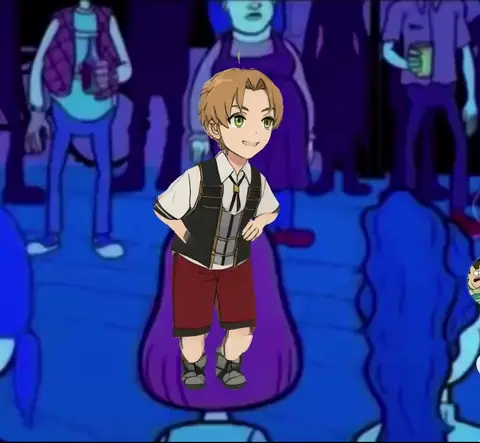
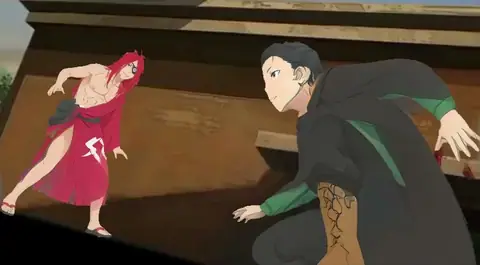
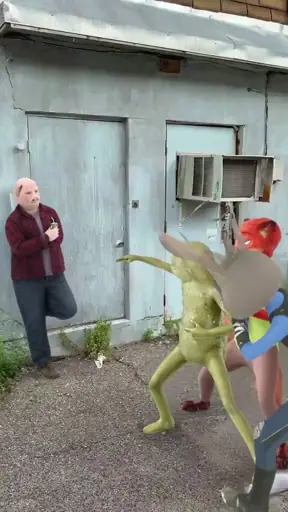
The Hotel Lobby AI video recasts a real performance. Two people share one hanging microphone in front of an orange wall, and the trend swaps both of them for a new pair. This template is that clip. Add one photo per person and Bolly returns the same 15 seconds with your cast in it, song included.
What is the Hotel Lobby AI trend?
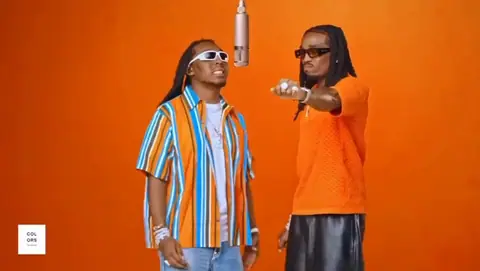
The clip comes from A COLORS SHOW. In June 2022 the channel published Quavo and Takeoff of Migos performing "Hotel Lobby" as Unc & Phew: orange backdrop, one microphone hung from the ceiling, the two of them trading verses.
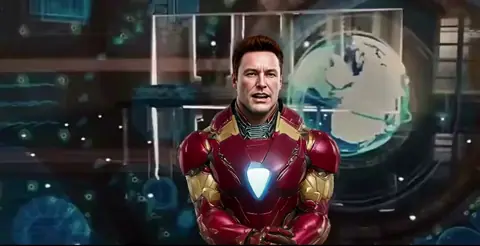
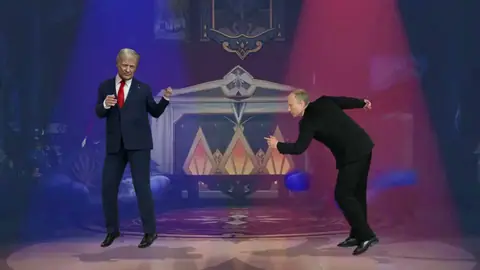
In September 2026 people began using AI video tools to replace the pair with two other people or characters, who then perform the song. One of the first edits to take off, posted on TikTok on September 16, cast two characters from the TV series Suits. Cats, superheroes and friends followed, and within days the trend was all over TikTok and X.
How to make a Hotel Lobby AI video
Choose who to replace
Under Who do you want to replace? tap Striped shirt (left), Orange shirt (right), or both. Each performer you select gets a photo slot.
Add a photo for each person
One clear, front-facing photo per person: a JPG, PNG or phone photo up to 30 MB. Check that each photo sits under the label of the performer it replaces.
Press Swap me in
Sign in if asked. Mix comes with every paid plan, and this 15-second clip is 76 credits a run, for one person or two.
Pick it up in your Library
The video lands in your Library, usually within 5 to 10 minutes. You can close the tab while it runs.
Label it and post
Play it through with the sound on, then mark it as AI-generated when you share it.
Who stands where
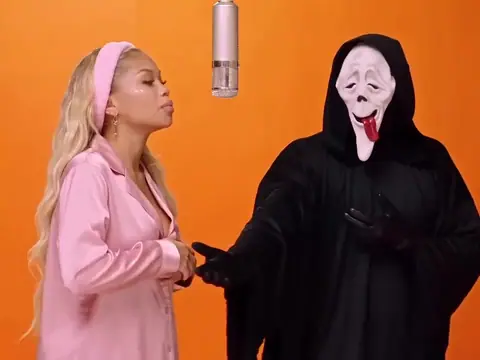
The performer on the left wears a striped short-sleeve shirt and white sunglasses. The one on the right wears an orange knit shirt and black sunglasses. Pick the side whose moves you want.
- Solo. Replace one performer and the other stays as filmed.
- Duo. Replace both: you on one side, a friend on the other.
- Other side. Want the other part? Put your photo in the other slot and run it again.
Photo tips for this clip
- One person per photo. A shot of the two of you together leaves the model guessing who goes where.
- Waist-up beats a tight selfie. Both performers are filmed from the thigh up, so show your shoulders and arms.
- Dress for the booth. Mix takes the clothes from your photo. Wear what you want to perform in.
- Face the camera in even light. Sharp and front-facing, with nothing covering the face.
What you get
- 15 seconds, landscape, with the song. Kling O3 keeps the clip's own audio.
- The performance as filmed. The point at the camera, the turn away, the shush: the moves, timing, camera and orange set stay. Only the cast changes.
- Your look. Face, hair, skin tone, build and clothing come from each photo.
What it costs
One run is 76 credits, whether you replace one performer or both. Starter is $19 a month with 300 credits, which covers three runs. Plus covers 15. Compare plans.
Good to know
- Left and right can trade places. On two-person clips the model sometimes puts each face on the other performer. Run it again, or move the photos to the opposite slots. Each run uses credits.
- Two people is the limit. Mix replaces up to two people per run, which is exactly what this clip needs.
- It is a real performance. The clip shows Quavo and Takeoff, and Takeoff died in November 2022. If you replace only one performer, the other stays in your video, so keep it respectful.
Whose face you can use
Your own, or someone who has clearly agreed to be in this video. Never upload a photo of anyone under 18. The performance and the song belong to their owners, so keep your remix personal and non-commercial, and label it as AI-generated when you post. The rules are in the Responsible AI policy.
More swaps like this
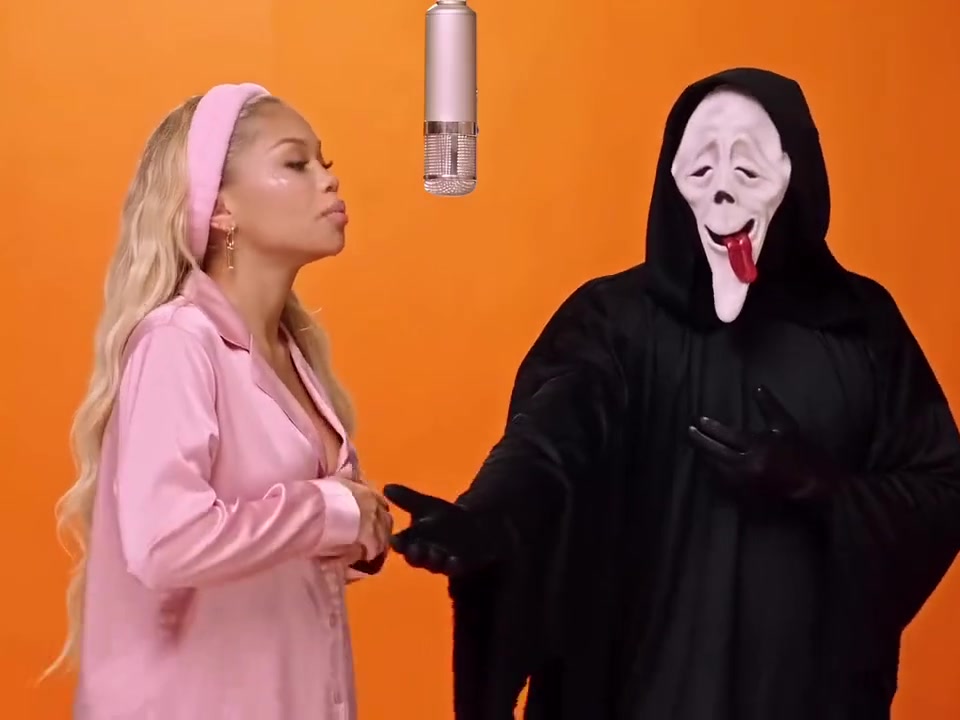
Ghostface Rap Duo is a duet on the same kind of orange set. For the basics, read how to make a face swap video or the Mix overview.
Frequently asked questions
What is the Hotel Lobby AI video?
An AI edit of Quavo and Takeoff's 2022 A COLORS SHOW performance of "Hotel Lobby". AI video tools replace the two performers with other people or characters, who then perform the song in the same orange booth.
How do I make the Hotel Lobby AI video?
Open this template, choose who to replace, add one photo per person and press Swap me in. The finished 15-second video lands in your Library.
Is the Hotel Lobby AI video free on Bolly?
Mix comes with every paid plan, starting with Starter at $19 a month. That includes 300 credits, enough for three Hotel Lobby runs. The Free plan covers image, audio and tool models.
Can I swap both people at once?
Yes. Select both chips and add a photo for each. One run replaces both, at the same price as one.
Can I use a cartoon or game character instead of a photo?
Yes. Any clear image of one character works in a photo slot.
Does the video keep the original song?
Yes. The clip's audio is kept, so your cast performs to the original track.
Which AI model makes the Hotel Lobby video on Bolly?
Kling O3's video-edit model. If it can't process a job, Mix retries on MiniMax H3 Max.