What is an AI body swap?
A face swap changes a face. An AI body swap changes the person. Mix takes your face, hair, skin tone, build and outfit from a single photo and puts them into a clip that already exists. Everything that makes the clip worth copying stays as filmed: the moves, the timing, the camera, the set, the other people and the sound.
You'll also see it called character replacement, or replacing a character in a video: one person is recast and the rest of the clip is left alone. On Bolly it's Mix, in your browser, with 216 templates ready to go or a public link of your own.
How to make an AI body swap video
Pick a clip that shows the body
Choose a template from the library or paste a public TikTok or Instagram Reel link, and Mix uses its first 15 seconds. Wide shots, where the person is seen head to toe, make the most of a body swap.
Upload a full-length photo
One person, face clearly visible, wearing what you want to wear in the video. JPG, PNG or HEIC, up to 30 MB. Two-person templates take one photo each.
Press Swap me in
Your first one-person video is free once it unlocks. After that, swaps come with the paid plans, from Starter up, and run on Kling 4.0.
Pick it up in your Library
The free video usually takes 1 to 3 minutes, and a paid run 2 to 4 minutes. Leave the page if you like: the result saves to your Library by itself.
Your first body swap video is free
Every account gets one free video, with a few conditions worth knowing before you start:
- A 24-hour wait. Sign in with Google and the offer opens a day later. An email lands when it's ready.
- One person, one photo. It works on 140 of the 216 templates, on community templates and on pasted links.
- Viggle does the swap. Its Video Remix model puts the person from your photo, clothes and all, in place of the clip's main person, usually within 1 to 3 minutes.
- A watermark rides along. A Bolly.AI logo moves around the frame and a short end card follows the last shot. Upgrade and the clean version of that same video unlocks.
- Paid for with daily credits. It uses 5 of the 10 credits the Free plan refills every day.
Note: On the paid plans
Two-person swaps need a paid plan, and so do four templates that run only on the paid models: Raindance, Car Jump, Storm - Assembly and Fan Outfit Transition.
What comes from your photo, and what stays
On paid runs, Kling 4.0 gets a shot-for-shot brief with exactly one change, the person, and it spells out both sides:
- From your photo: face and facial features, hairstyle and hair color, skin tone, makeup, body type, and the whole outfit down to fabric, colors, shoes, jewelry and accessories.
- From the clip: every scene and shot in order, the timing, camera angles and camera moves, poses, hand actions and expressions, the locations, lighting, props and effects, and every other person in frame.
The brief also asks for one look from start to end, so your face and outfit hold steady through cuts. The clip's soundtrack goes back on the finished video.
The one template that keeps the clip's outfits
A body swap dresses you in the clothes from your photo. One template flips that: the Fan Outfit Transition, filmed from straight above a ceiling fan, where each pass of a blade reveals a new outfit. The outfit changes are the point, so the outfits come from the clip, while your face, hair, skin tone and build come from your photo.
It runs on Seedance 2.5 and needs a paid plan. Every other template, every community template and every pasted link uses the outfit you wear in your photo.
How to pick a photo for a full-body swap
- Show what you want to wear. Mix copies the outfit in your photo, so a full-length shot gives it top, pants and shoes to work from. Anything outside the frame has to be filled in.
- Keep your face clear. Face the camera in even light, with no sunglasses, mask or phone in front of your face.
- Stand a few steps back. An upright phone photo taken from a few steps away fits face and outfit in one frame. Mix trims very tall images at the top and bottom, so skip long screenshots.
- Only you in the frame. Crop out friends and passersby so there is one clear person to copy.
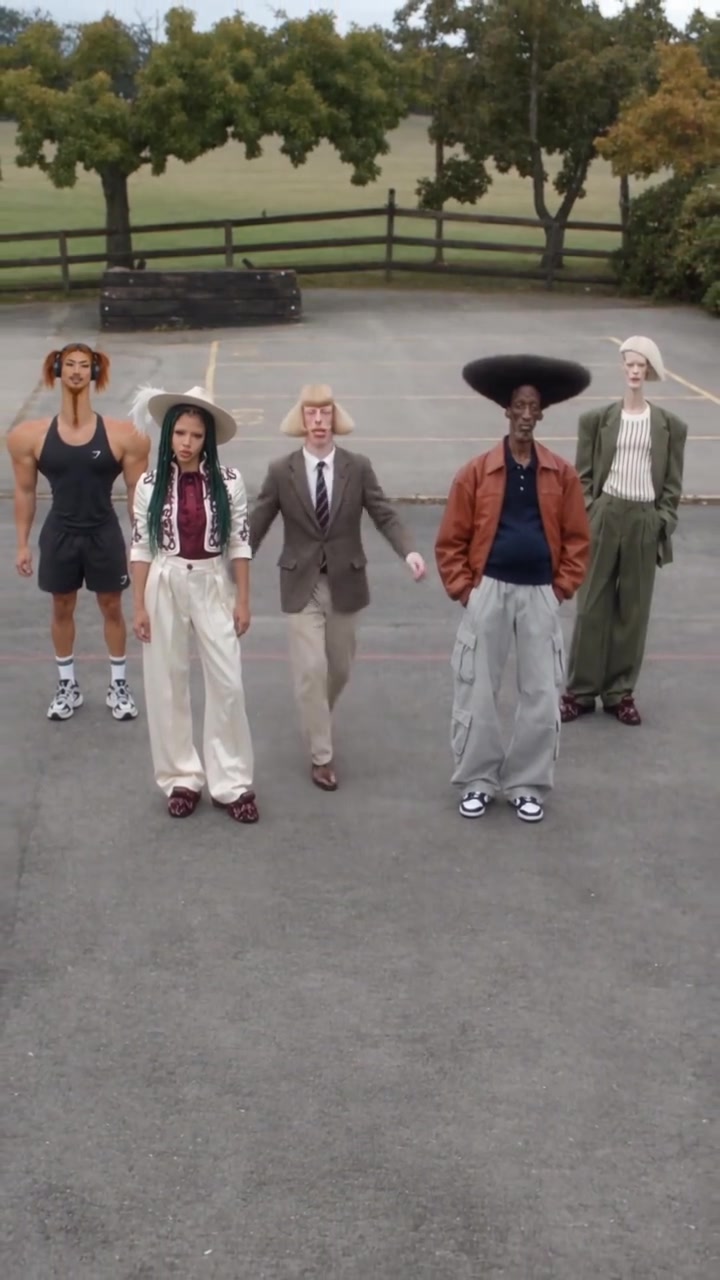
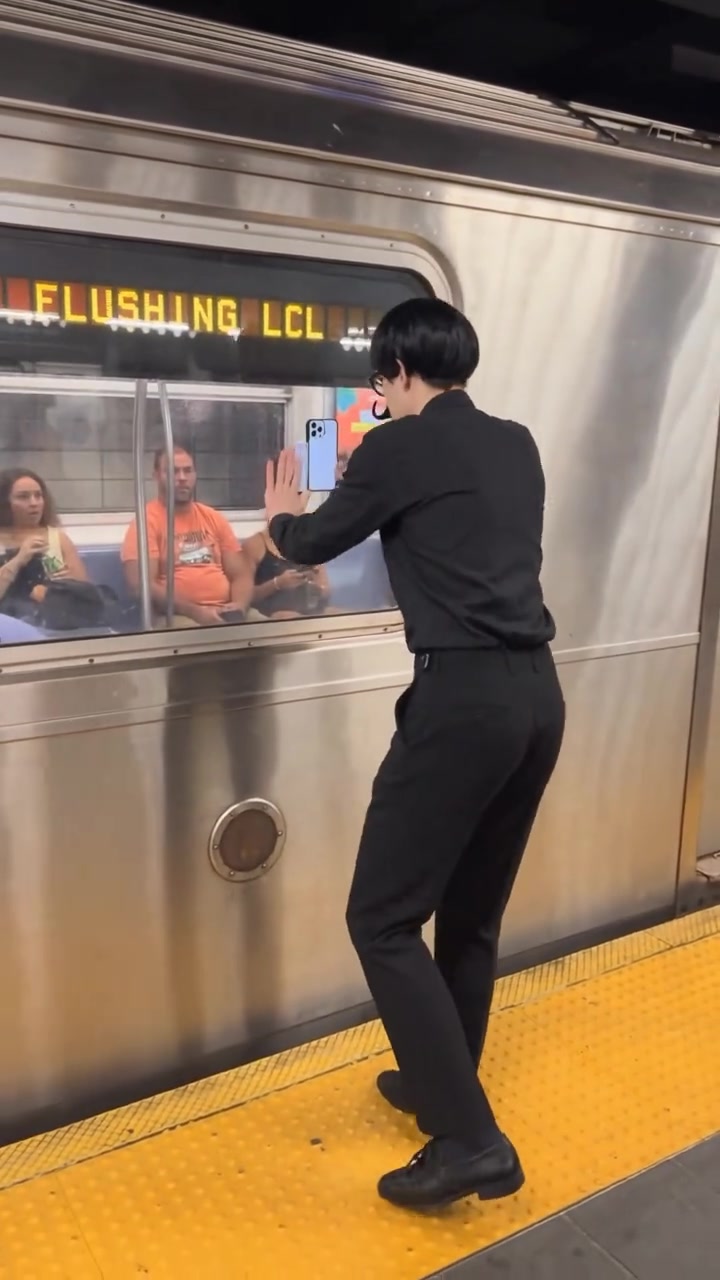
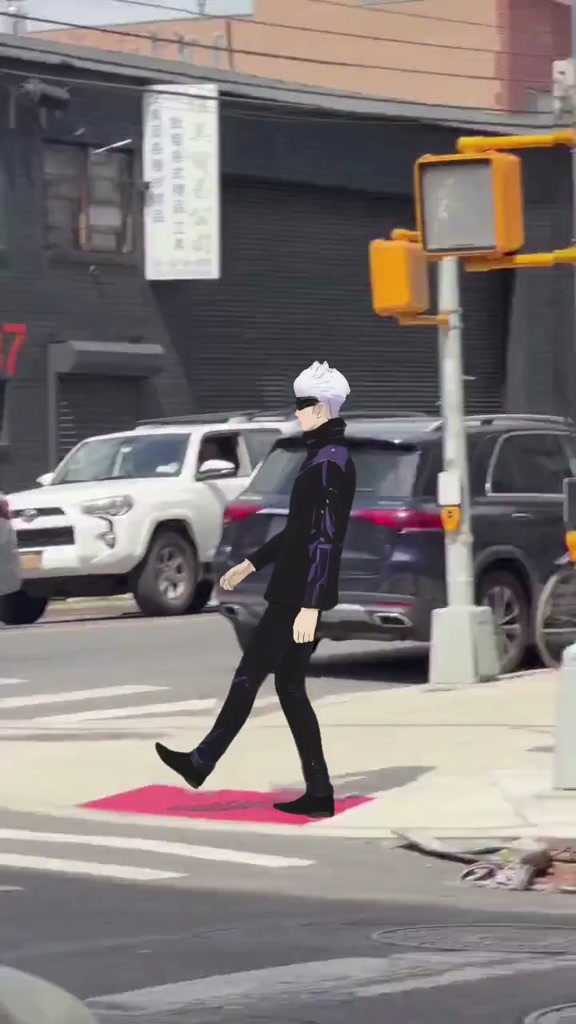
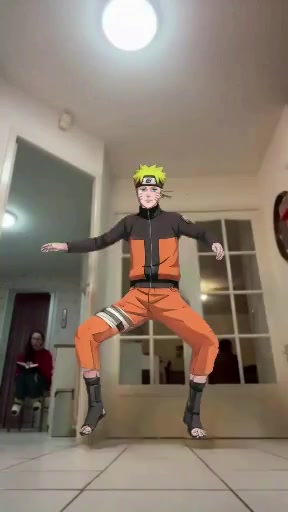
Full-body templates for the free video
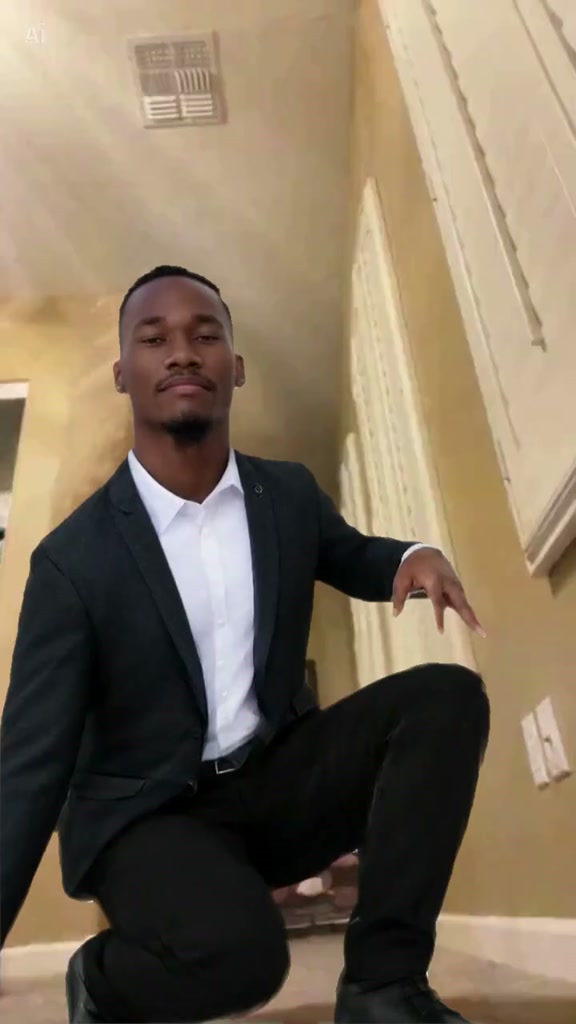
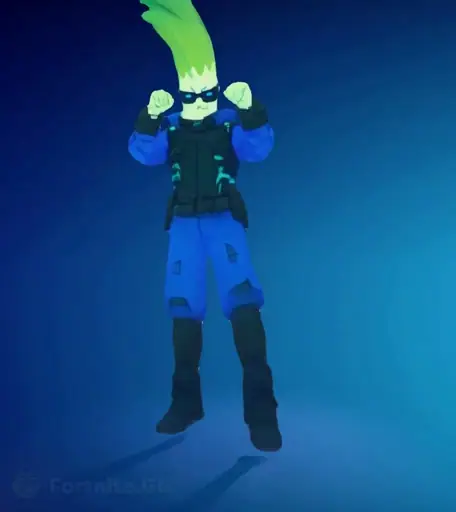
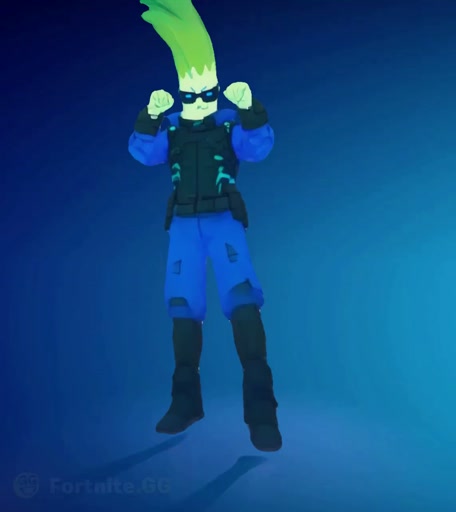
Each of these shows the person head to toe for at least part of the clip, so build and outfit have room to show.
Body swap, face swap or motion control?
- Face swap. Only the face changes, and the original person's hair, body and clothes stay. Face Swap does exactly that for a still photo, and the face swap video page explains how Mix goes further in a clip.
- Body swap. The whole person changes and the scene stays. That's Mix, which also goes by character swap.
- Motion control. Your photo stays the scene. Kling Motion Control moves your photo with a clip's motion and keeps your picture's background, on Starter and up.
Pick a body swap to step into someone else's video. Pick motion control to make your own photo dance.
The models behind Mix
Mix chooses the model for each run, so there is nothing to pick:
- Free video: Viggle. Video Remix recasts the clip's main person and keeps the clip's own audio track. More on the Viggle AI character swap page.
- Paid runs: Kling 4.0. Kling's video-edit model renders at 720p from the shot-for-shot brief above. More on the Kling AI character swap page.
What a body swap costs after the free one
Paid runs are priced by the second of clip on Kling 4.0: 113 credits for a full 15-second template and 46 for a short meme loop (the Fan Outfit Transition is priced on Seedance 2.5). Starter, at $19 a month with 300 credits, covers two full-length swaps or six short ones a month. Plus, at $59 a month with 1,200 credits, covers ten full-length swaps. Nothing made on a paid plan carries a watermark. See every plan.
What to make with a full-body swap
- Your outfit in a dance trend. Dress the way you want to be seen, take the photo, and drop into this week's dance.
- Cosplay that moves. A photo in costume brings the costume into the clip, from the wig to the boots.
- Your own character. A full-body drawing, 3D render or generated image of one character takes over a clip just like a photo does.
- Stunts without the bruises. Handstands, jumps and slides you'd rather not film yourself.
Consent and respect
Use your own photo, or a photo of someone who has clearly agreed to this video. Never upload anyone under 18. A body swap shows a whole person, so keep it kind: nothing that mocks someone's body, nothing sexual, nothing meant to embarrass a real person. Some templates come from music videos and shows, so keep your remixes personal rather than commercial, and say they're AI-made when you share them. The full rules are in the Responsible AI policy.
Frequently asked questions
Is the AI body swap free?
Your first body swap video is. It opens 24 hours after you sign up, takes one photo on any of 140 templates, a community template or a pasted link, runs on Viggle and carries a Bolly watermark. After that, body swaps come with the paid plans, from Starter at $19 a month with 300 credits.
Can I use it without signing up?
No. Mix needs a free account, made with Google sign-in. The account starts the 24-hour clock on your free video, and your Library keeps every result in it.
Is there a watermark?
On the free video, yes: a Bolly.AI logo that travels around the frame, plus a short end card. Move to a paid plan and the clean file of that same video unlocks. Anything you make on a paid plan comes out clean from the start.
Is a body swap different from a face swap?
Yes. A face swap changes only the face and leaves the original person's hair, body and clothes. A body swap recasts the whole person: face, hair, skin tone, build and outfit all come from your photo, and only the clip's moves, camera, set and sound stay. For face-only edits, see face swap video.
Will my clothes show up in the video?
Yes, on every template and link but one. Mix dresses you in the outfit from your photo, shoes and accessories included when the photo shows them. The exception is the Fan Outfit Transition, where the clip's outfit changes are the point: your face, hair, skin tone and build come from the photo, and the outfits from the clip.
Does it work with two people?
On paid plans, yes. Templates with two people take a photo each, and one run swaps up to two people while everyone else stays as filmed. Each photo should show only the person it's for. The free video swaps one person, and a pasted link takes one photo.
Can I body swap my own video?
Yes, if it's posted as a public TikTok or Instagram Reel: paste the link and Mix uses the first 15 seconds. There's no video file upload. Add one photo and, for clips with more than one person, an optional 120-character note on who to replace. Paid runs follow the note; the free video replaces the clip's main person.
Can I swap in an anime or game character?
Yes. Mix treats any clear image of one character like a photo of a person: a drawing, a 3D render or a generated image. Full-body art brings the whole costume into the clip.
How long can the video be, and how long does it take?
Up to 15 seconds; longer clips are cut to their first 15. The free video usually takes 1 to 3 minutes, and paid runs on Kling 4.0 usually take 2 to 4 minutes. There's no need to wait on the page: the video appears in your Library.