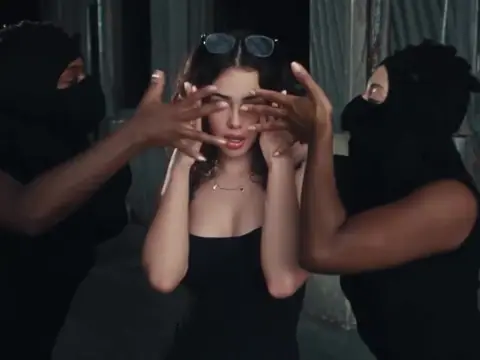
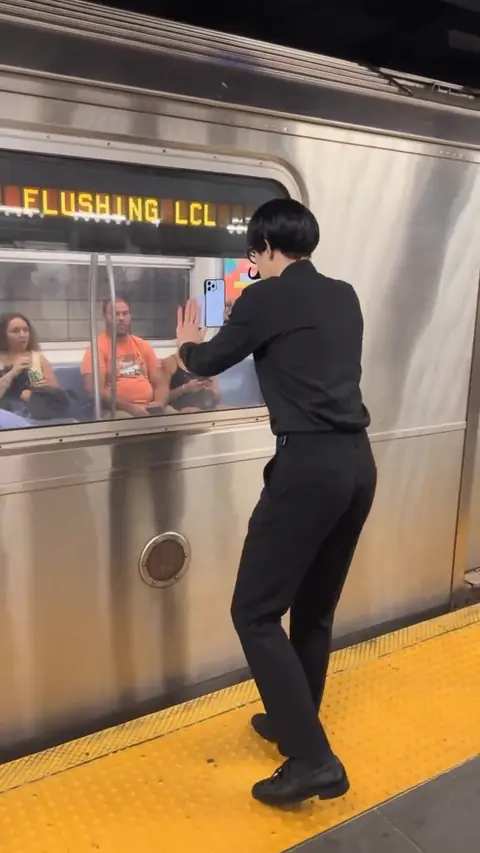
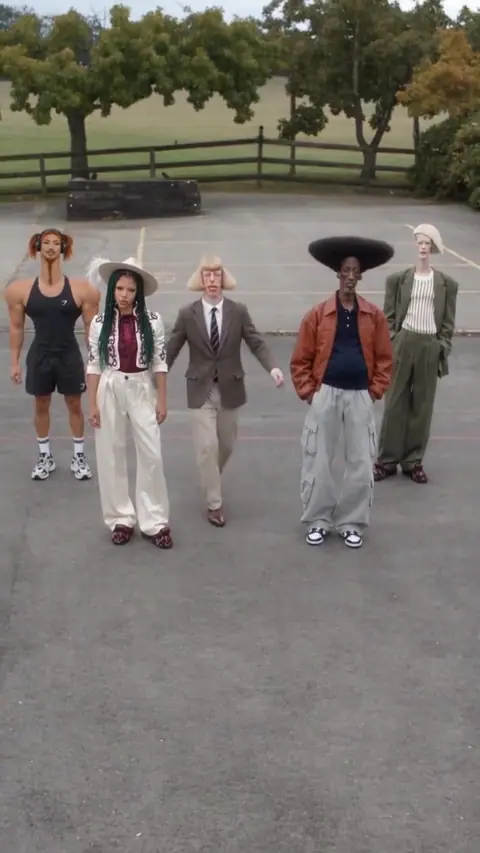
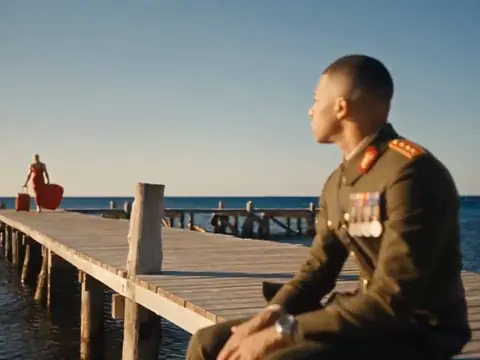
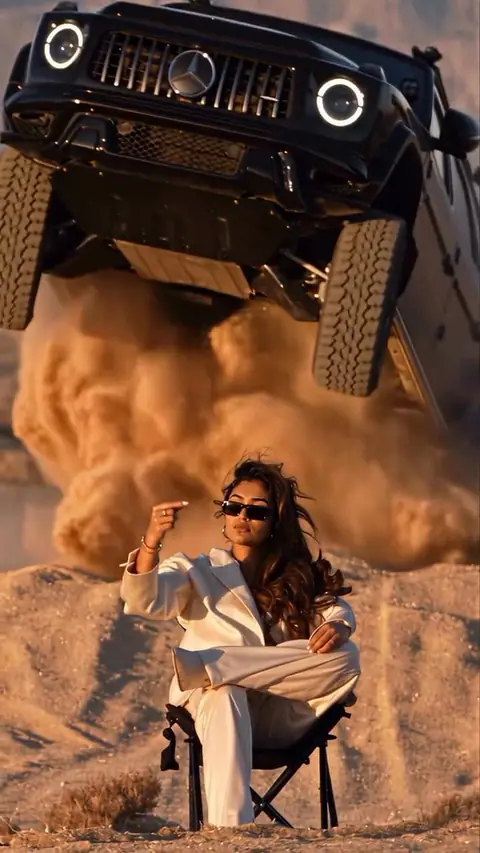
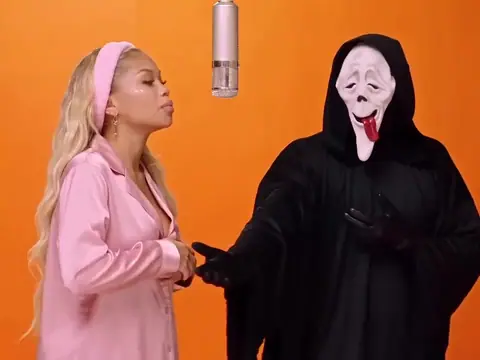
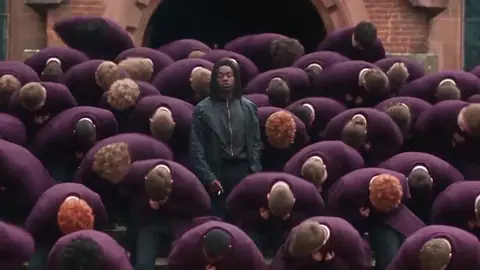
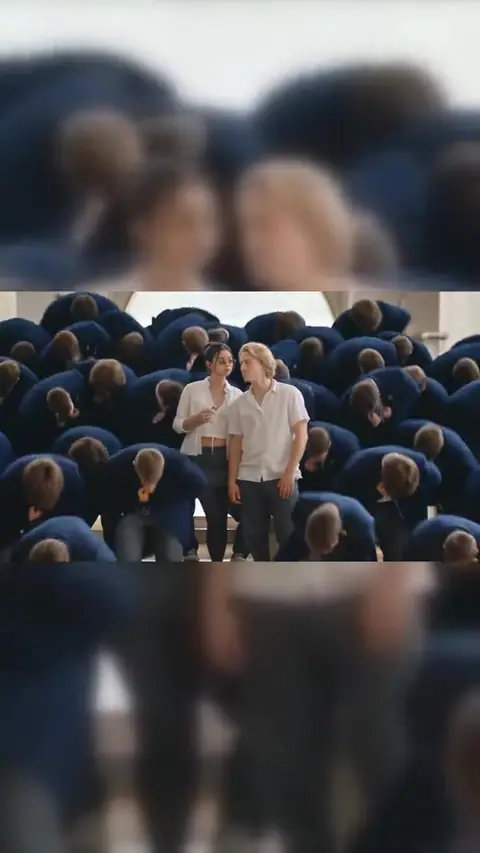
This SaWaDiKa dance AI template is 15 seconds of the SaWaDiKa choreography trend, cut like a music video: a close-up with two masked dancers, a night street, a concrete yard full of dancers in brown, silhouettes against a white wall and one last close-up. A woman in a short black dress leads it. Your photo replaces her, and the crew stays.
What is the SaWaDiKa dance?
LISA released "SaWaDiKa" in early September 2026 as the lead single from her EP Press Play. The title is a stylized spelling of sawatdee ka, the Thai hello used by women. Its music video, shot around Bangkok, drew 70.8 million YouTube views in its first 24 hours, and its choreography includes the wai, the Thai greeting made with the palms pressed together. Bolly has no connection to LISA or her label.
Dance studios posted classes of it within a week, and tutorials broke it down mirrored and at half speed. An official Dance Performance Video followed, and LISA gave the song its TV debut at the MTV VMAs on September 27.
By late October it was an AI trend too: one photo in, a SaWaDiKa dance video out. No filming, no learning the steps.
What's in this template
This template is a recast, not the official video. Its scenes nod to the music video, but the lead and the crew in brown are its own, and the woman in the black dress isn't LISA. Shot by shot:
- The opening close-up. Two dancers in black balaclavas take their hands off her eyes, and she blows a kiss to the camera.
- The night street. A line of dancers in black poses on a wet street while she stands far behind them.
- The concrete yard. A wide shot of the whole crew in brown with her dancing at the front, then a closer shot of her in the middle of them.
- The silhouettes. The dancers turn into black shapes against a bright white wall, over a floor that mirrors them.
- The last pose. A close-up: one hand on her head, eyes on the camera.
The song plays under every shot.
How to make the SaWaDiKa dance AI video
Upload your photo
One sharp, front-facing photo of yourself: a JPG, PNG or phone photo up to 30 MB. There is one person to replace, so one slot.
Press Swap me in
Sign in if asked. Mix comes with every paid plan, and this 15-second template is 113 credits a run.
Pick it up in your Library
The video lands in your Library, usually within 2 to 4 minutes. You can close the tab while it runs.
Label it and post
Play it with the sound on, then mark it as AI-generated when you share it.
What you get
Mix swaps you into this exact clip: same moves, same crew, same sets, same song. It doesn't make up a new dance.
- 15 seconds, landscape, with the song. The result keeps the clip's own soundtrack.
- Your look, her moves. Face, hair, skin tone, build and clothing come from your photo. You do the blown kiss, the choreography and the final pose.
- One person swapped. Only the lead changes. The masked dancers and the crew in brown stay as filmed.
Photo tips for this clip
- Face the camera. The clip opens and ends on close-ups where her face fills about a sixth of the frame, so a sharp, front-facing photo in even light matters most.
- Show your outfit. The wide yard shot shows the lead head to toe, and Mix dresses you in the clothes from your photo. A waist-up or full-length shot gives the model your outfit and build.
- No black dress needed. Anyone can lead this crew. Your face, hair and clothes come from your photo; the moves come from the clip.
- Keep your face clear. No sunglasses, no hat pulled low, no hands in the way, and nobody else in the photo.
- Expect a tiny face in the wide shots. On the night street and in the long shot of the yard, hair, build and clothes carry the likeness.
What it costs
One run is 113 credits. Starter is $19 a month with 300 credits, which covers two runs of this template. Plus covers 10. Compare plans.
Whose face you can use
Your own, or someone who has clearly agreed to be in this video. Never upload a photo of anyone under 18. The song and the clip belong to their owners, so keep your remix personal and non-commercial, and label it as AI-generated when you post. The rules are in the Responsible AI policy.
More dance swaps
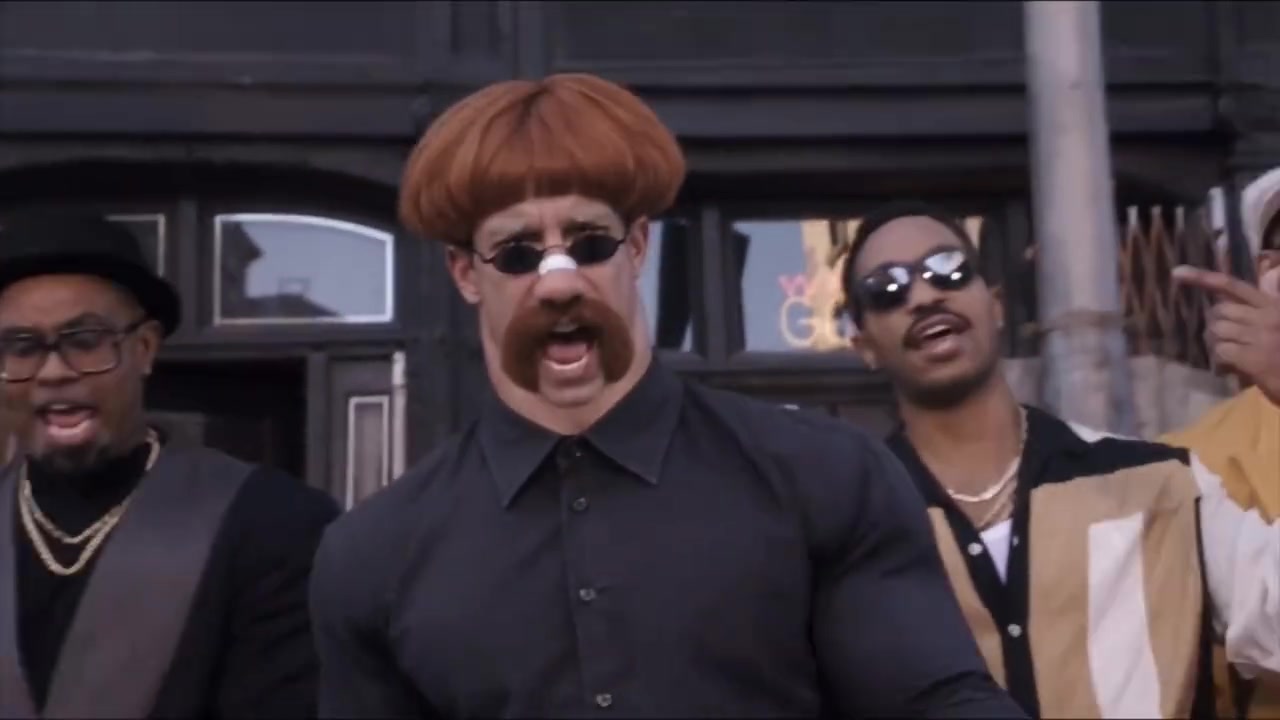
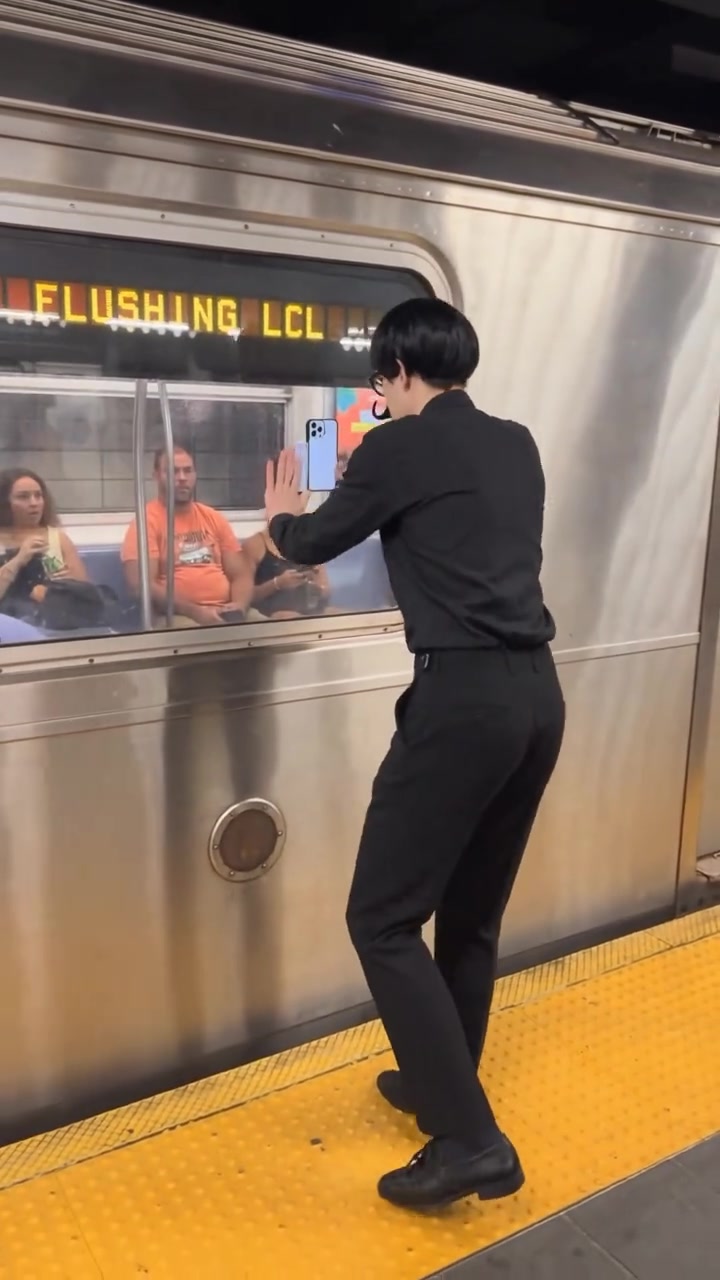
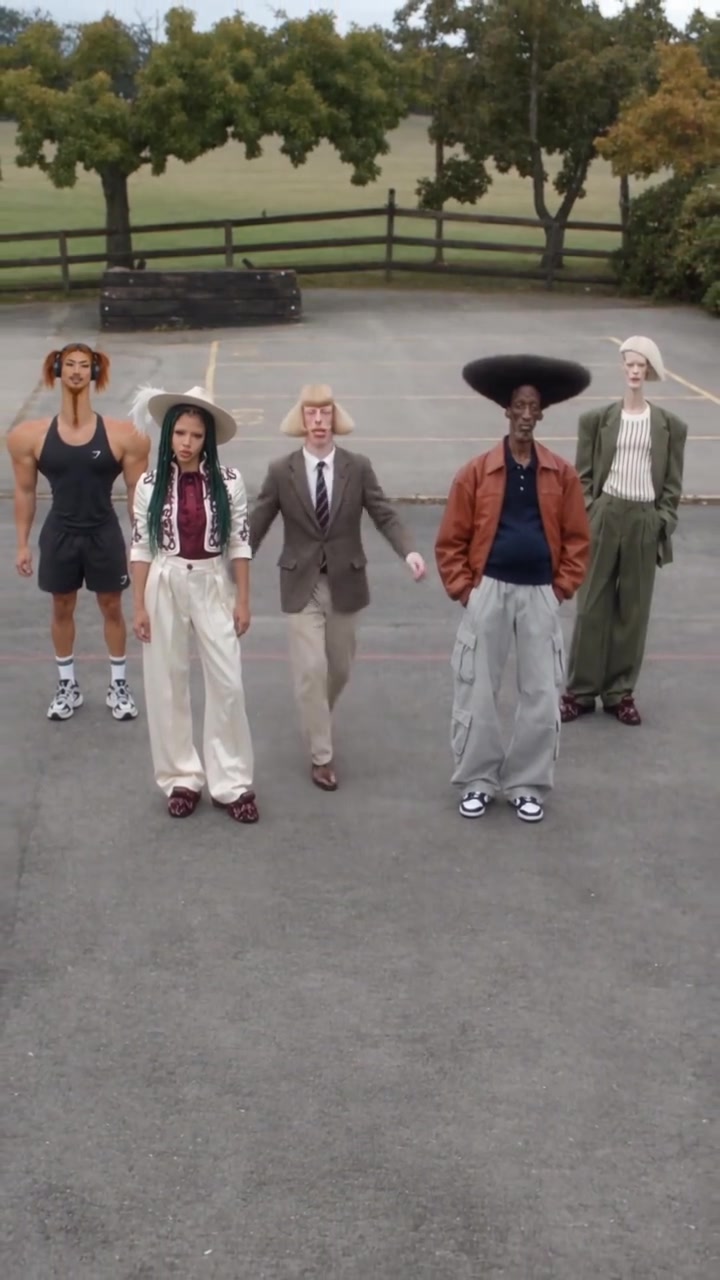
Uptown Funk, Another Love and Keep On Steppin are dance clips too, each with one person to replace. For a crowd scene, try STORM II. New to swaps? See the Mix overview or how to make a face swap video.
Frequently asked questions
What is the SaWaDiKa dance?
The choreography from LISA's September 2026 single "SaWaDiKa", named after the Thai greeting sawatdee ka. Fans learn it from tutorials and post covers, and by late October it was an AI trend: one photo in, a dance video out.
Is this the official SaWaDiKa video?
No. It's a recast with its own lead, crew and outfits, and the woman in it isn't LISA. Your photo replaces her.
Do I need to learn the dance or write a prompt?
No. The moves come from the clip and your look comes from your photo. Bolly writes the instruction for the model, so all you add is one photo.
Does the video have the song?
Yes. The result keeps the clip's own soundtrack: the same 15 seconds of "SaWaDiKa" as the template.
Is the SaWaDiKa dance AI free on Bolly?
Mix comes with every paid plan, starting with Starter at $19 a month. That includes 300 credits, enough for two runs of this template at 113 credits each. The Free plan covers image, audio and tool models, with 10 credits a day.
Can I post it on TikTok or Reels?
Yes. Download it from your Library and post it with the song already on it. Mark it as AI-generated when you share it.
Which AI model makes the video?
Kling 4.0's video-edit model.