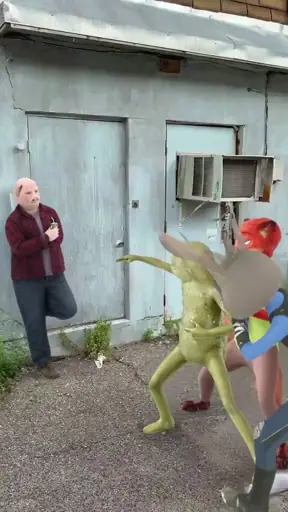
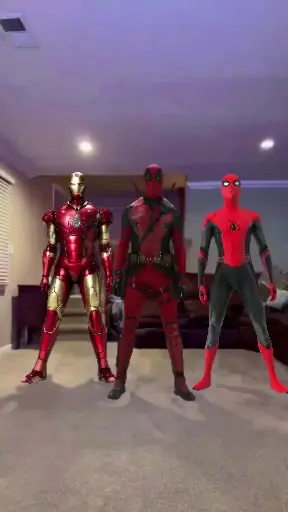
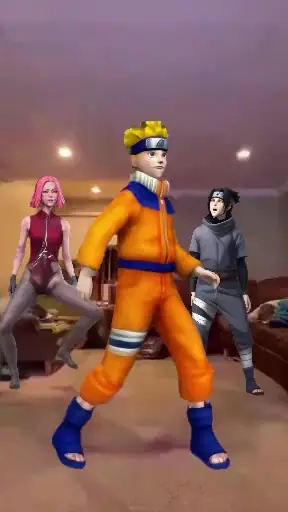
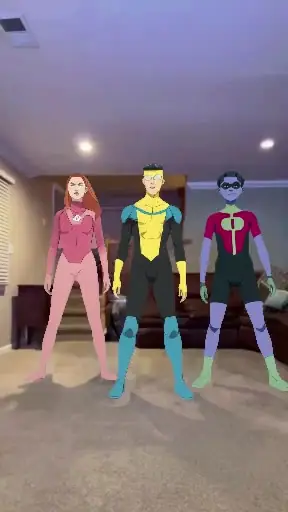


What a two-person template is
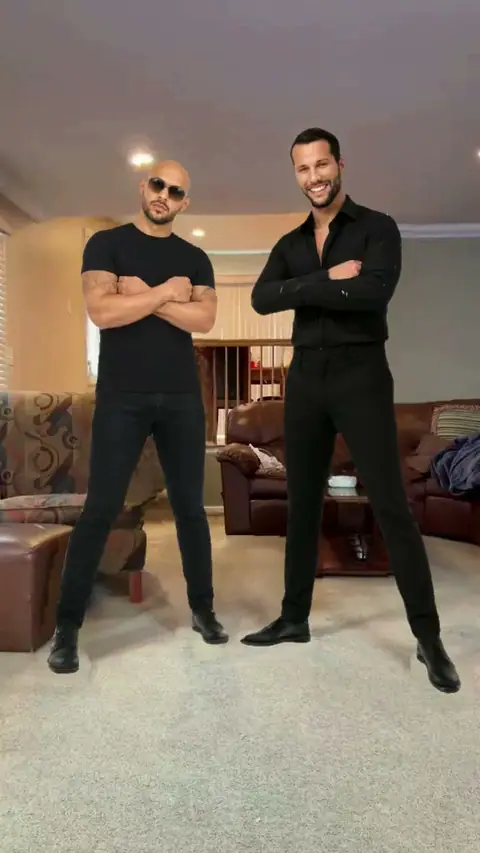
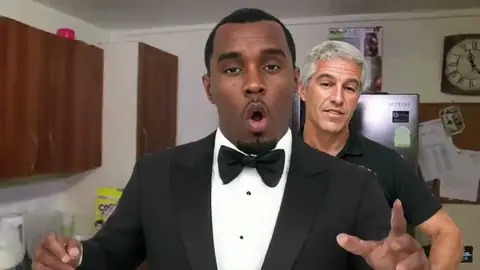
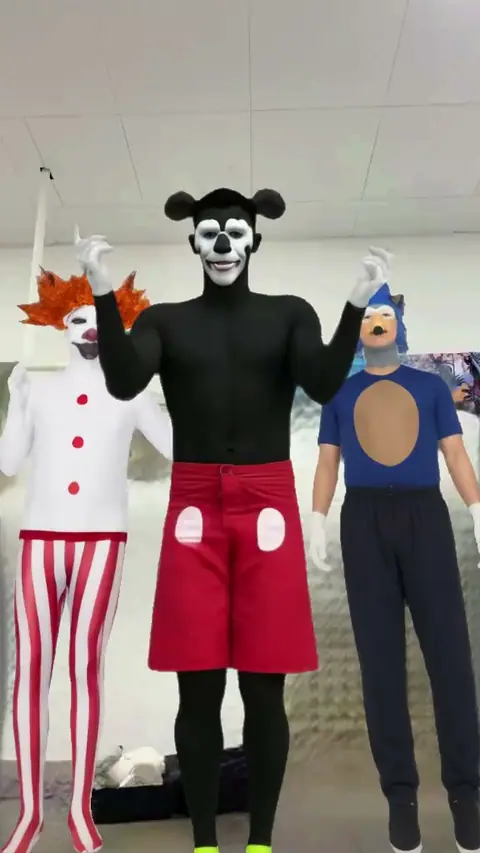
A two-person template is a clip with two people Mix can replace. Under Who do you want to replace? you tap one or both, and each gets a photo slot. Mix, Bolly's character swap, then recreates the clip with your cast: moves, camera, set and sound as filmed, faces, hair, builds and clothes from the photos. Everyone you don't pick stays as they were.
20 two-person templates are on this page: the pairs from Hot Picks and Most Popular first, then the Multi-Person row from the home page. That row also holds six clips where the form offers one person to replace; they count as one-person templates, and five of them are the only ones here the free first video works on.
Pairs to start with
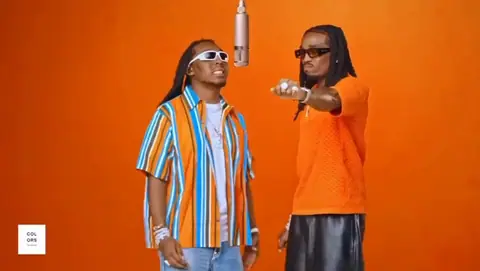
- Quavo & Takeoff - Hotel Lobby: two performers share one hanging microphone in front of an orange wall. Take one spot or both.
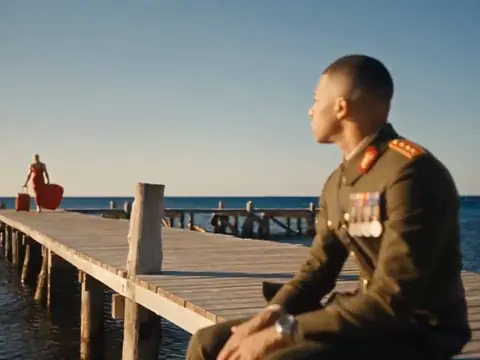
- Raindance: one person waits on a pier while the other sings by the sea. The form offers the red dress and the uniform.
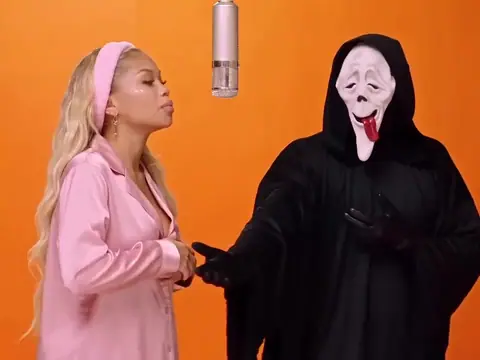
- Ghostface Rap Duo: a singer in pink pyjamas and a masked figure in a black robe on an orange set. Swap the singer and keep the mask, or take both.
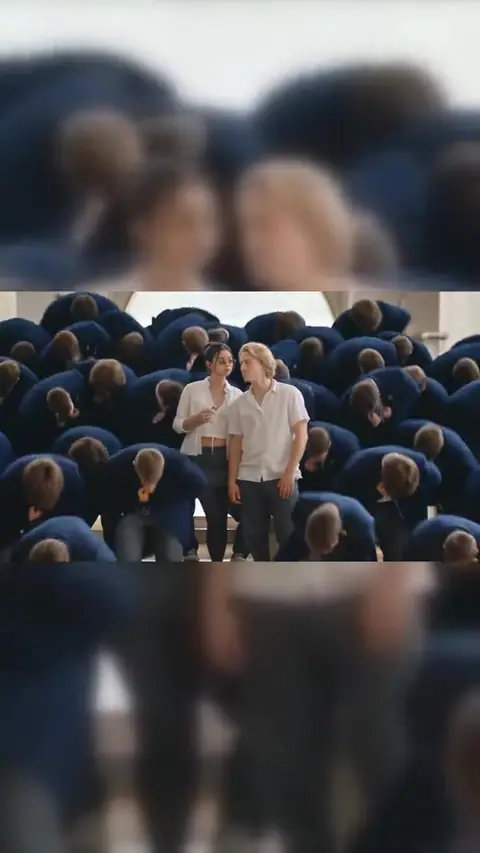
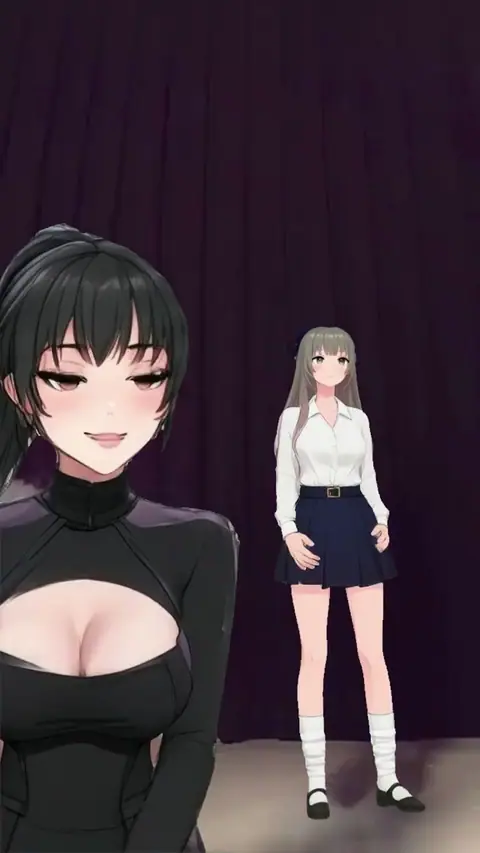
- Storm - Couple: two people in white shirts stay standing while rows of pupils in navy blazers bow around them. The clip has no sound of its own.
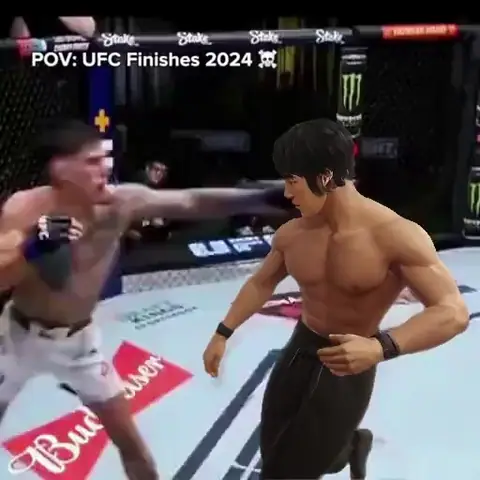
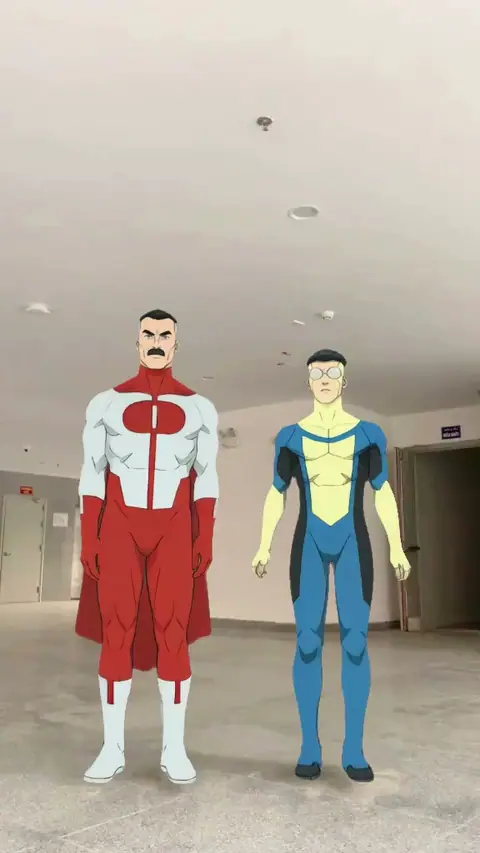
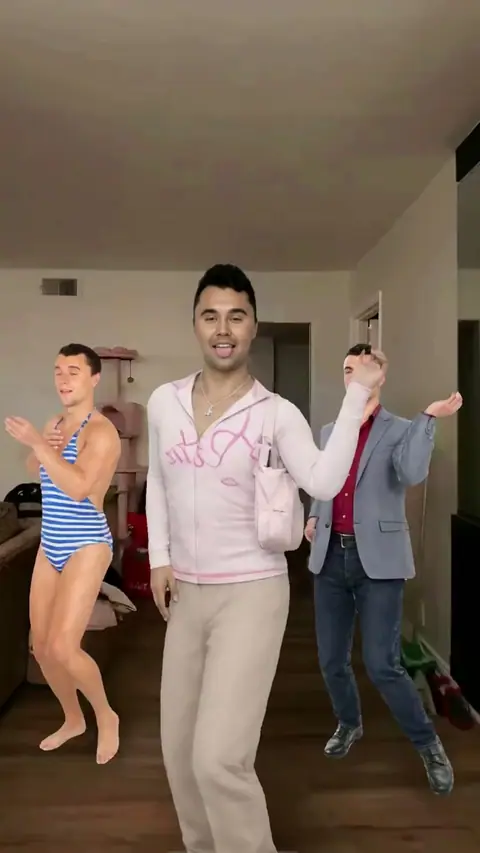
More pairs on this page: Let's Groove, If Only He Knew, Higuruma Facepalm, Dance If You Trend (Can I Join?), Invincible Dance, UFC Champion Knockout, It's Not Even Halloween Yet.
How to put two people in one video
Pick a pair
Open a template above. The preview plays the clip with its sound, and the form shows the two people it can replace.
Choose who to replace
Tap one name or both under Who do you want to replace? Each one you pick gets its own photo slot.
Add a photo for each
One clear, front-facing photo per person, up to two. Each photo shows only the person it's for and sits under the right label.
Press Remix
A run takes 2 to 4 minutes on Kling 4.0. The video lands in your Library with the clip's sound, ready to download and post.
Two-person swaps come with the paid plans
Every two-person template needs a paid plan, even when you fill one seat. Both seats cost the same as one, because Mix prices a run by the clip's length, not by people: a full 15-second pair is 113 credits on Kling 4.0, a short loop 46. Starter is $19 a month with 300 credits, enough for two full-length pairs or six loops a month; Plus is $59 a month with 1,200 credits. See plans.
Where the free first video fits
The free first video is a one-person thing. Every account gets one 24 hours after signing up with Google: one photo, on a one-person template or a pasted link, made on Viggle with a Bolly watermark and an end card, for 5 of the Free plan's 10 daily credits. It never runs on a two-person template, so to see Mix work before you pay, start with a free character swap. Here, the five one-person clips with a "Free first video" badge are the ones it covers.
Fill one seat or both
You don't have to bring a friend. On Ghostface Rap Duo you can be the singer and leave the masked figure as filmed, and it's the same on every pair here. Pick both names and a friend takes the second seat from their own photo, at the same price.
One photo per person
- One person per photo. A photo of the two of you together leaves the model guessing who is who. Upload separate photos.
- Check the labels. The form names each seat. Put each photo under the person it should replace.
Three or more people?
Mix replaces up to two people in one run and leaves everyone else as filmed. It can't recast a whole crowd, and it won't turn the extras into copies of you.
Whose photos you can use
Yours, and a friend's once they've said yes. Never anyone under 18. Don't put real people, famous or not, into a clip that could pass as real footage of them, and label the video as AI-made when you post it. Where a template shows a real performer, the swap puts you in their place, never their face on someone else. Full rules: Responsible AI policy.
Face swap, body swap, and a clip of your own
A two-person template changes the whole person, not just the face; the face swap video and AI body swap pages spell out what comes from the photo. A public TikTok or Instagram Reel link works as a template too, for its first 15 seconds, and swaps one person. For a frank look at a group clip, read the Storm II group swap post.
Frequently asked questions
Can I face swap two people in one video?
Yes. Pick a two-person template, choose one or both people under Who do you want to replace?, and add a photo for each, up to two. Two-person swaps come with the paid plans.
Is a two-person swap free?
No. Two-person templates need a paid plan, from Starter at $19 a month with 300 credits. The free first video, which opens 24 hours after sign-up and runs on Viggle with a watermark, works on one-person templates only, including the five marked on this page.
Can I swap just one of the two?
Yes. Pick one name under Who do you want to replace? and the other person stays as filmed. It's still a paid run, since the template has two people.
Can I swap three or more people?
No. Mix replaces up to two people in a run and leaves everyone else as filmed, so it can't recast a crowd.
Does the video keep the sound?
Yes. Mix puts the template's own audio back on the result. The exception is Storm - Couple, whose clip is silent, so the result is too.
Does my friend have to agree?
Yes. Only use a photo of someone who has said yes, and never anyone under 18. The Responsible AI policy has the full rules.