


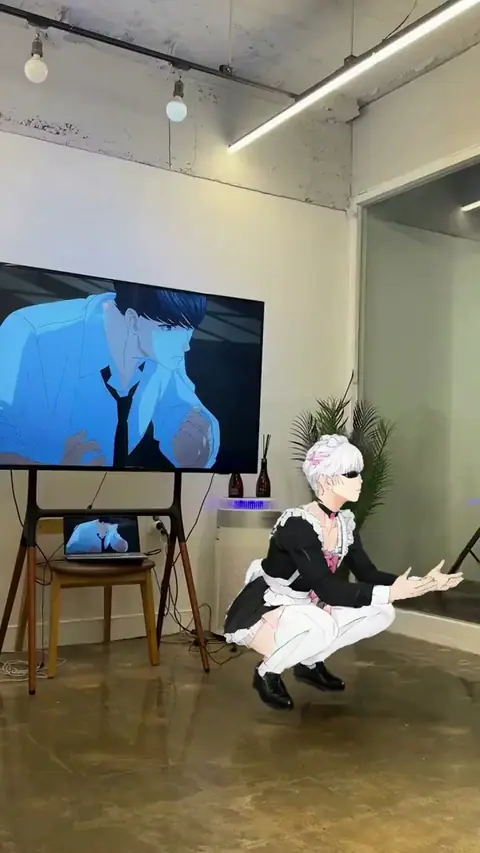
What happens when you swap into an anime edit
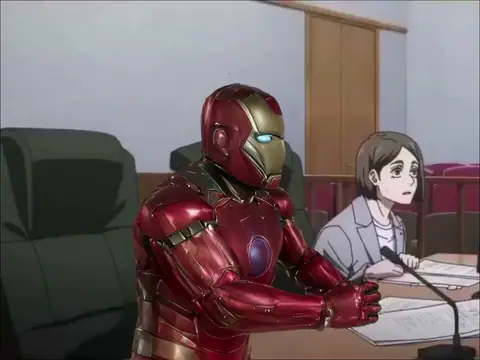
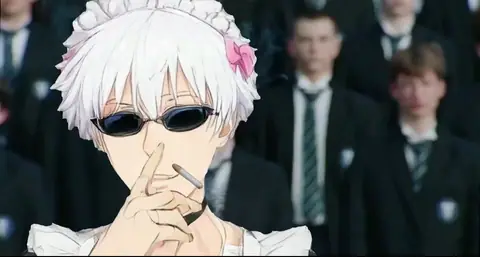
An anime edit here is a short clip built around an anime character: a Gojo edit, a Hatsune Miku trend, a One Piece moment. Mix, Bolly's character swap, takes one photo and recreates the clip with you in place of that character. The scene, the camera, the timing and the sound stay as they are. What changes is the person: your face, hair and clothes come from the photo.
The swap is about who is in the clip, not about drawing style, so don't expect a cartoon version of yourself. For an anime-styled clip of yourself, PixVerse V6 is the closer tool: it starts from a photo and renders the video in an anime style preset.
The anime edits on this page
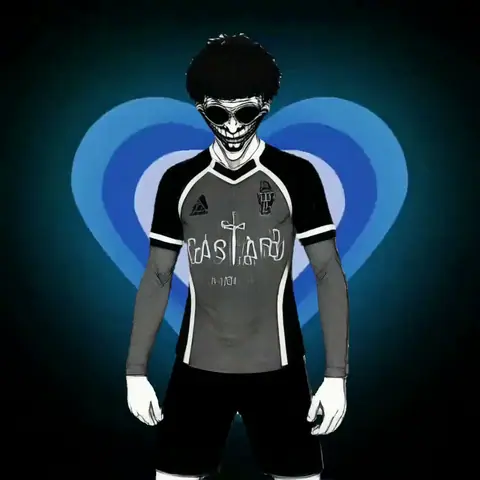
24 templates: the Anime section plus the anime clips filed under other sections, by title:
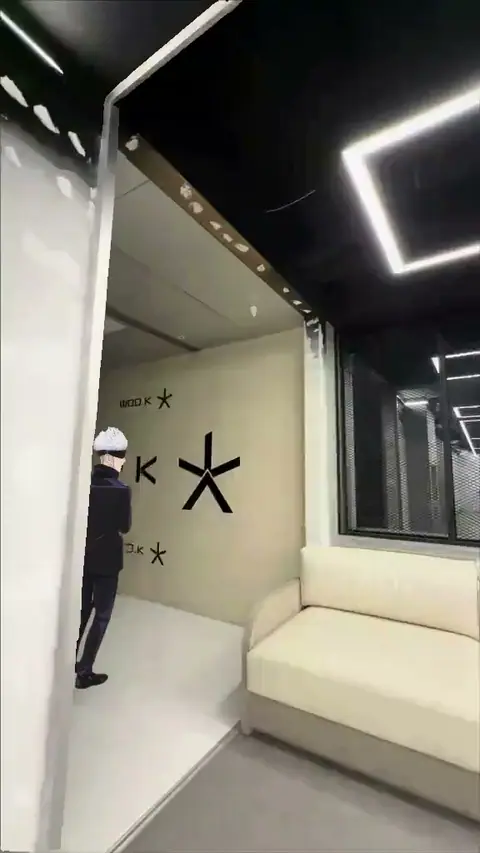
- Jujutsu Kaisen: Gojo Nailed it, Toy viviendo la vida ay como yo queria Gojo edit and Higuruma Facepalm.
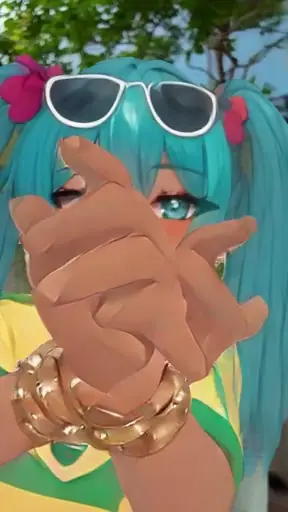
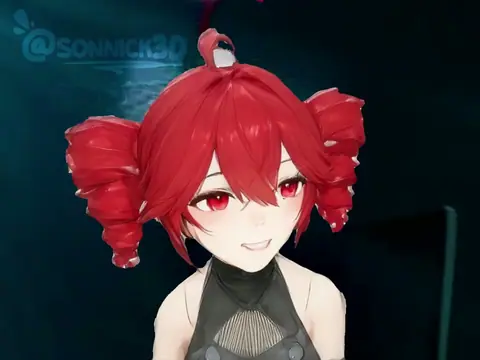
- Hatsune Miku and Kasane Teto: I'll Make You Lemonade (Hatsune Miku), Hatsune Miku Brazil Dance, How to Cook Delicious Breakfast as Kasane Teto and Can a Vocaloid write a symphony edit.
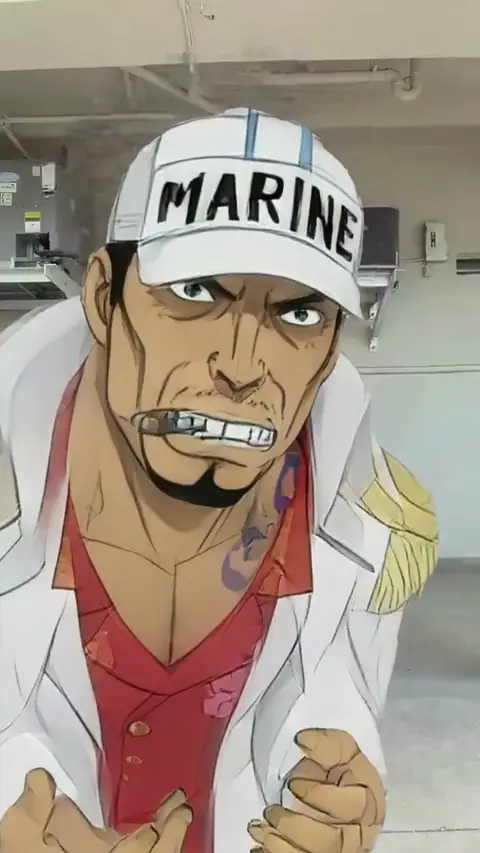
- One Piece: Akainu When He Wants to Kill Luffy and Dance if we all want luffy to died.
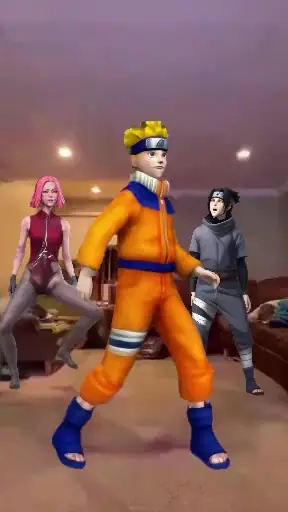
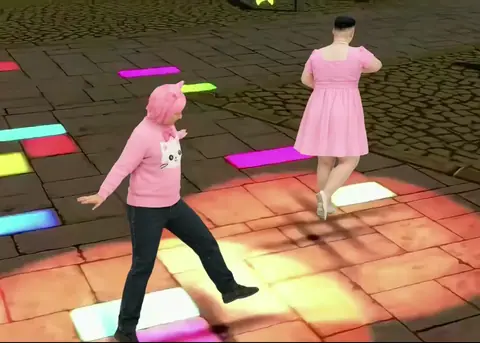
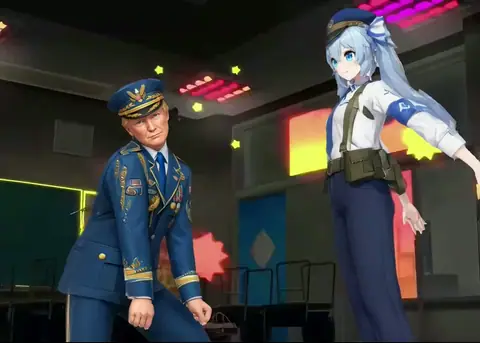
- Dances: Zero Two Dance (Fem Ryusae), Wandance choreography and Navy officer and anime girl dance edit, also on the dance page.
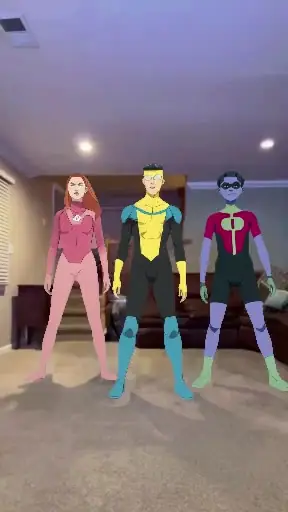
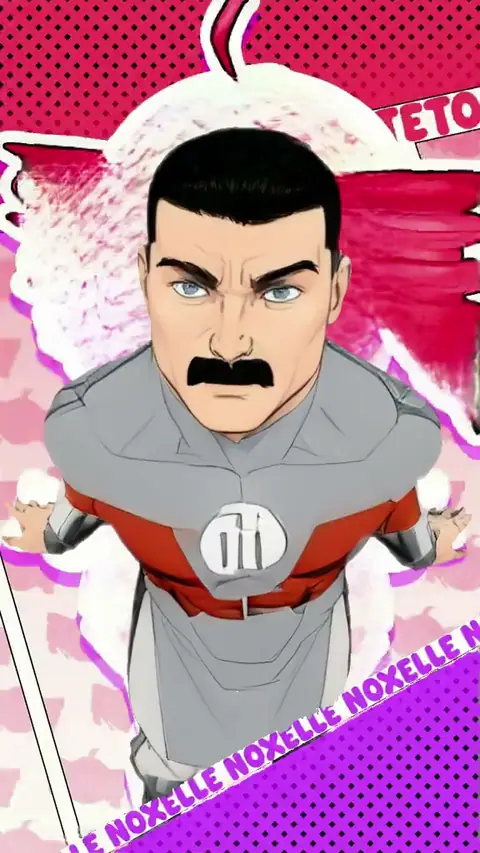
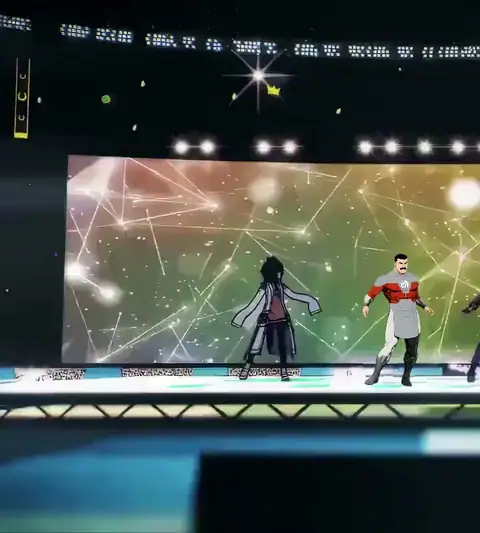
- Animated, not anime: The Bass Trend with Thragg, Thragg'll Make You Lemonade and Invincible Dance. Thragg is from Invincible, an American series, but filed here all the same.
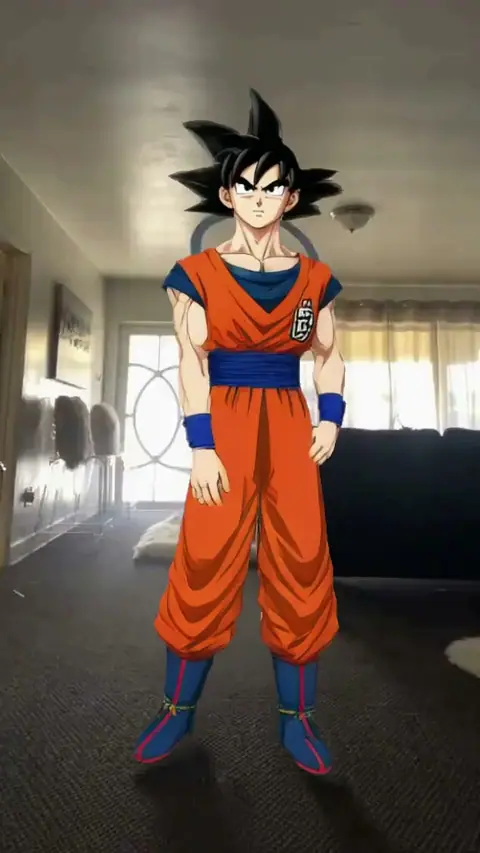
- And a Goku clip: I really wish this wasn't AI.
How to make an anime edit with your face
Pick a clip
Open a template above. Hover to see it move, and click to open the preview with sound. One-person clips swap the lead; two-person clips let you fill one seat or both.
Add a photo
One clear photo, face toward the camera, in decent light. Your hair and outfit end up in the video, so use a photo that shows them.
Press Remix
A paid run takes 2 to 4 minutes, and the free first video 1 to 3 minutes. You can close the tab and come back.
Download and post
The finished edit lands in your Library with the clip's own audio. Download it and post it.
Anime edits for two people
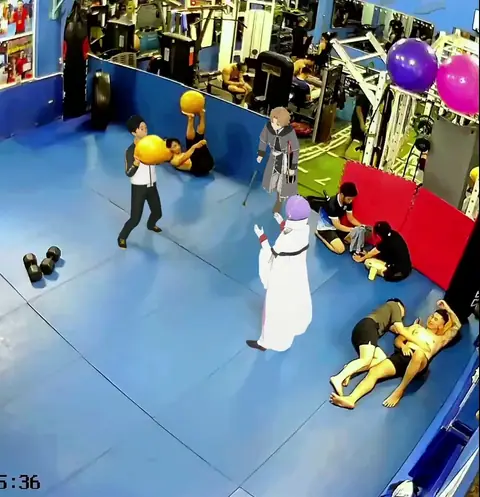
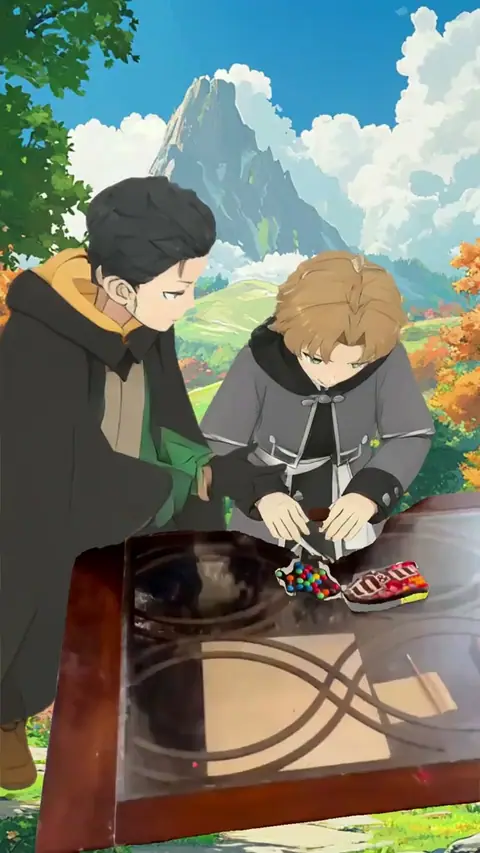
8 of the 24 templates here have two people to swap, among them Higuruma Facepalm, Fight in the gym (anime) and Putting M&M's in alphabetical order. Each seat takes its own photo, up to two per run; an empty seat keeps the clip's character. More pairs: two-person templates.
Your first anime edit can be free
Every Bolly account gets one Mix video free, and 13 of the 24 anime templates qualify: the one-person clips with the "Free first video" badge, such as Gojo Nailed it, Hatsune Miku Brazil Dance and Zero Two Dance (Fem Ryusae).
- When: 24 hours after you sign in with Google.
- How: on Viggle, from one photo, on a one-person template or a pasted TikTok link.
- Credits: 5 of the 10 the Free plan gives you every day.
- What you get: the whole clip with a moving Bolly watermark and an end card. The clean file downloads once you're on a paid plan.
What an anime edit costs after that
Paid runs use Kling 4.0 and are priced by the length of the clip: 113 credits for a full 15-second edit, 46 for a short loop. Starter is $19 a month with 300 credits, which covers two full-length edits or six loops a month. Plus is $59 a month with 1,200 credits, enough for ten full-length edits. Compare plans.
Tips for anime clips
- Match the framing. A close-up clip wants a photo with your face large and sharp. A full-body dance wants a full-length photo.
- Choose the right seat. In a two-person clip, the form shows who can be swapped. Take the one the camera stays on.
Have an anime edit that isn't here?
Paste its public TikTok link into character swap. Mix treats the first 15 seconds as the template, and the free first video works on a link too. For the mechanics of a swap, read how to make a face swap video.
Whose photo goes in
Yours, or a friend's with their okay. Never a photo of anyone under 18. Say the video is AI-made when you post it, and keep real people out of clips that could pass as real footage of them. The details are in the Responsible AI policy.
Frequently asked questions
Is the first anime edit free?
Your first video can be. It opens 24 hours after sign-up, runs on Viggle, works on 13 of the 24 anime templates here and carries a watermark. After that, anime edits need a paid plan, from Starter at $19 a month with 300 credits.
Will I look like an anime character?
Mix puts you into the clip as you look in your photo: your face, hair and clothes, with the anime scene, motion and sound around you. For an anime-styled clip, try PixVerse V6, which starts from a photo and renders in an anime style preset.
Which anime are the edits from?
Going by the titles: Gojo and Higuruma from Jujutsu Kaisen, Luffy and Akainu from One Piece, Zero Two, Hatsune Miku and Kasane Teto, plus a Goku clip. Thragg and the Invincible dances are American animation, not anime, and sit here too.
Do I need to know how to edit?
No. The edit already exists. You add a photo and Mix recreates it with you in it.
Does the edit keep its music?
Yes. Mix puts the template's own audio back on your video, so the edit plays with the sound it had.
Can two people be in one anime edit?
Yes, on the 8 two-person templates here. Add a photo for each person, up to two, or fill one seat and leave the other as it is in the clip.
How long is the finished video?
As long as the clip, up to 15 seconds. The preview shows the full length before you start.
Can I use an anime edit I found on TikTok?
Yes. Paste its public link into character swap and Mix uses its first 15 seconds as the template. The free first video works on a link as well.
Can I put my child in an anime edit?
No. Bolly doesn't allow photos of anyone under 18 in any template. Use your own photo or that of an adult who has agreed.