What is a face swap video?
A face swap video is a clip that already exists, with someone new in it. A classic face swap pastes a new face over the old one, frame by frame. The hair, the body and the clothes still belong to the person who was filmed, so the new face can look like a mask.
Mix, Bolly's AI face swap for video, goes further. It redraws the person in every frame from your photo: face, hair, skin tone, build and outfit. What made the clip worth sharing stays as filmed: the moves, the expressions, the camera, the other people and the sound.
Want to replace a face in a video? Use the form above: pick one of 216 templates or bring a TikTok clip. Your first one-person swap is on us.
How to face swap a video
Choose the clip
Pick one of the templates, or paste a public TikTok link into the form. A link gives Mix its first 15 seconds.
Upload your face
One sharp photo for each face you want in the video: a JPG, PNG or HEIC up to 30 MB. On a link, a note of up to 120 characters can say who to replace.
Tap Swap me in
Once your free first video has opened, a one-person clip is on us. Every other run uses a paid plan, from Starter up.
Watch it in your Library
Paid runs usually take 2 to 4 minutes, the free video 1 to 3 minutes. The finished swap shows up in your Library by itself.
How the free face swap video works
Every Bolly account gets one free face swap video. These are all the conditions:
- When: 24 hours after you first sign in with Google. An email tells you when it opens.
- What: one photo and one face. Of the 216 templates, 140 qualify, plus community templates and any public TikTok link you paste, where it replaces the main person.
- How: Viggle's Video Remix casts the person in your photo as the clip's lead and keeps the camera and soundtrack. It usually takes 1 to 3 minutes.
- The catch: a Bolly.AI watermark that hops around the frame, plus a closing card. Upgrading unlocks a clean download of the same video.
- The credits: 5 of the 10 credits the Free plan gives you each day.
A second video, two-person swaps and clean downloads come with the paid plans.
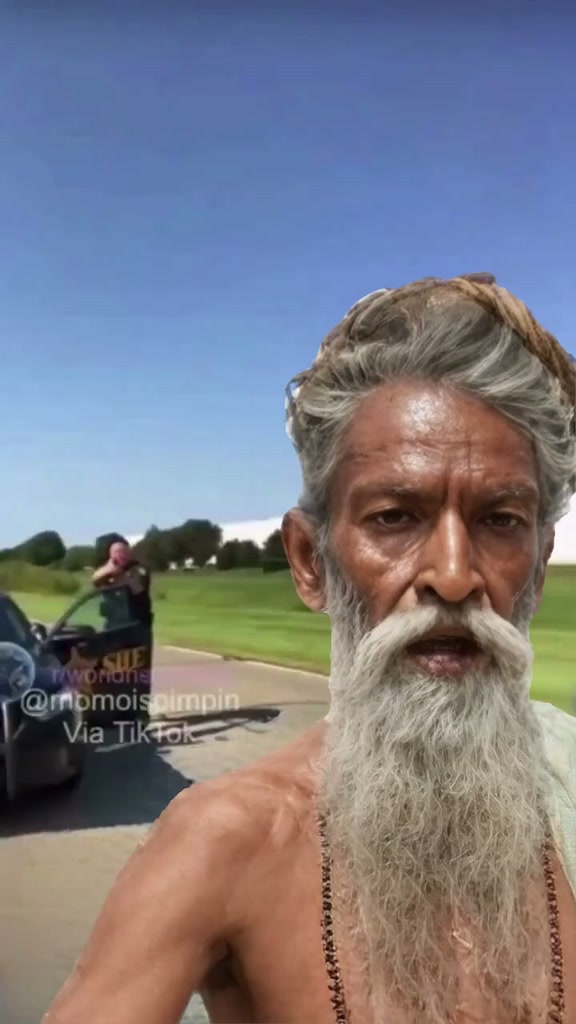
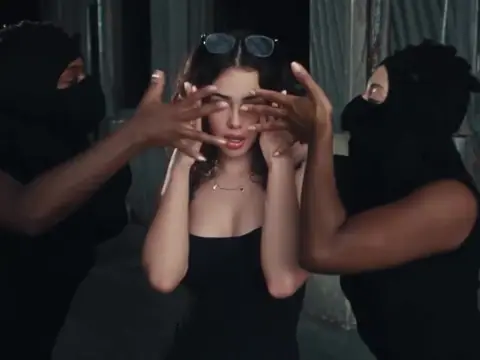
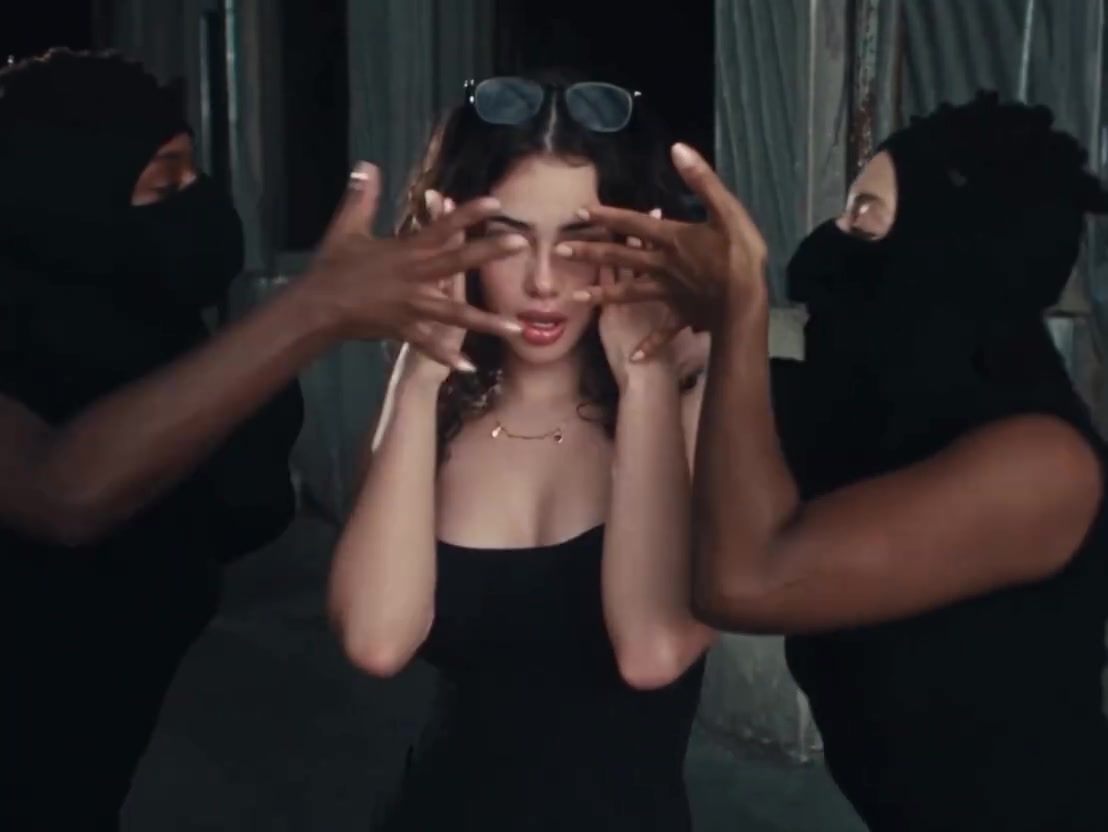
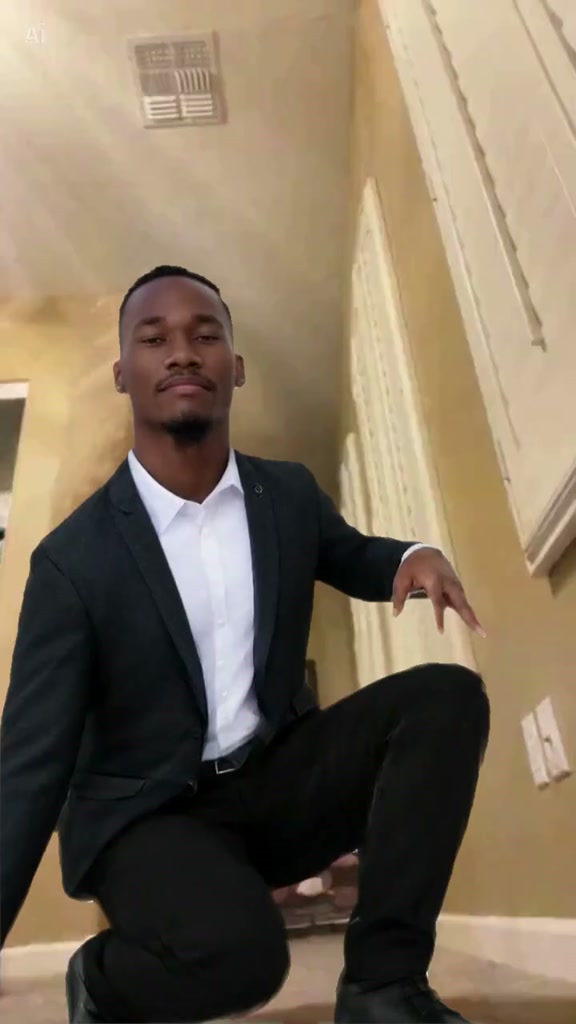
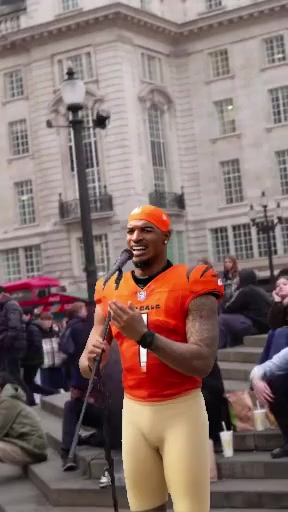
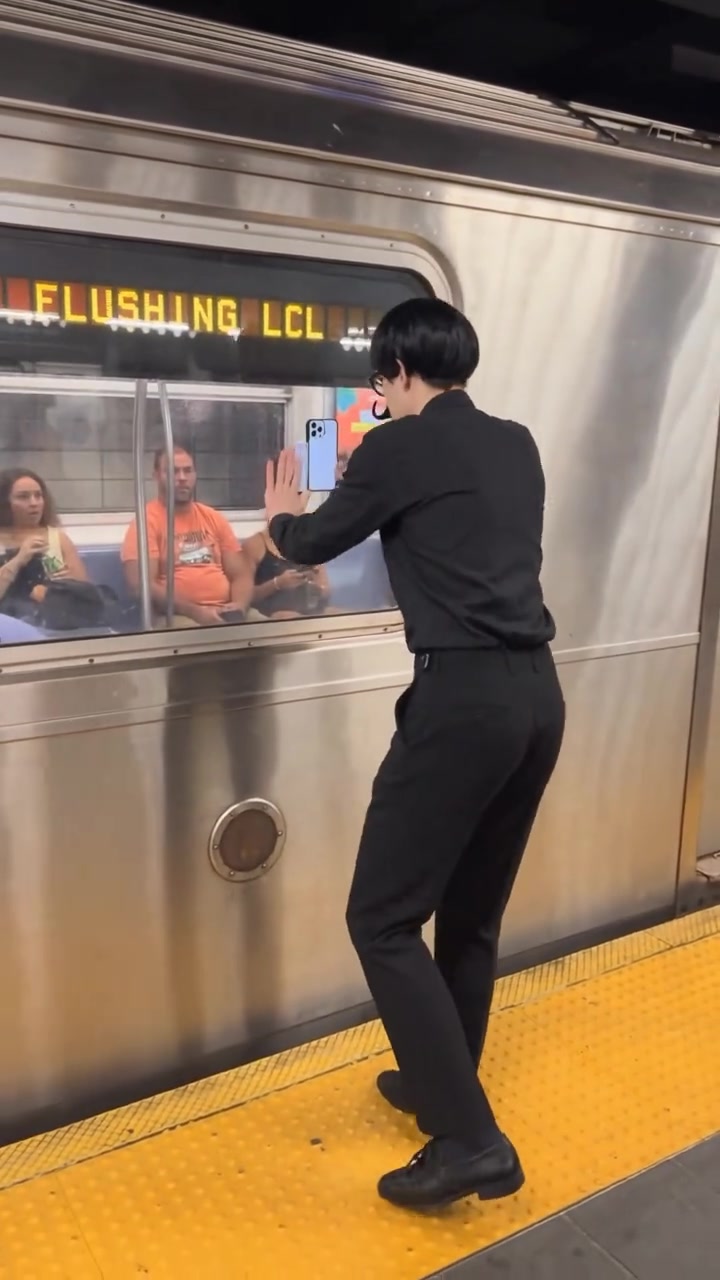
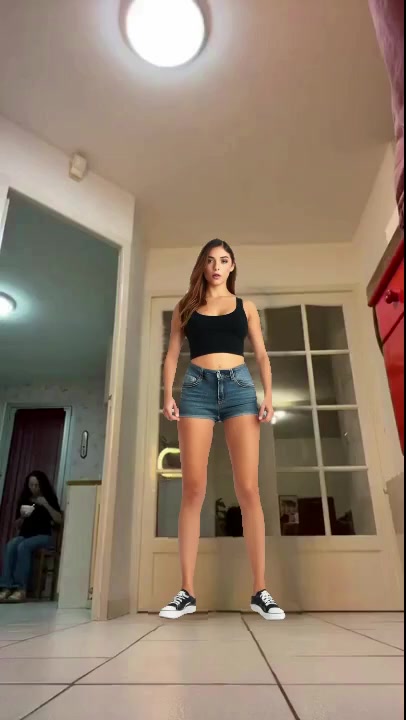
Clips for your free face swap
Each of these has one person to replace, so all of them work for the free video.
More than a face: what changes, what stays
A face swap on Bolly recasts one person from head to toe. The rest of the clip is left alone.
From your photo
- Face and features, makeup included.
- Hair, in your style and color.
- Skin tone and build.
- Outfit, down to shoes, jewelry and accessories.
From the clip
- Every shot, in the same order and at the same pace.
- Moves and expressions: poses, hand actions and every reaction.
- The camera and the set: angles, movement, lighting, location and background.
- Everyone else in the frame, as filmed.
- The sound. A clip with a soundtrack keeps it, and a silent clip stays silent.
Tip: Want to keep the clip's outfit?
Wear something close to it in your photo, because Mix dresses you in what you have on. The one template that keeps its own outfits is Fan Outfit Transition, a paid template with a model of its own: it takes only your face, hair, skin tone and build.
Multiple face swap: up to two people
One video can swap up to two people. On a two-person template, choose one or both under Who do you want to replace? and add a photo for each. Bring a friend into the scene, once they've agreed.
It's two, not a crowd: everyone you don't pick stays as filmed. Two-person templates need a paid plan, even when you swap only one of the two, and swapping both costs the same as swapping one. Try Ghostface Rap Duo, where you can swap the singer and leave the mask, or Storm - Couple.
Face swap, character swap or body swap?
Three names for nearby ideas. A face swap changes the face and leaves the person's hair, body and clothes as they were. A character swap changes the whole person. A body swap means much the same, with the stress on a new build and outfit.
Mix always does the fuller version. Your face arrives with your hair and build, so it doesn't sit on someone else's head.
Which AI model swaps the face
Mix picks the model for each run, so there are no settings to learn.
- For the free video: Viggle. Video Remix is quick and keeps the clip's camera and sound. Read more about Viggle's character swap.
- On paid plans: Kling 4.0. This video-edit model works on the clip itself at 720p: same shots, same timing, a different person. Read more about Kling's character swap.
Face swap a photo, free every day
Got a still picture instead? Face Swap swaps the face in a photo using Google's Nano Banana 2. Each swap costs 4 credits, so the Free plan's 10 daily credits cover two photo swaps a day.
What a face swap video costs after the free one
Paid swaps are priced by clip length, and two faces cost the same as one. A full 15-second clip on Kling 4.0 takes 113 credits; a quick meme loop, 46. On Starter ($19 a month with 300 credits), that's two full clips or six loops a month. Plus gives you more room at $59 a month with 1,200 credits. Nothing you make on a paid plan is watermarked. See every plan.
Tips for a swap that looks like you
- Use a recent, sharp photo. In focus, no beauty filter, taken in soft and even light.
- Keep the face clear. No sunglasses, mask or hand in the way, and your head and shoulders in frame.
- Look at the camera. A front-on photo gives the model the most of your face to copy.
- Pick a clip with a big face. Close-ups and medium shots hold a likeness well. A tiny face in a wide shot is harder.
- Choose the outfit on purpose. Whatever you wear in the photo is what you wear in the video.
The step-by-step guide on how to make a face swap video has more photo and clip advice. Comparing tools first? Read our roundup of face swap apps.
Whose face you can swap
Yours, or the face of someone who has clearly said yes to this video. A photo they posted online is not a yes. Photos of anyone under 18 are never allowed. Bolly doesn't allow deepfakes, meaning videos that make a real person seem to say or do something they didn't, passed off as real. Label what you share as AI-generated, and keep template remixes personal and non-commercial. The Responsible AI policy has the full rules.
Frequently asked questions
Is face swap video free?
Your first one is. It unlocks 24 hours after you sign up, swaps one face from one photo and is made with Viggle. It keeps a Bolly watermark unless you upgrade. Further videos need a paid plan; the first one with Mix is Starter, $19 a month. Photo face swaps are covered by the Free plan's daily credits.
Can I face swap a video without a watermark?
Yes, on a paid plan, where no video carries one. The free first video is stamped with a moving Bolly.AI watermark and finishes on a short card. Move to a paid plan and you can download that video clean.
Can I face swap a video without signing up?
No. You need a Bolly account, made with a Google sign-in. Your videos are kept in your Library, and the free first video is tied to the account. It opens 24 hours after you sign up.
Can I swap multiple faces in one video?
Yes, up to two. Templates with two people let a paid run replace one of them or both, each from their own photo. Everyone else stays as filmed. Mix can't give a whole crowd new faces, and the free video swaps one person.
Can I face swap my own video?
Yes, if it's posted publicly on TikTok. Paste its link: Mix swaps the first 15 seconds from a single photo. If the clip has several people, an optional 120-character note says which one to replace. Links work for the free video as well. Mix doesn't accept video files. For a clip saved on your device, Kling O3 Video Edit on Plus and up edits an uploaded video from a prompt you write.
Does it work on photos too?
Yes, through a separate tool. Face Swap puts a face into a still photo with Nano Banana 2 for 4 credits, so the Free plan's 10 daily credits cover two photo swaps a day.
Can I face swap a video online, without an app?
Yes. Mix runs in the browser on a phone or a computer, so there is nothing to install. Your videos wait in your Library wherever you sign in.
Will the swap keep my hairstyle and clothes?
Yes. Your hair, skin tone, build and outfit come from the photo along with your face, while the clip keeps its moves, expressions and camera. Only Fan Outfit Transition keeps the clip's own outfits.
How long does a video face swap take?
The free video is usually ready in 1 to 3 minutes. A paid run on Kling 4.0 usually takes 2 to 4 minutes. Either way, it turns up in your Library without you doing anything.
Can I use someone else's face?
Only with their clear yes to this video, and never for anyone under 18. Don't make a real person appear to say or do something they didn't. The consent rules cover the details.