




What a template is on Bolly
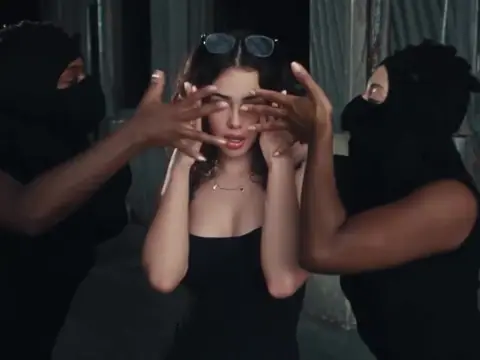
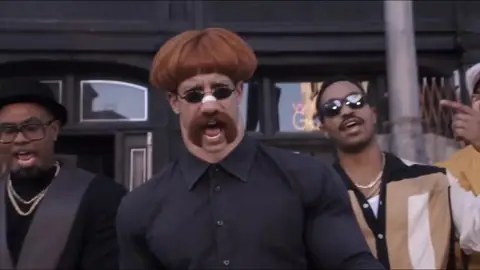
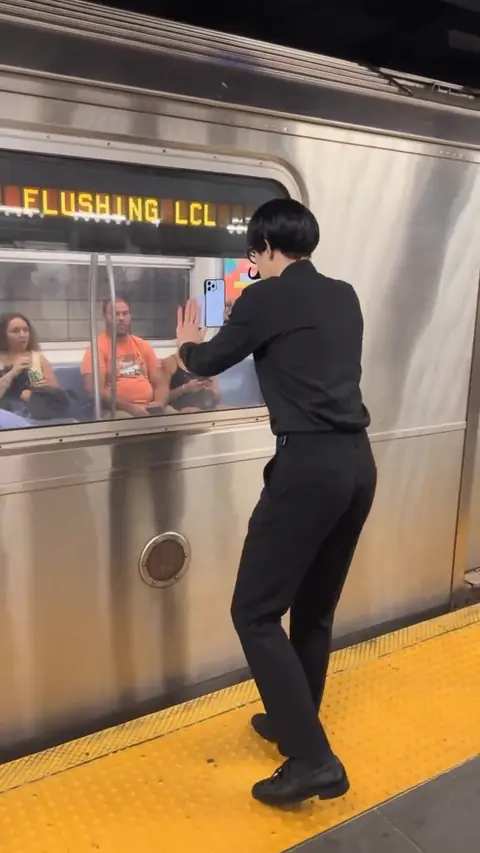
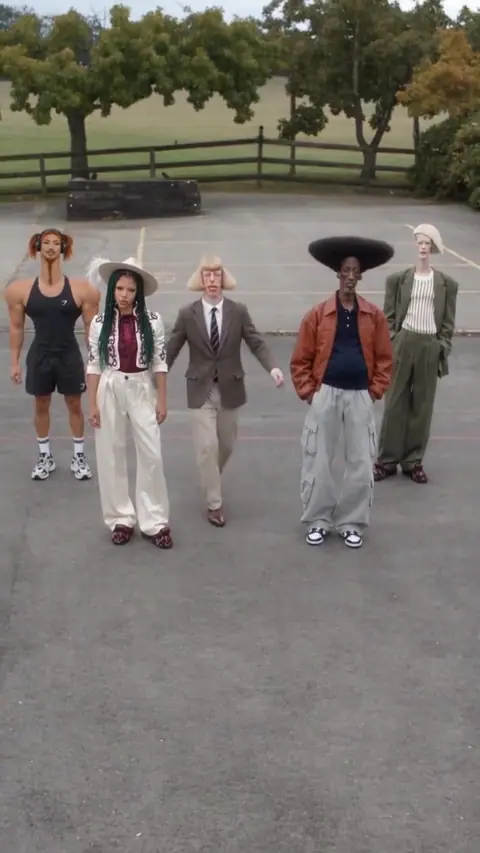
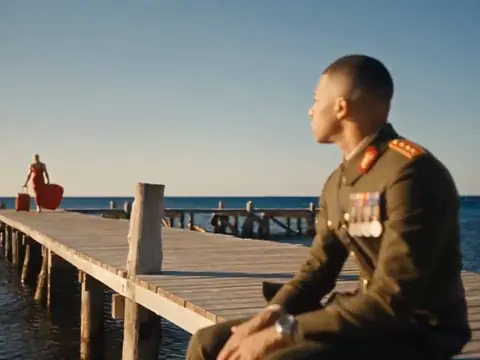
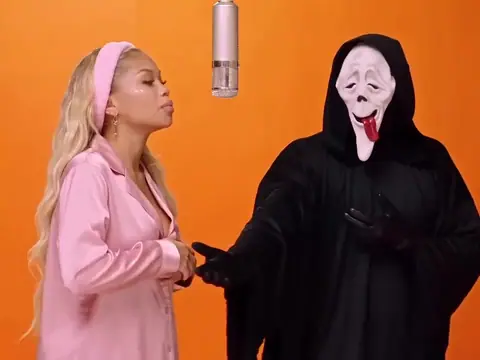
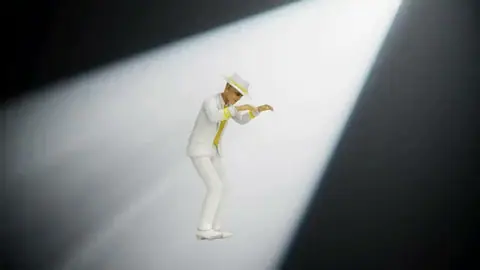
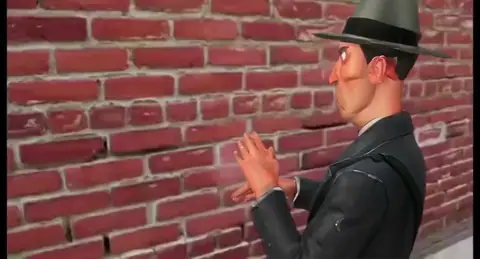
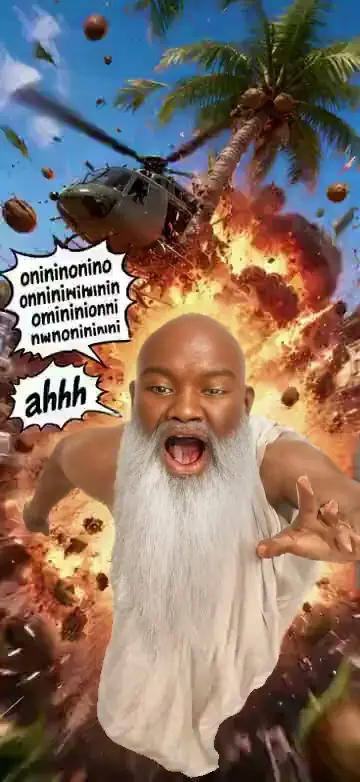
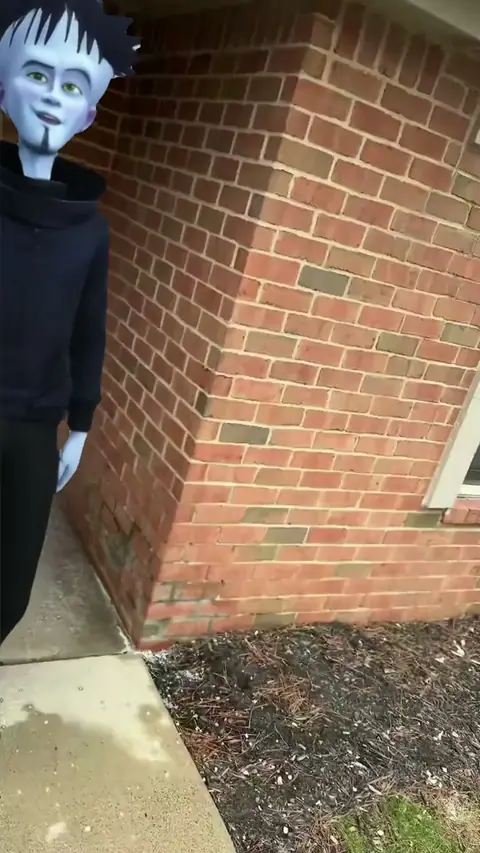
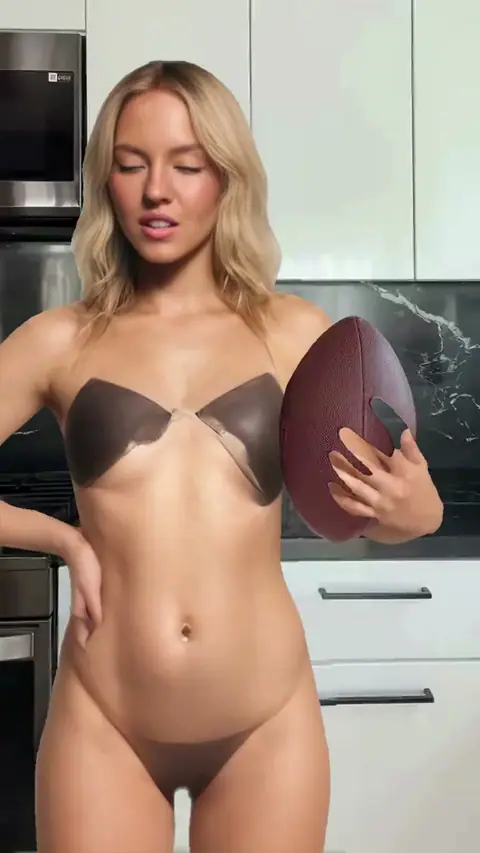
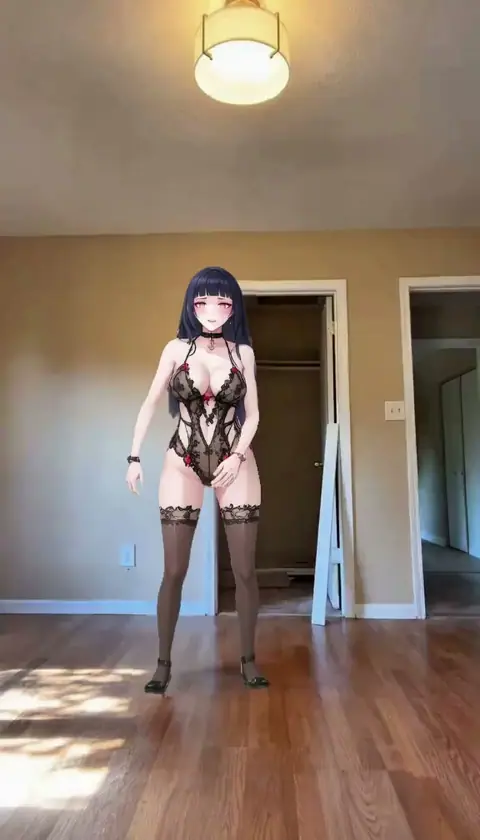
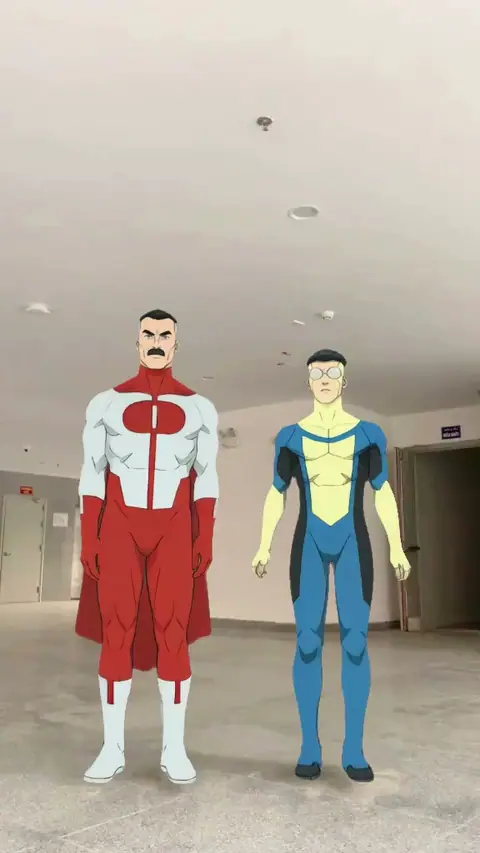
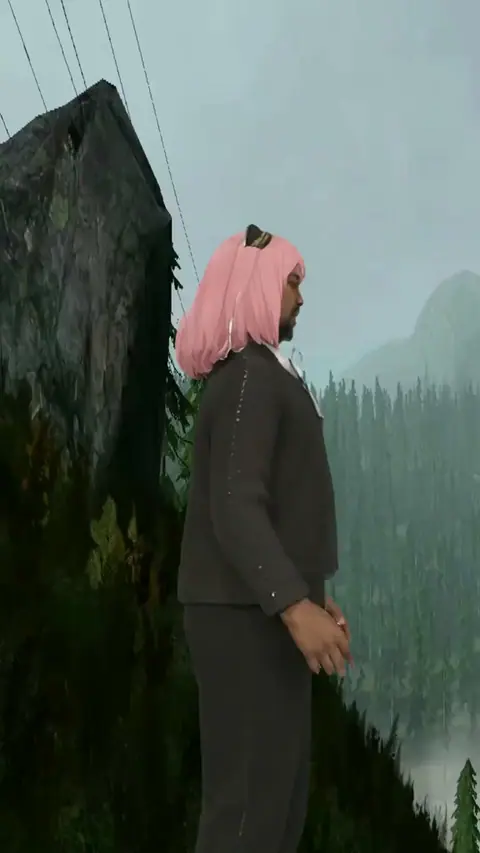
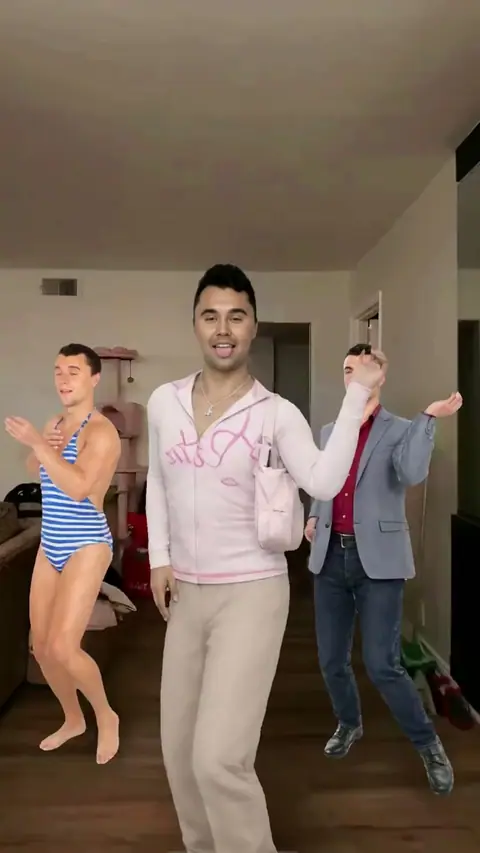
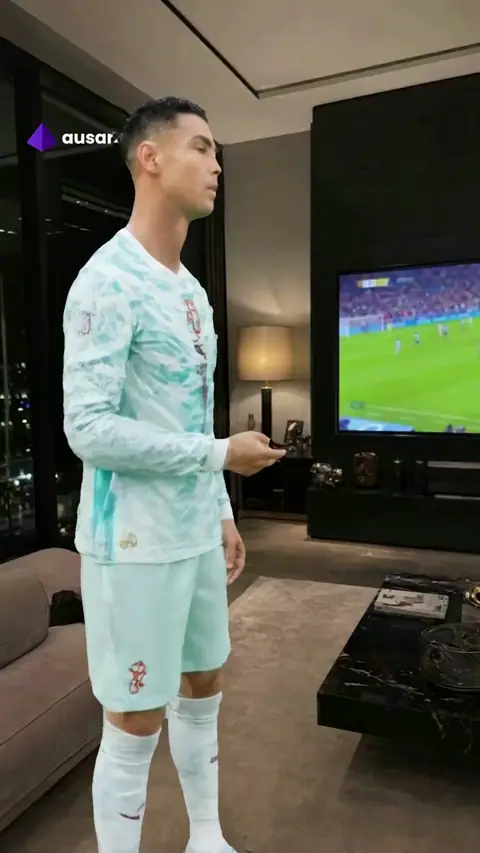
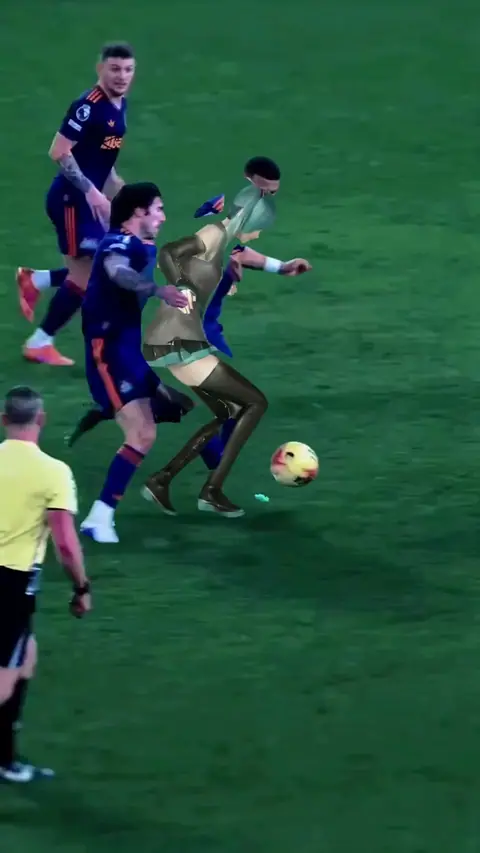
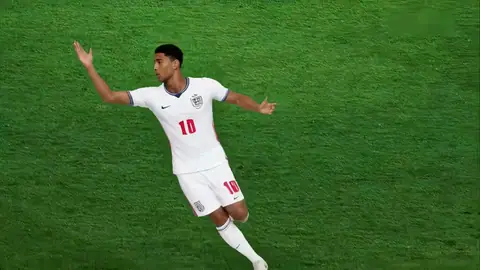
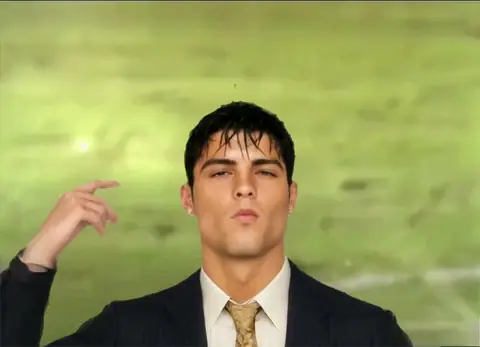
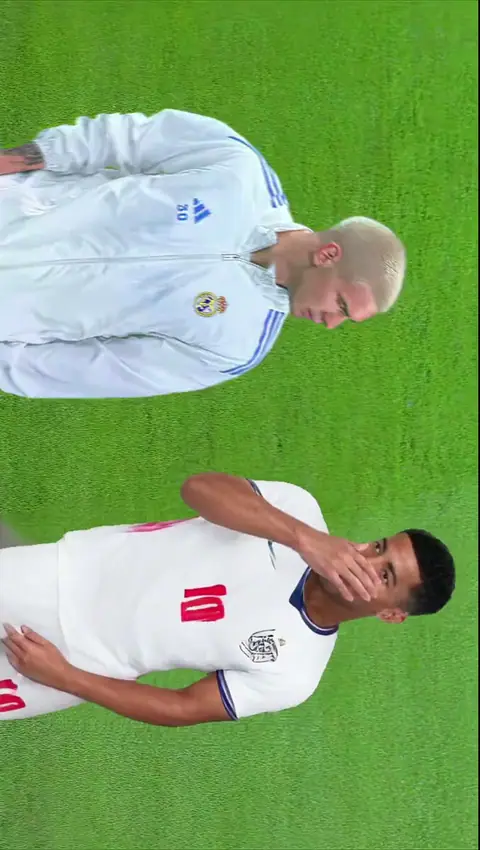
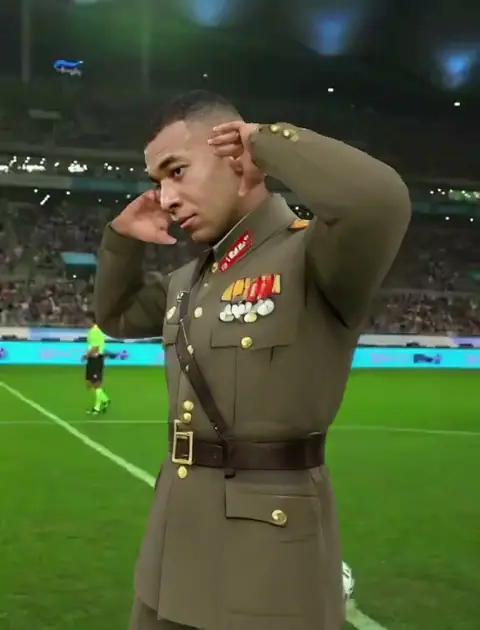
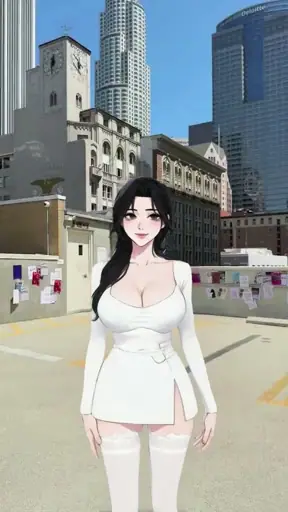
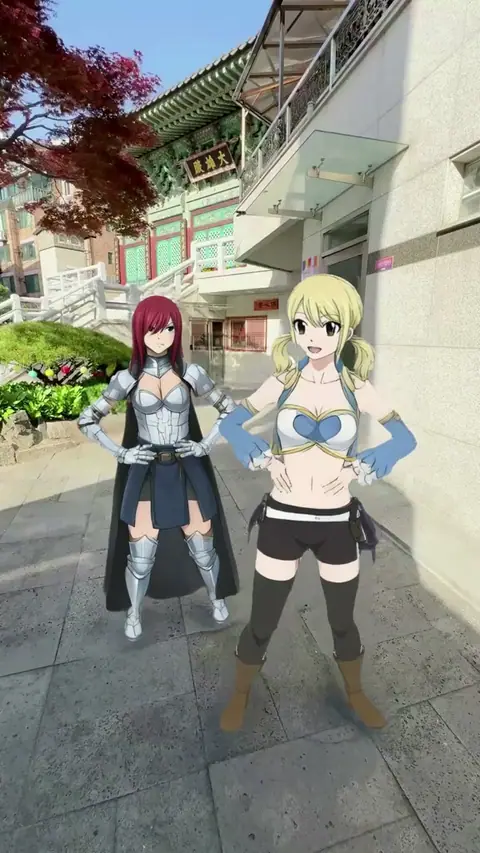
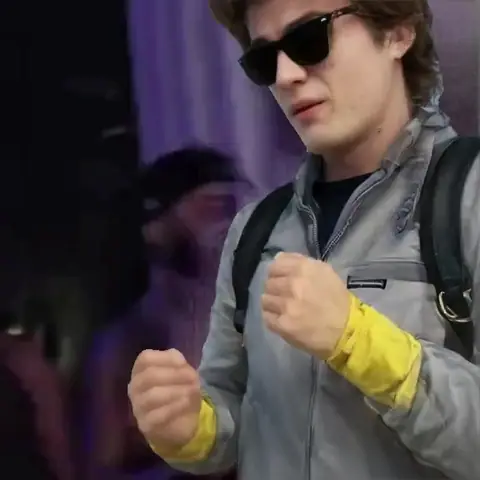
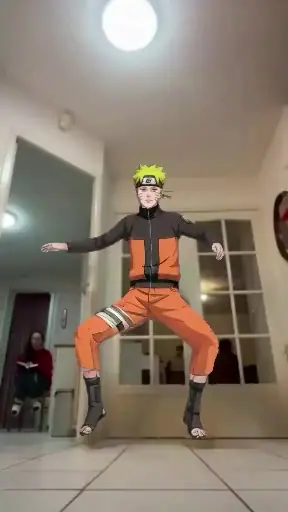
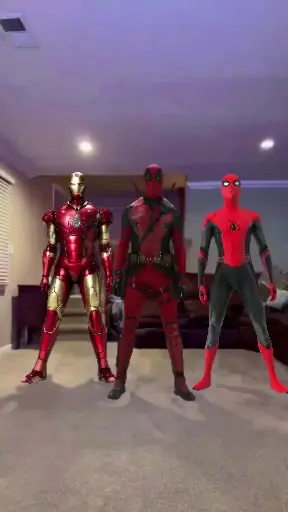
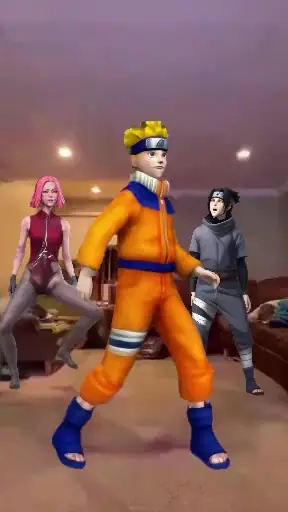
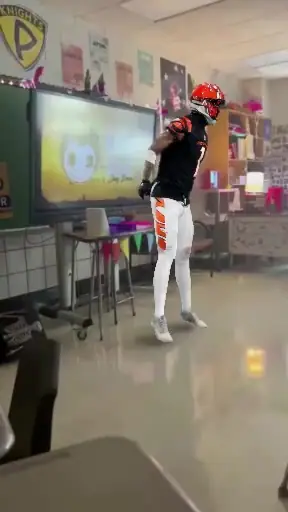
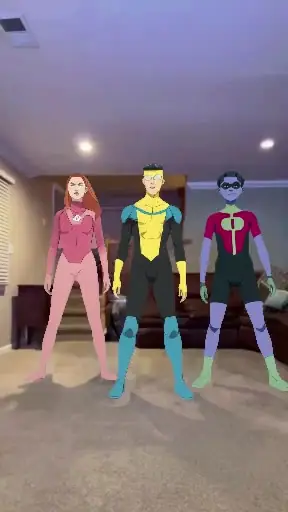
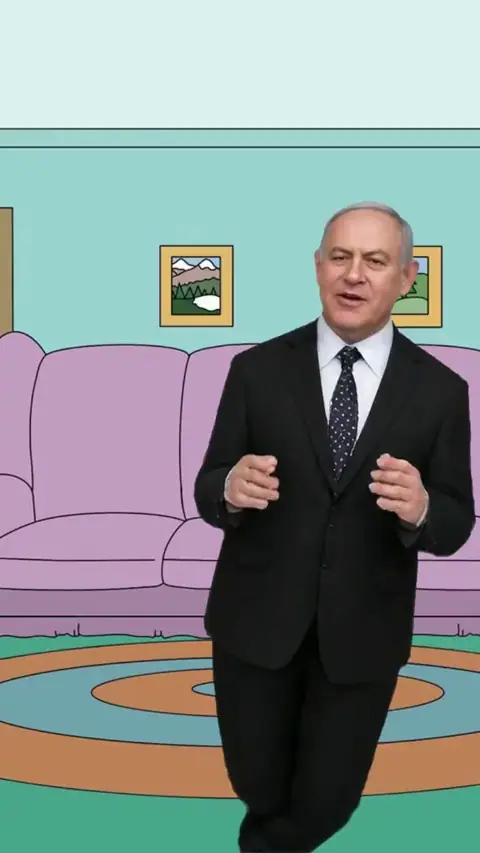
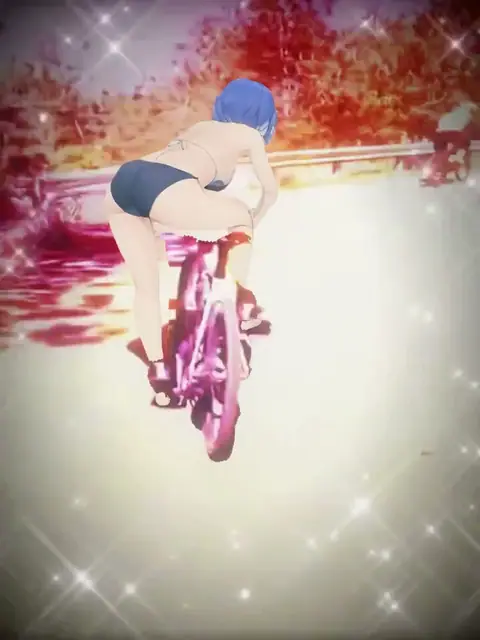
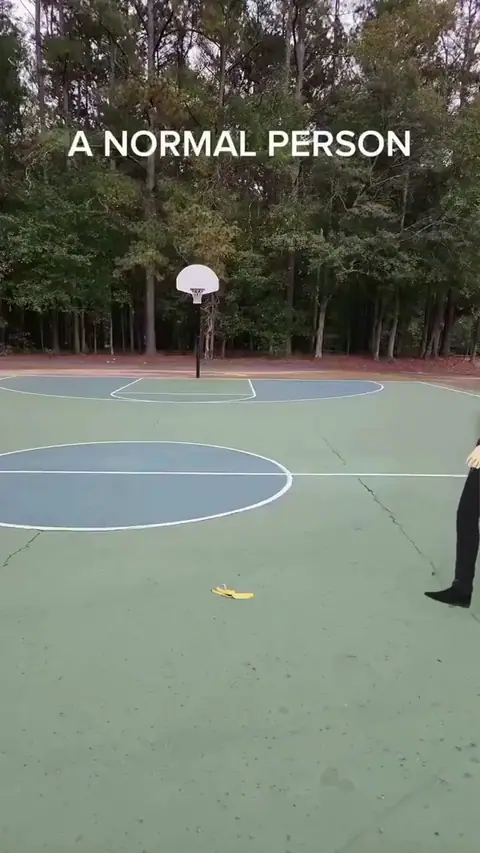
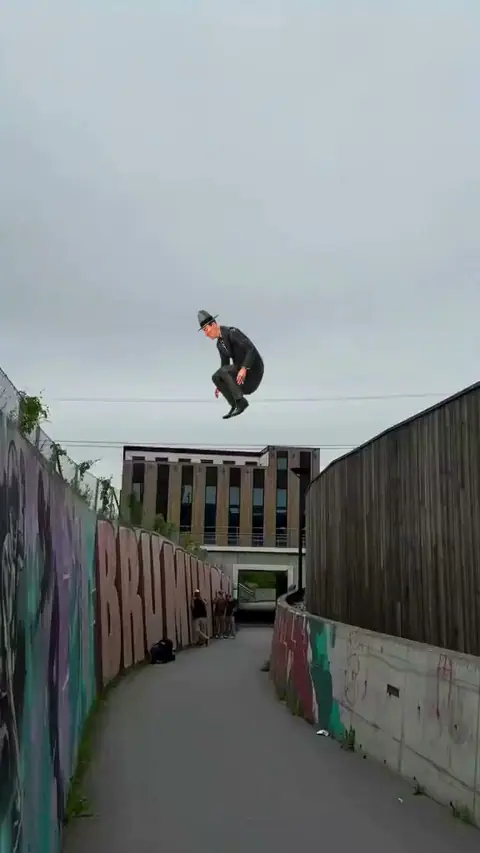
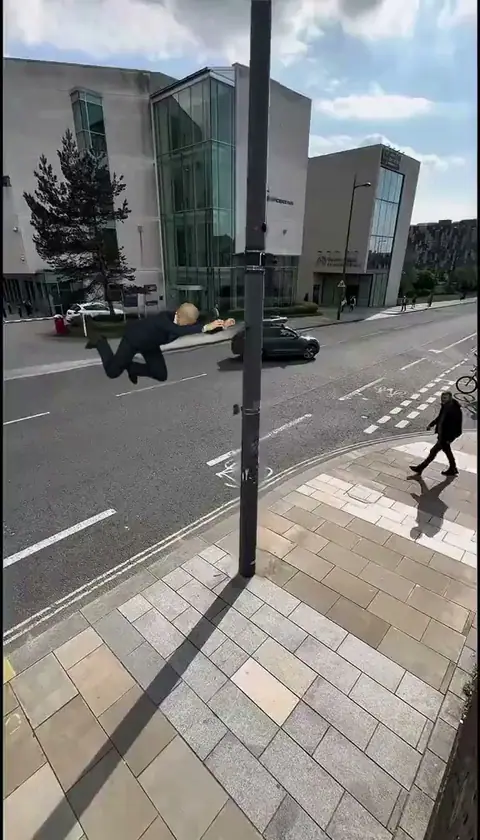
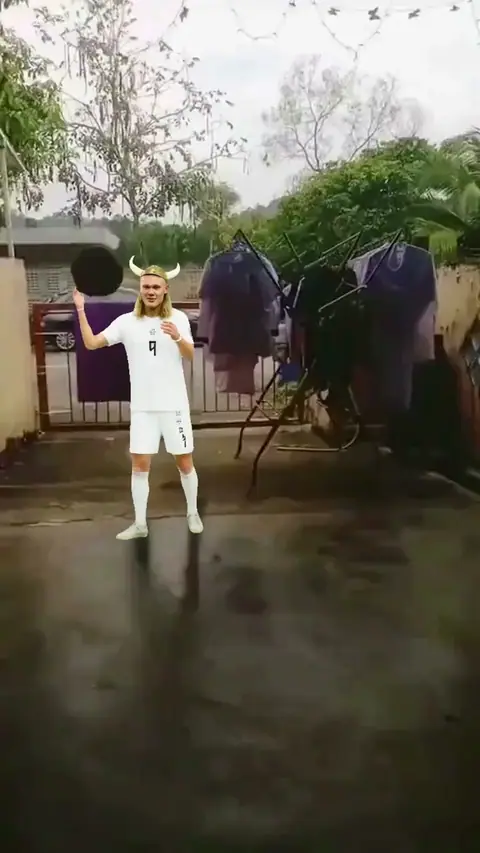
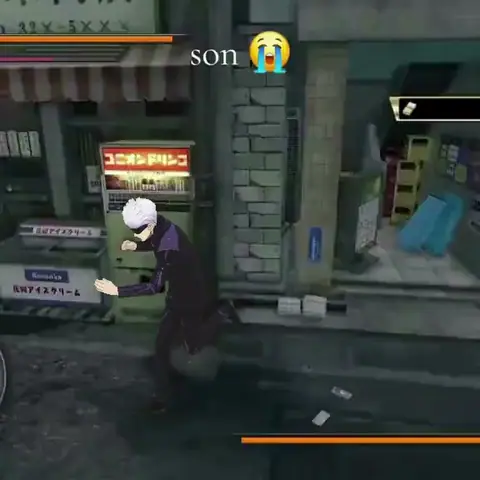
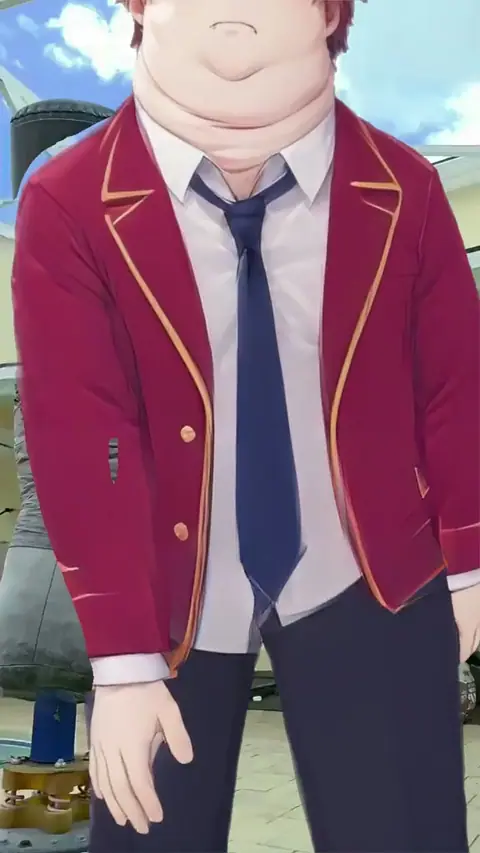
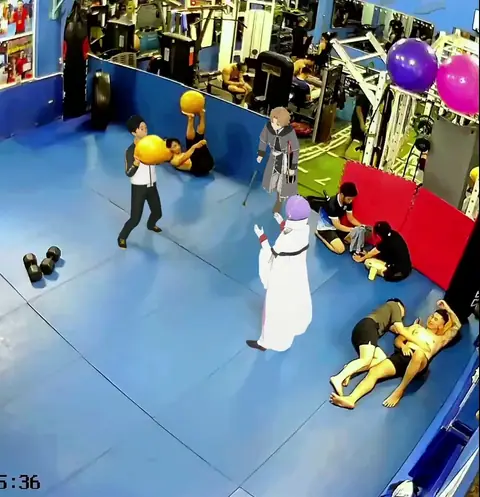
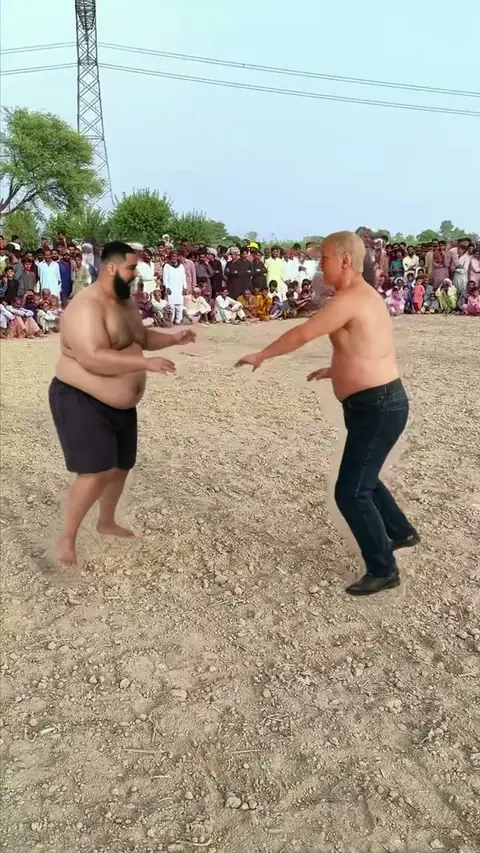
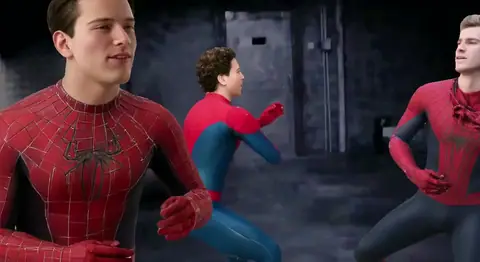
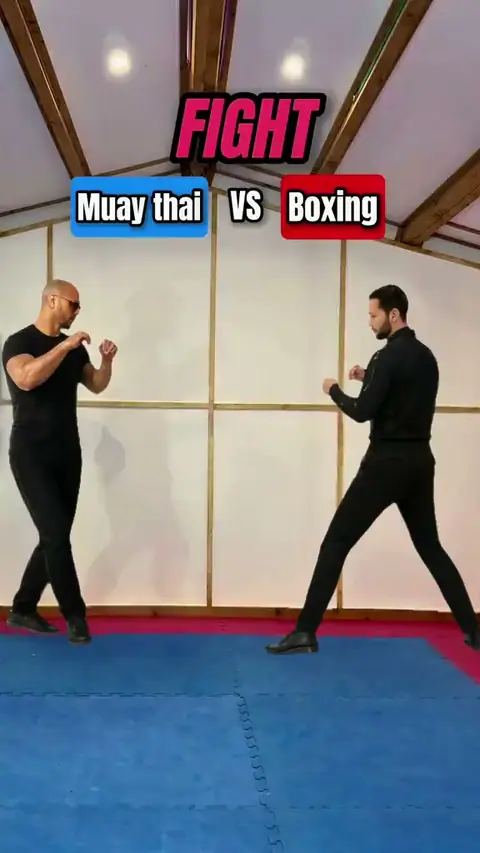
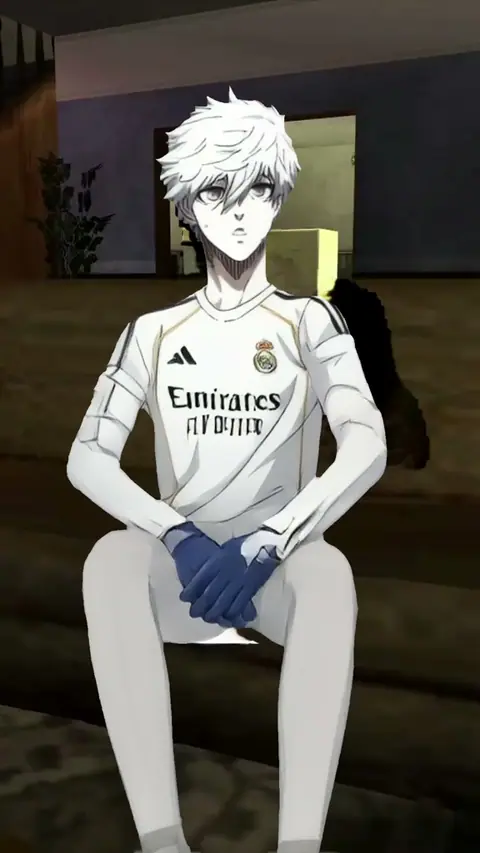
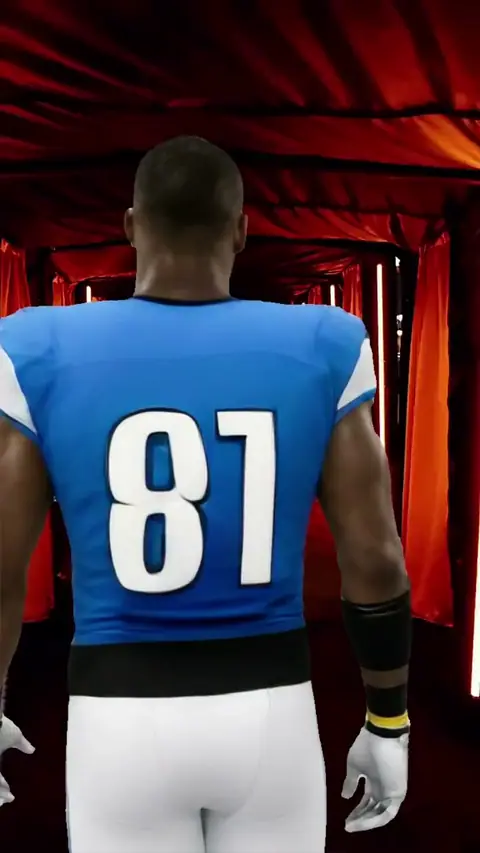
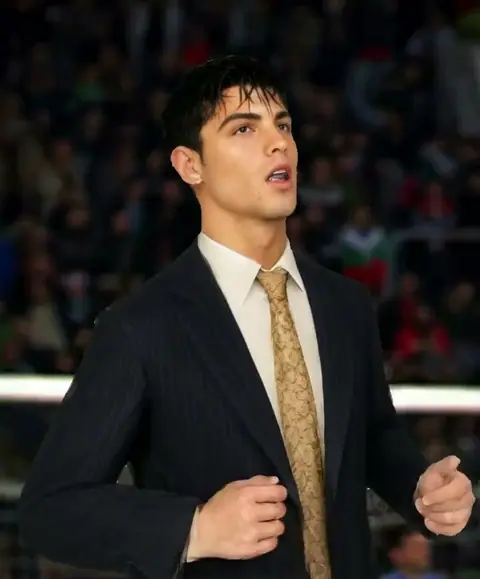
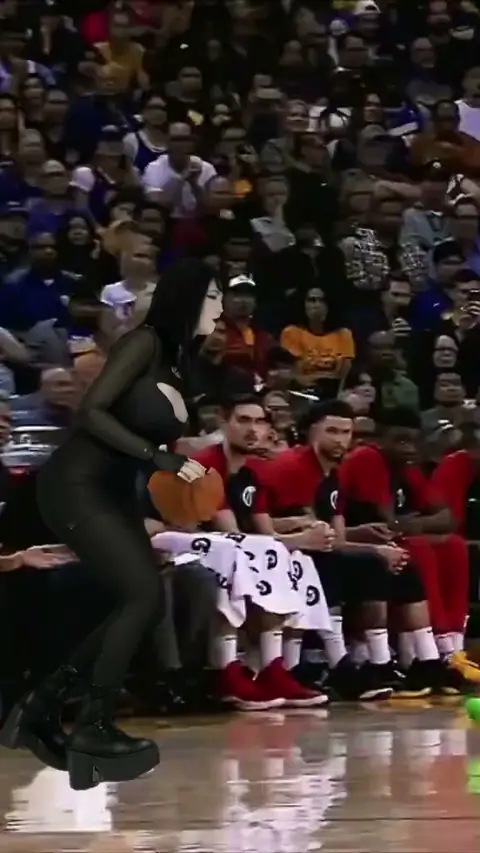
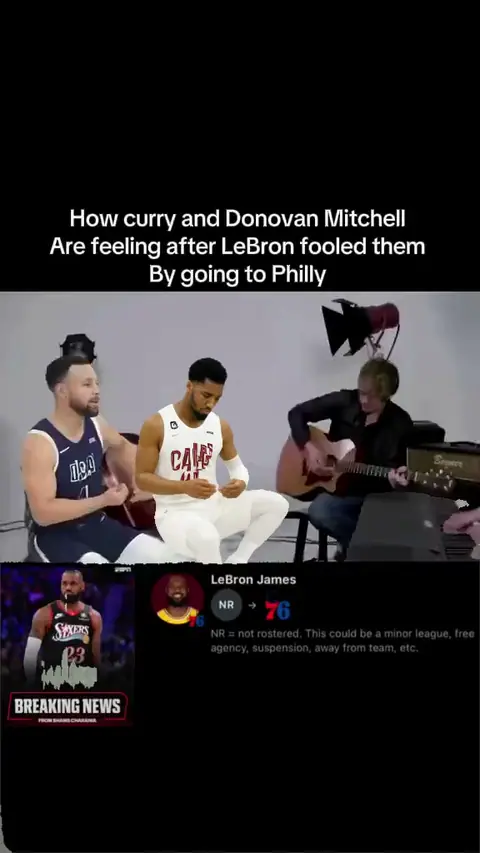
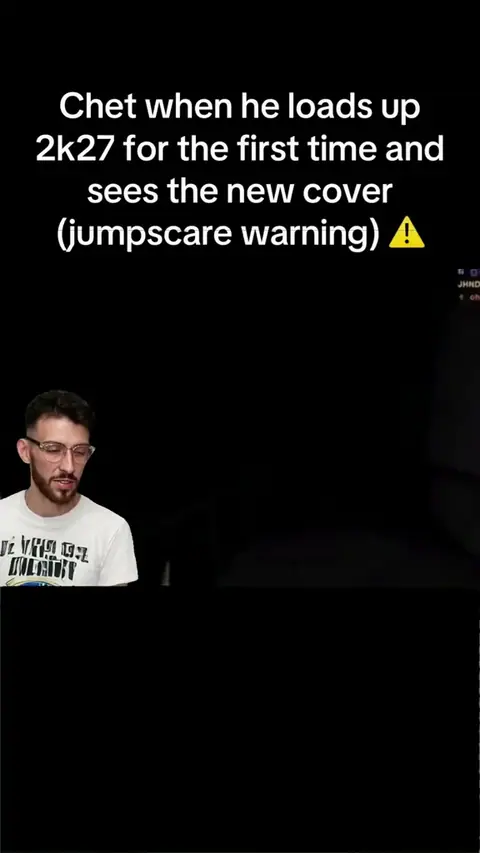
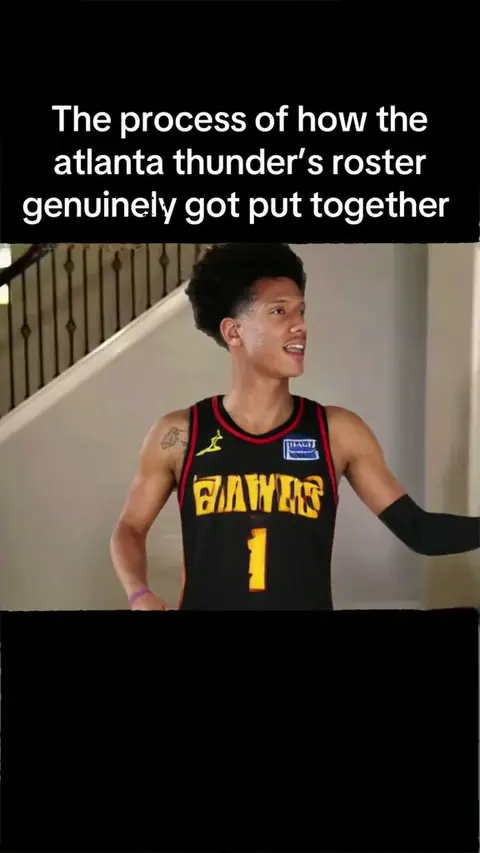
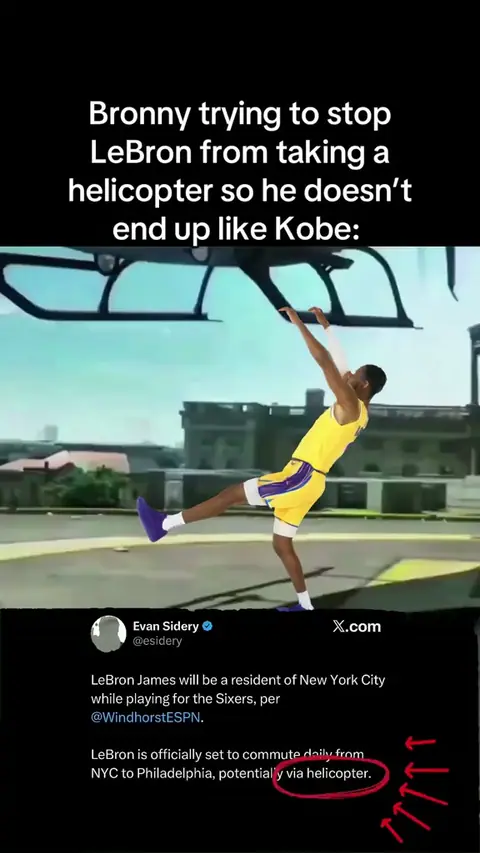
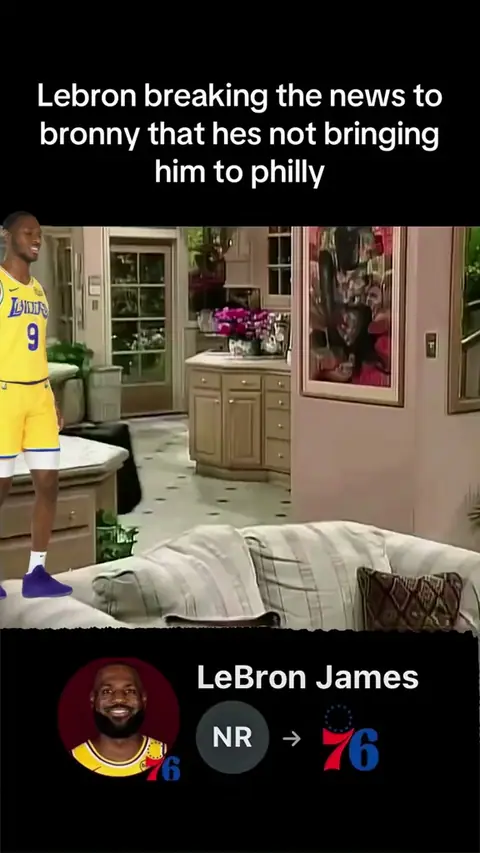
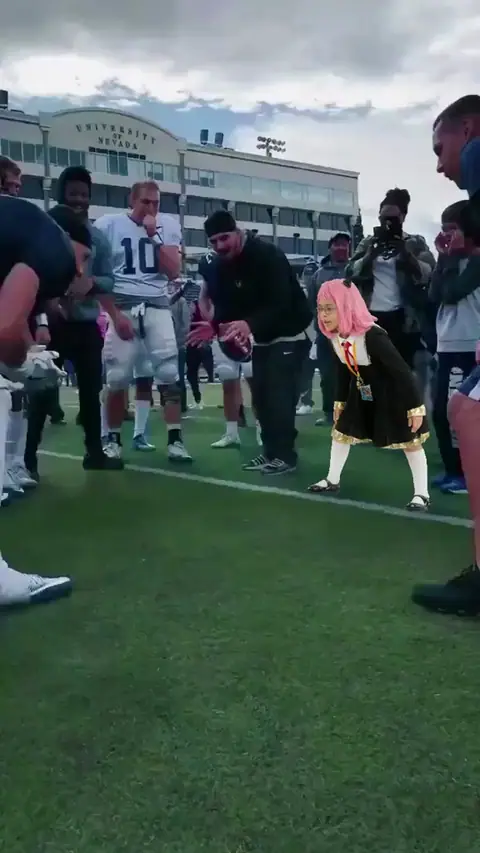
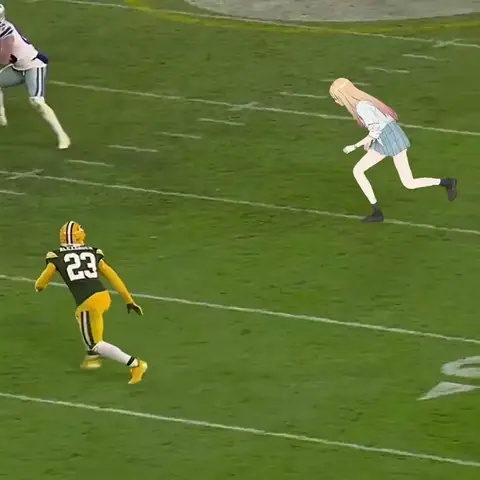
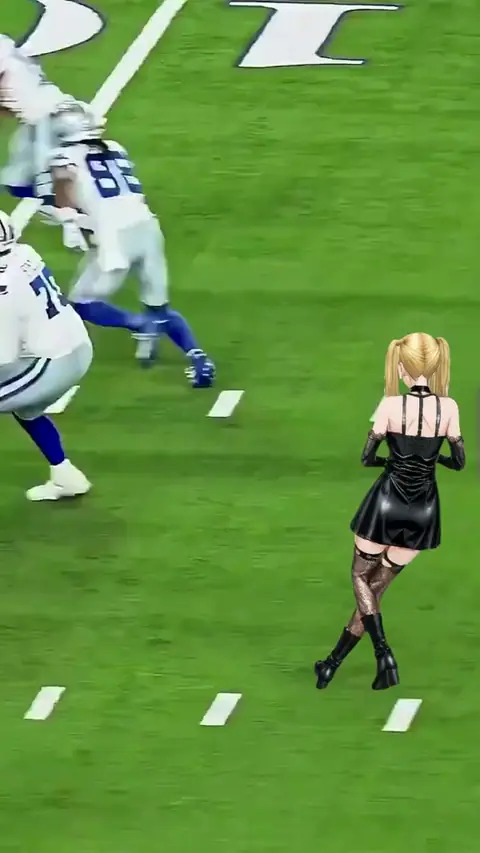
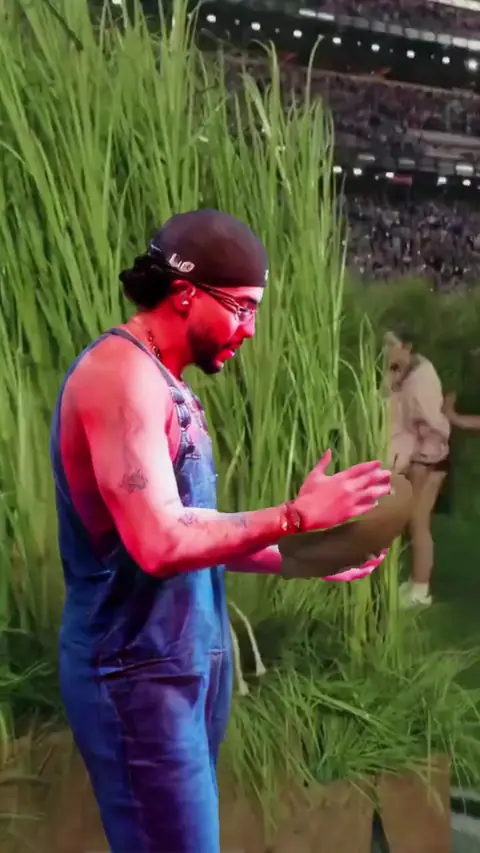
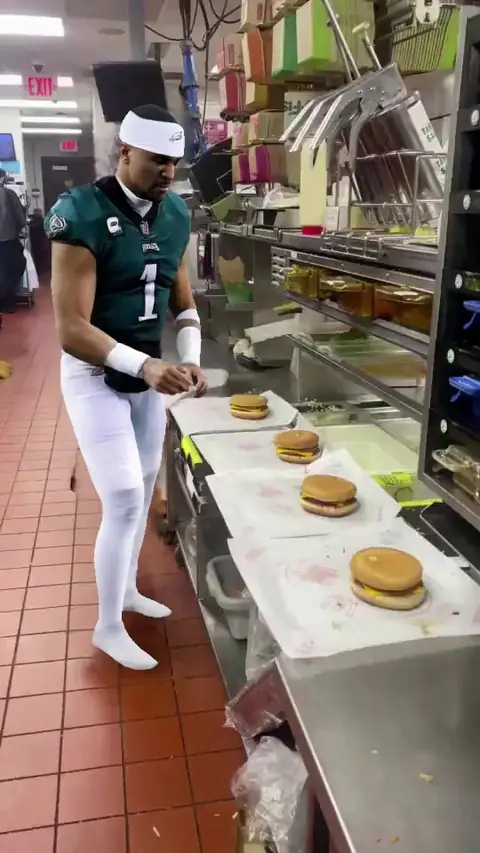
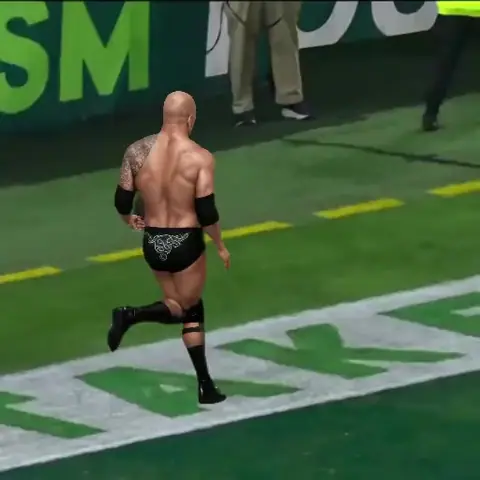
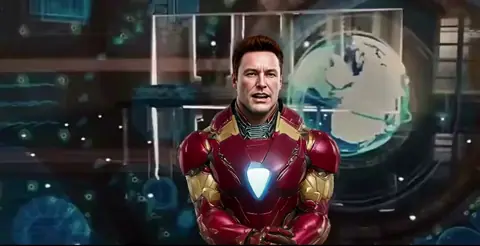
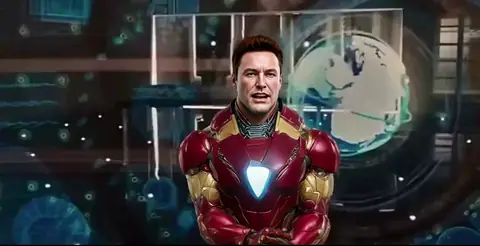
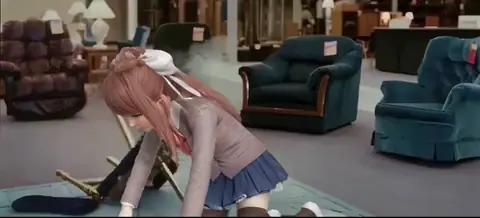
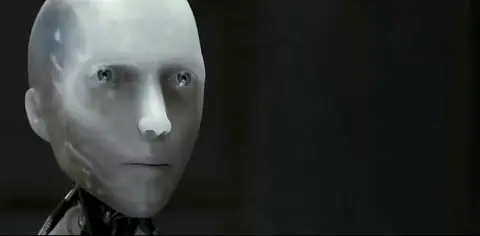
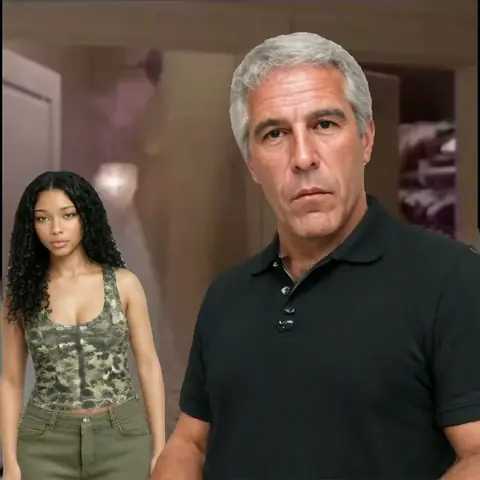
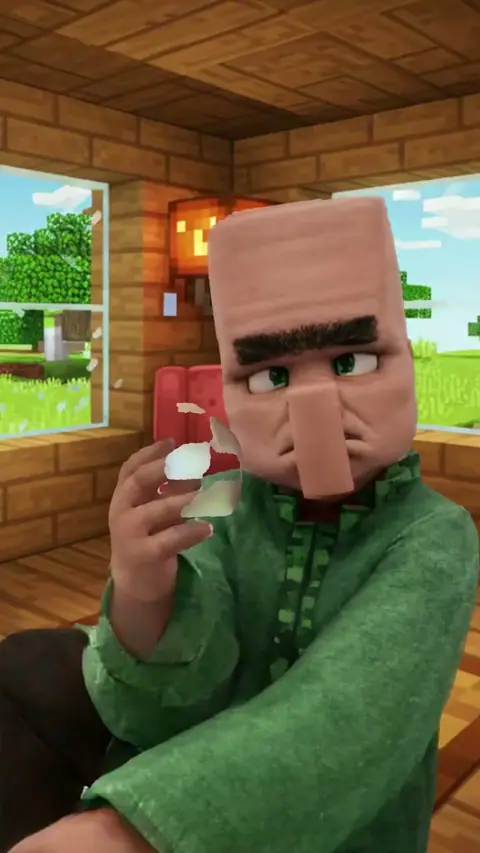
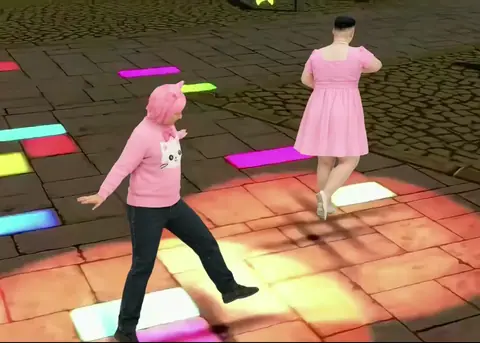
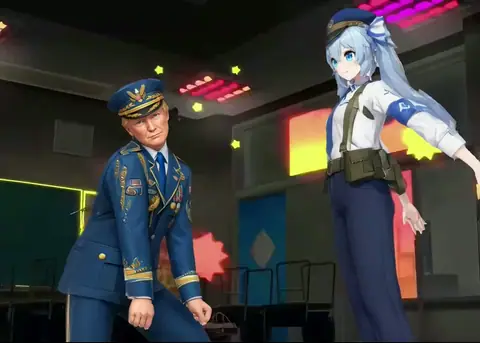
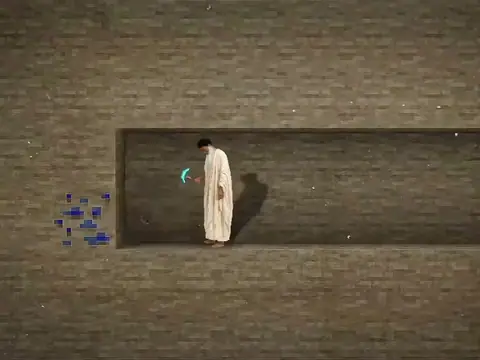
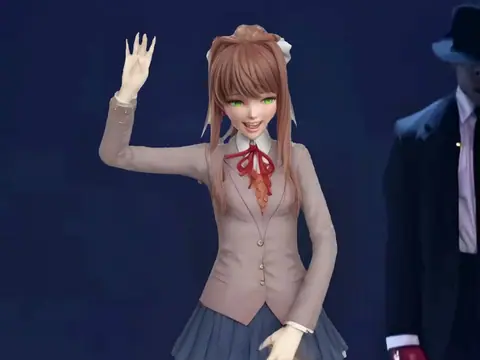
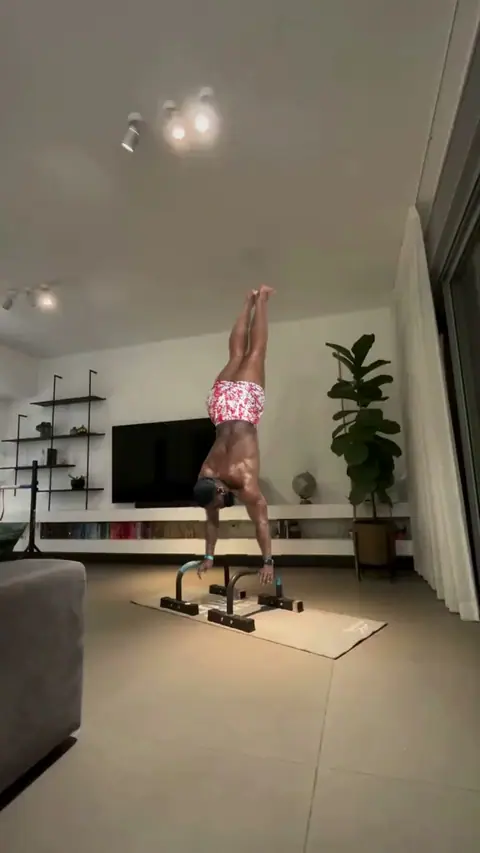
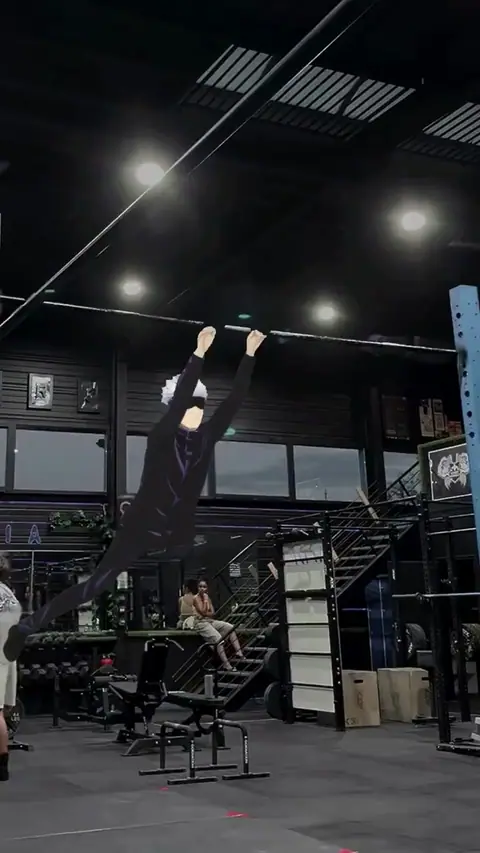
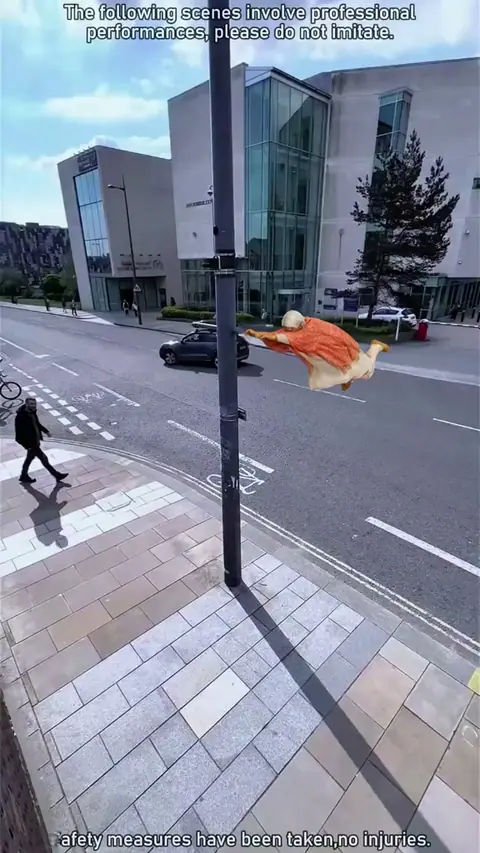
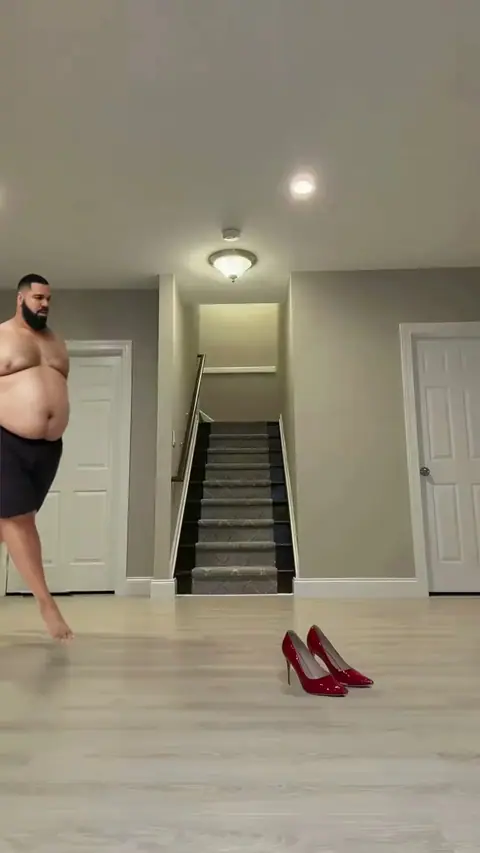
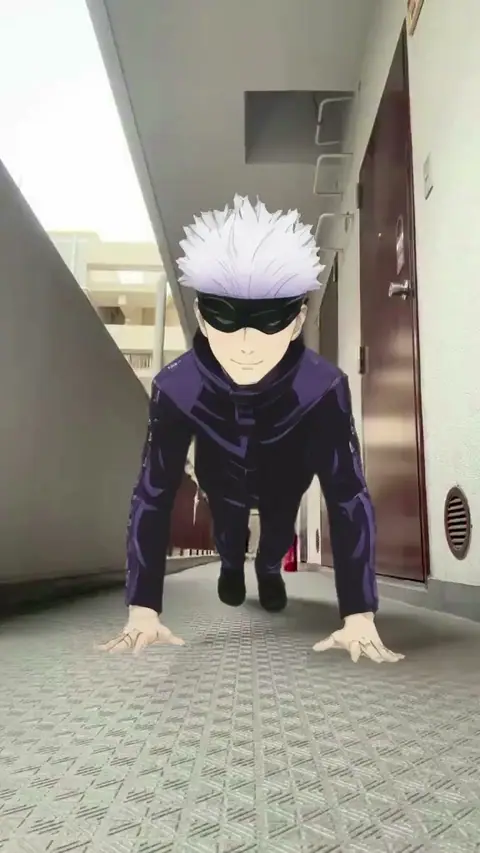
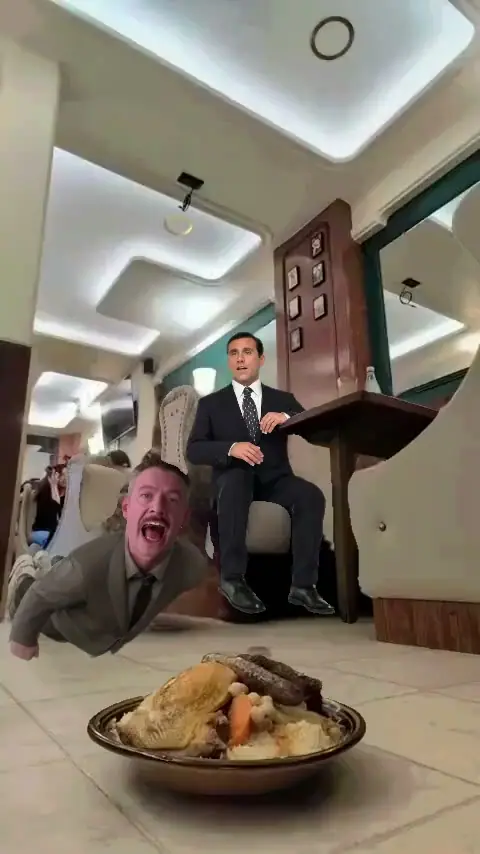
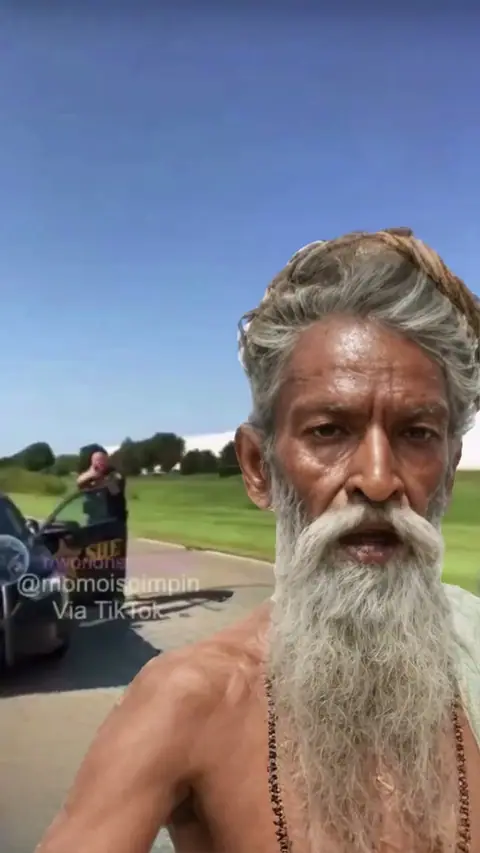
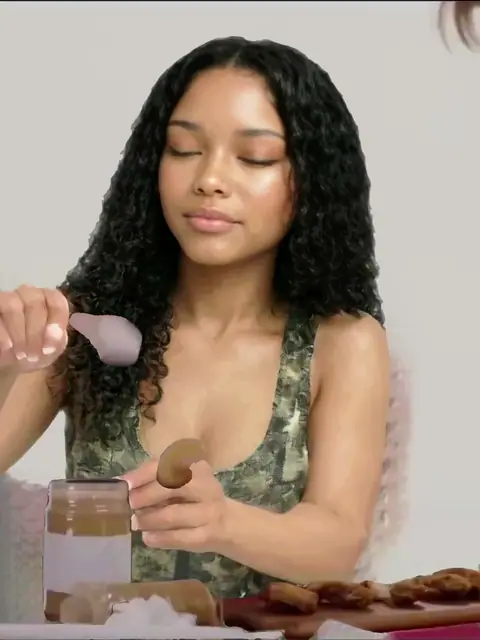
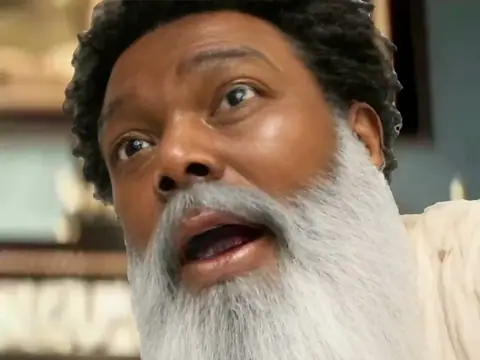
A Bolly template is a short viral clip: a meme, a dance trend, a sports or anime edit. You don't edit it yourself. You add a photo, and Mix, Bolly's character swap, recreates the clip with you as the person in it. The moves, the camera and the sound stay. Your face, hair and outfit come from the photo.
That's the difference from an editing template. An editor template gives you a layout and you drop your own footage in. A Bolly template already has the footage, and you're the one who gets swapped into it.
Templates by type
Each type has its own page with every template in it:
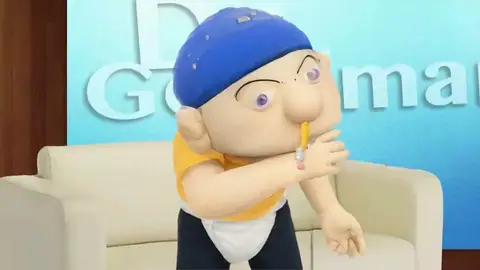
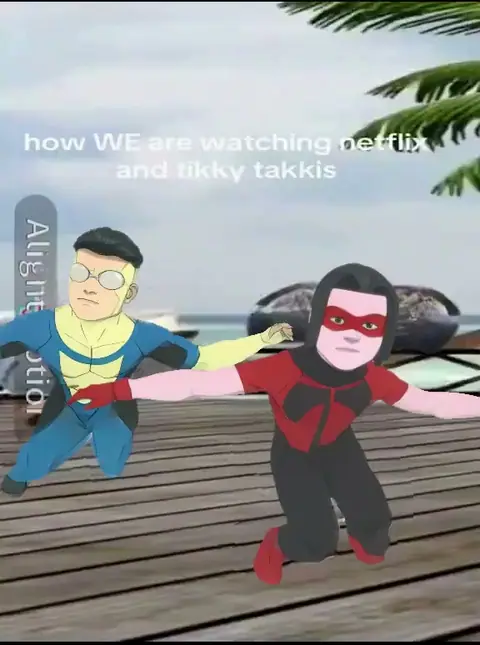
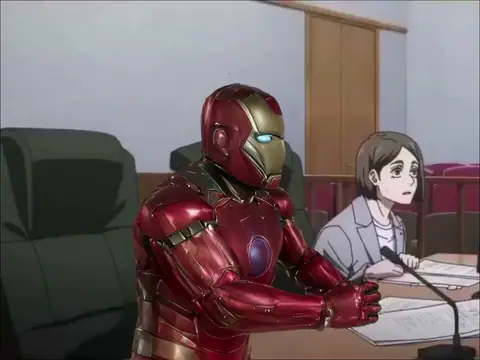
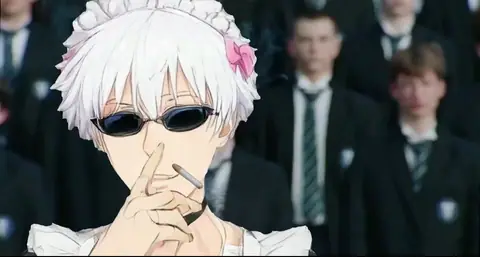
- Meme templates: reaction memes, slander edits and the clips everyone quotes.
- Dance templates: TikTok dance trends, where you do the choreography.
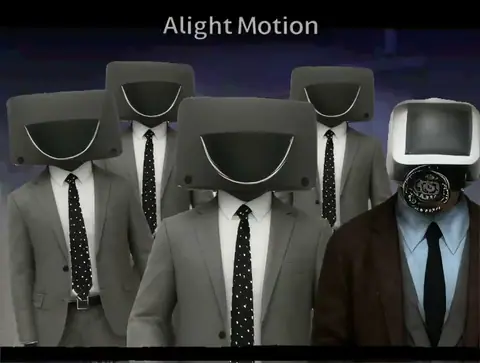
- Brainrot templates: the chaotic, very online clips.
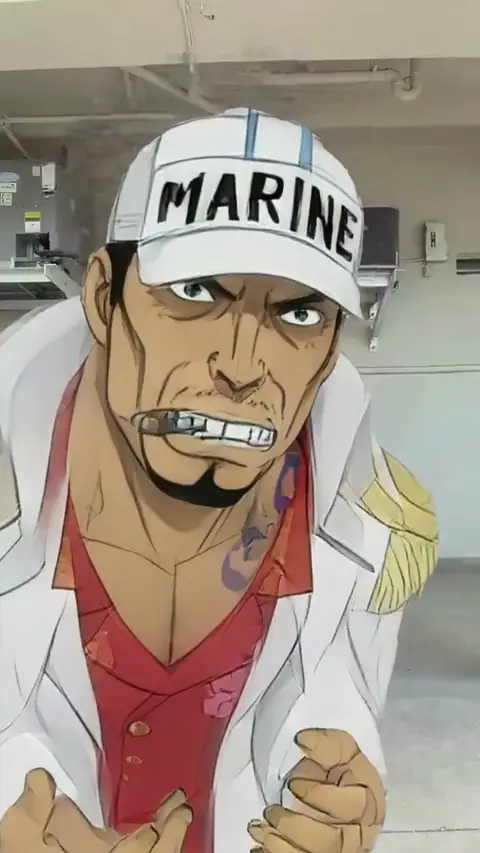
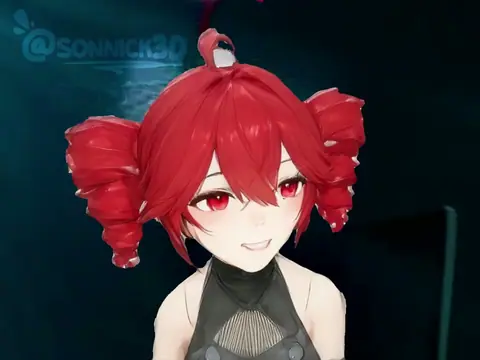
- Anime edits: you inside anime edits and Vocaloid trends.
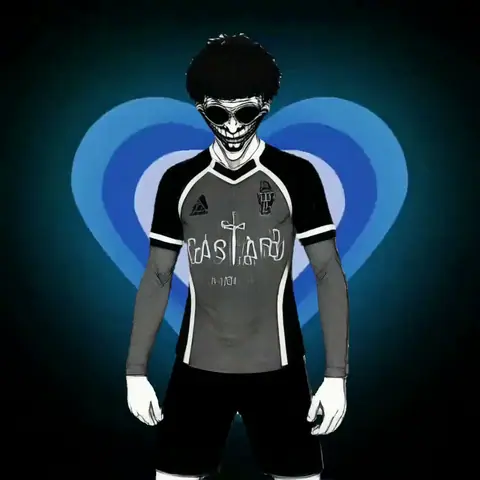
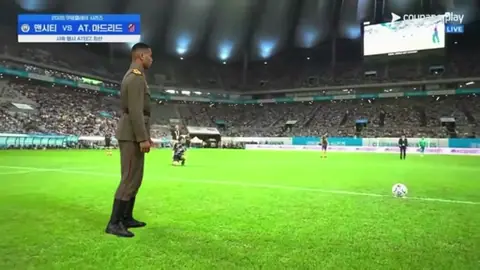
- Football edits: soccer edits with the game's stars.
- Kpop templates: idol dances and stage moments.
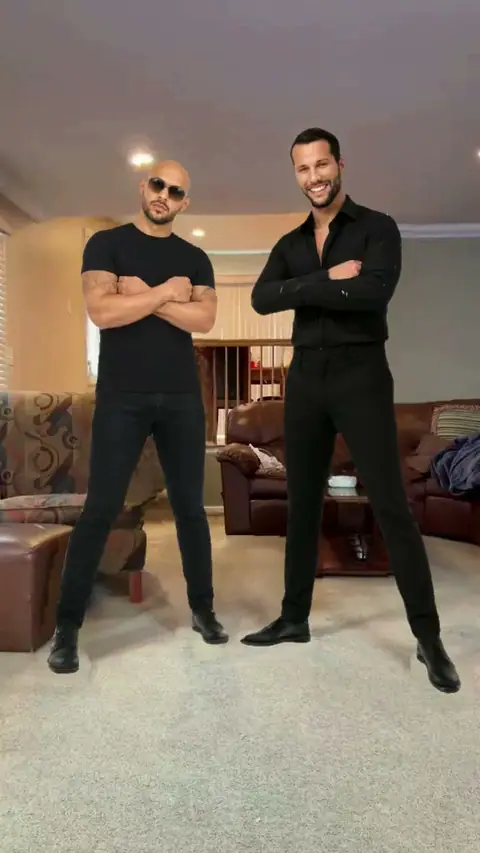
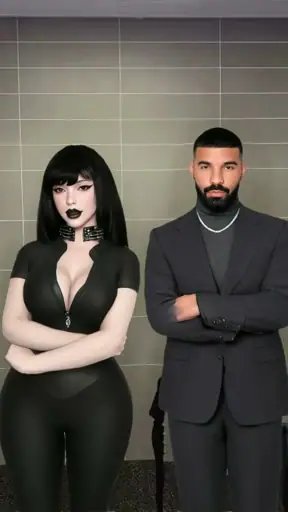
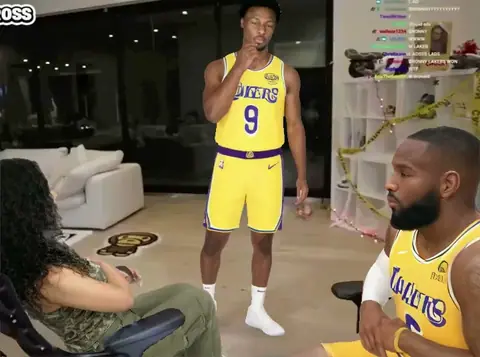
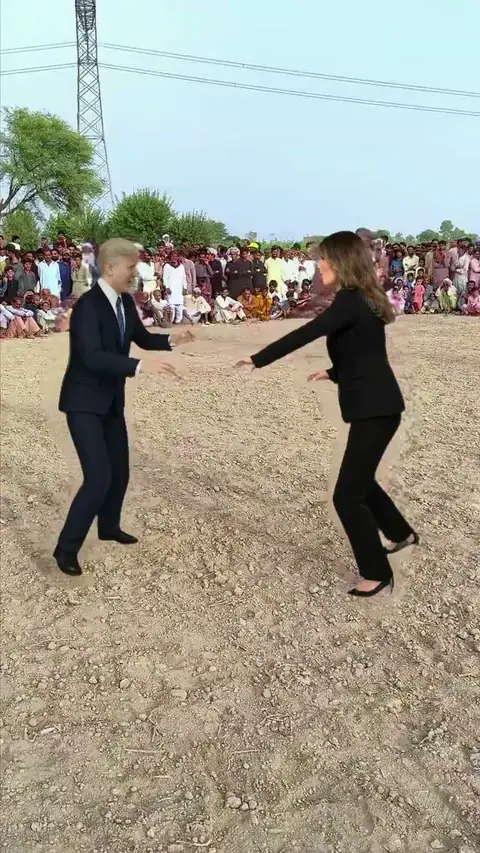
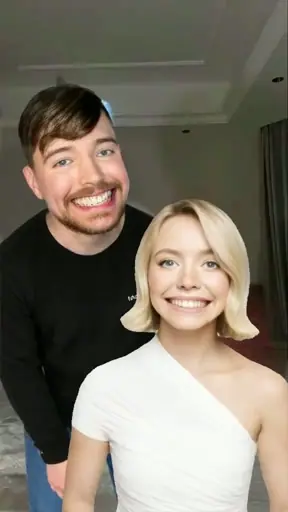
- Two-person templates: duets and pairs, with a photo for each of the two people.
- AI video edits: anime, football, NBA, NFL and movie edits in one place.
How to use a meme template
Pick a template
Open one from the rows above. The preview plays the clip with its sound, so you can check it's the moment you want.
Add your photo
One clear, front-facing photo per person. Two-person templates ask for a photo for each, and you can fill one seat or both.
Make the video
Press Remix. A paid run takes 2 to 4 minutes, and your free first video 1 to 3 minutes. You can leave the page while it works.
Download and post
The finished clip lands in your Library, ready to download and post to TikTok, Reels or Shorts.
Your first template video is free
Every Bolly account gets one free Mix video. It opens 24 hours after you sign up, and Bolly emails you when it's ready. It takes 5 of the 10 credits the Free plan refills each day, so the rest stay free for images.
- Where it works: 140 of the 216 templates, the one-person clips marked "Free first video". It also works on a pasted TikTok link.
- How it's made: on Viggle, from one photo.
- What you get: the full clip with a Bolly watermark that moves around the frame, plus an end card. The clean file downloads once you're on a paid plan.
What a template video costs after that
Paid runs use Kling 4.0, priced by the length of the clip. A full 15-second template costs 113 credits, and a short meme loop costs 46. Starter is $19 a month with 300 credits: two full templates or six loops a month. Plus is $59 a month with 1,200 credits. Each template shows its price before you run it. See plans.
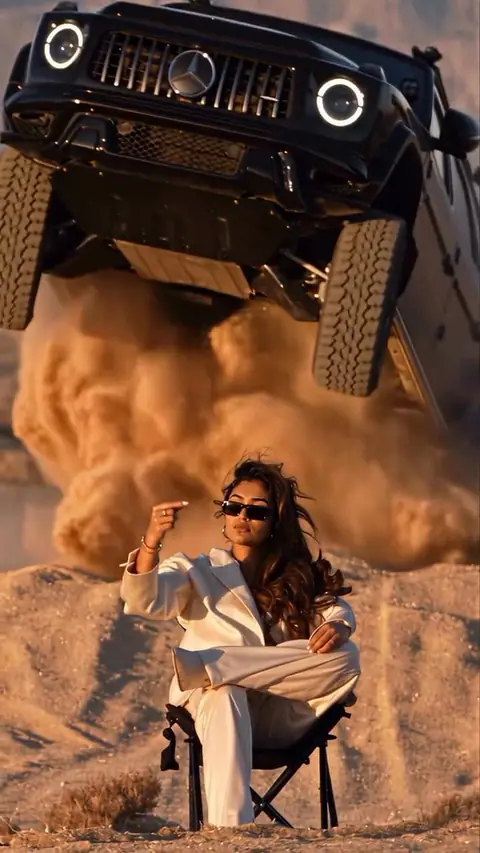
A few templates run on a model picked for them, so their price can differ: Raindance, Car Jump, Storm - Assembly or Fan Outfit Transition.
Don't see your trend? Use the link
Paste a public TikTok link into character swap, and Mix uses the first 15 seconds of the clip as the template. Clips people bring in this way can become community templates once Bolly reviews them, and the newest ones show up near the top of the home page.
Whose face you can use
Use your own photo, or a photo of someone who has agreed to it. Never use a photo of anyone under 18, and don't put real people in clips that could pass for real footage of them. Label your video as AI-made when you post it. The full rules are in the Responsible AI policy.
Frequently asked questions
Are Bolly's meme templates free?
Your first template video is free. It opens 24 hours after sign-up, works on 140 of the 216 templates, is made on Viggle and carries a watermark. After that, template videos come with the paid plans, from Starter at $19 a month with 300 credits.
How many templates are there?
216, sorted into types like memes, dances, brainrot, anime, football and Kpop. Hot Picks at the top holds the newest trends.
How do I use a meme template?
Open a template, add a clear photo of yourself, and press Remix. Mix recreates the clip with you in it, and the video lands in your Library.
Can two people be in one template?
Yes. Two-person templates take a photo for each person, up to two. You can also fill just one seat. See the two-person templates.
How long are template videos?
Up to 15 seconds, the length of the clip. Short meme loops are repeated to about five seconds so they play well on their own.
Can I use a TikTok video as a template?
Yes. Paste a public TikTok link into character swap and Mix uses its first 15 seconds. Your free first video works on a link too.
Is this like a CapCut template?
No. An editing template is a layout you fill with your own footage. A Bolly template is the original clip, and Mix swaps you in as the person in it, so you don't need to film anything.