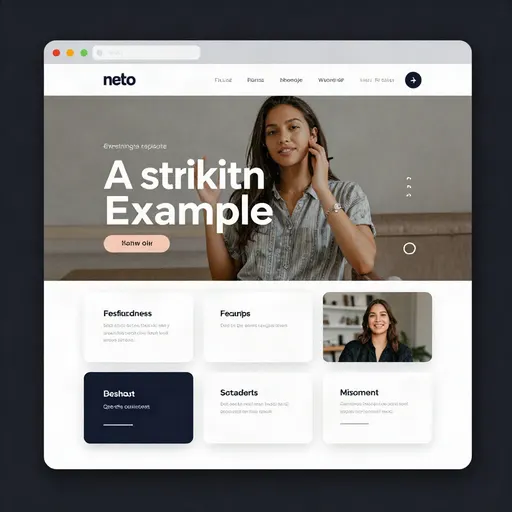
GPT Image 2: AI image generator and editor by OpenAI
Image generation & editing — run it online on Bolly from 8 credits, free plan included.
OpenAI's flagship image model with best-in-class instruction following, typography and multi-image editing.
Overview
| Model | GPT Image 2 |
| Developer | OpenAI |
| Type | Image generation & editing |
| Output | Image |
| Modes | Generate (8 cr), Edit (8 cr) |
| Credits | from 8 per run · 1 credit ≈ $0.05 |
| Plan | Free plan and up |
| Added | 2026-04-20 |
How to use GPT Image 2 on Bolly
- Open GPT Image 2 on Bolly, or start from an app built on it.
- Describe what you want, or attach a file and say what to change.
- Set the format and options in the composer for your use case.
- Generate. Results stream into your Library where you can download, favorite or reuse them.
Apps built with GPT Image 2
- Web Designer — Landing pages & UI mockups
FAQ
What is GPT Image 2?
GPT Image 2 is OpenAI's AI image generator and editor. OpenAI's flagship image model with best-in-class instruction following, typography and multi-image editing. On Bolly you can run it in your browser with no setup.
Is GPT Image 2 free to use?
Yes — every Bolly account gets 10 free credits a day, and GPT Image 2 starts at 8 credits per run. Paid plans from $19/month add monthly credits.
How do I use GPT Image 2 on Bolly?
Open this page, describe what you want or attach a file, pick your settings (quality, images) and hit generate. The composer shows the exact credit price before you run, and results land in your Library.
How much does GPT Image 2 cost?
Runs start at 8 credits on Bolly (about $0.40). Longer clips, more images or higher resolutions cost more, and the composer shows the exact price before you generate.