What Viggle Remix does
Video Remix is the Viggle mode behind your free video. Give it a clip and one photo, and it finds the clip's main person and puts the one from your photo in their place. The moves, timing, camera, background and sound stay as filmed.
There's no prompt to write. Remix reads your look from the photo, so your face, hair, skin tone and outfit carry into the clip. It swaps one person per video, always the lead, which is why the free video is for one-person clips.
Note: Bolly and Viggle
Bolly is an independent app, not affiliated with Viggle. For your free video, Bolly sends your photo and the clip to Video Remix through Viggle's developer API and saves the result to your Library.
How to make your free Viggle character swap
Sign in with Google
Your account holds the free video. It unlocks 24 hours after sign-up, and we email you when it's ready.
Choose a one-person clip
Pick a one-person template on the home page, or paste a public TikTok or Instagram Reel link. Mix keeps a link's first 15 seconds.
Add one photo
A JPG, PNG or HEIC of just you, up to 30 MB: a sharp selfie, facing the camera, in good light.
Press Swap me in
Remix usually takes 1 to 3 minutes. Close the tab if you like; the finished video turns up in your Library by itself.
Exactly how the free video works
You get one free character swap per Bolly account, rendered by Viggle. The terms:
- Once per account, a day in. The offer unlocks 24 hours after your first Google sign-in, and an email says when.
- One photo, one person. It covers 140 of the 216 templates, plus community templates and pasted links.
- Viggle's Video Remix makes it. No prompt, and usually 1 to 3 minutes.
- It's watermarked. A Bolly.AI logo shifts position as the video plays, and a brief end card follows the last shot. Upgrade, and the same video downloads clean.
- It takes 5 of the Free plan's 10 daily credits. They come back each day, and the rest cover image, audio and tool models.
Two-person templates are out, and so are Raindance, Car Jump, Storm and Fan Outfit Transition, which run on engines of their own, plus the few where Remix lost a prop or missed shots in our tests. Those need a paid plan.
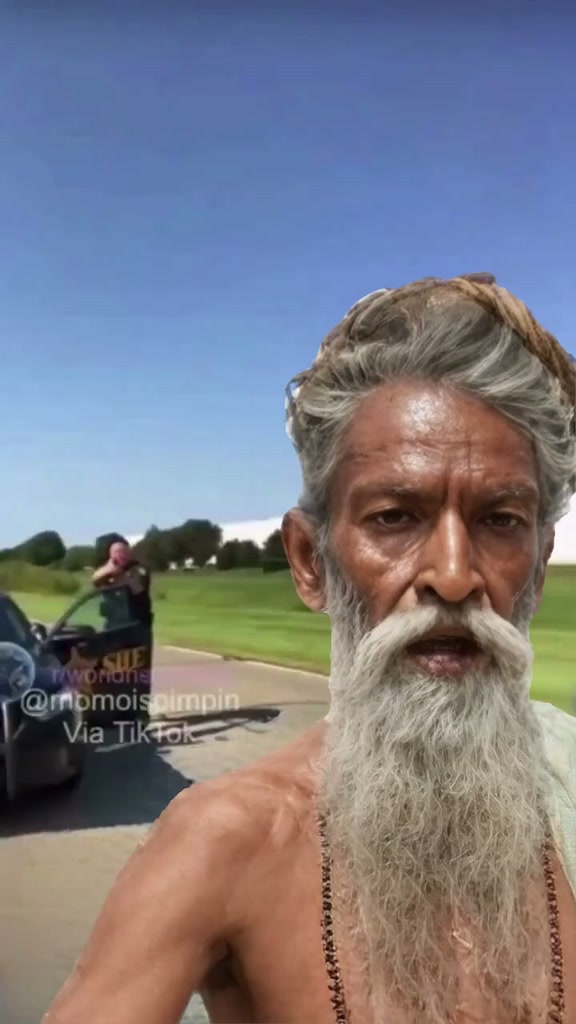
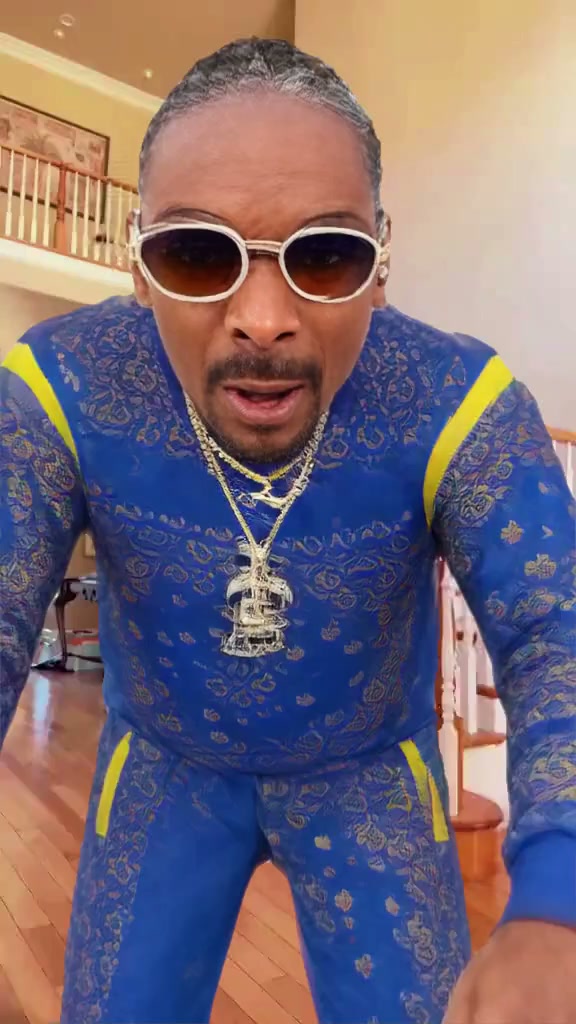
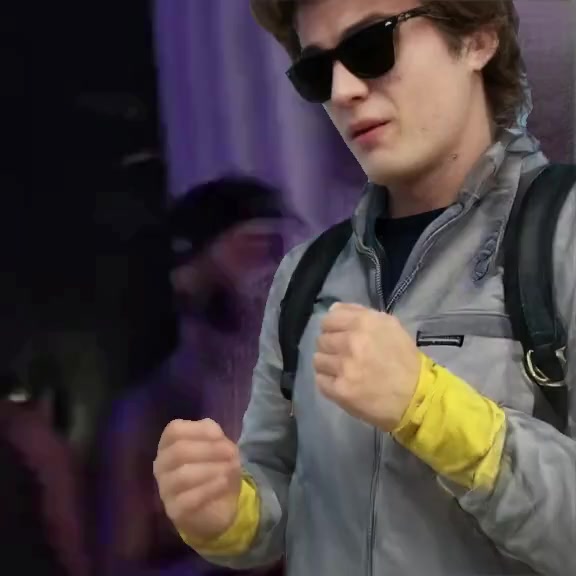
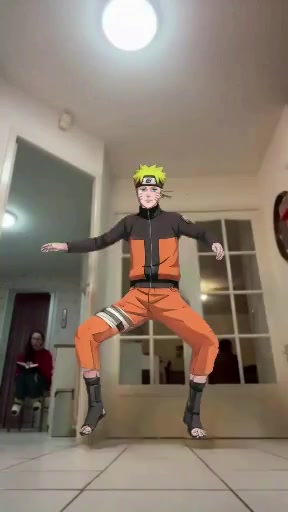
One-person templates to start with
Each has a single lead and came through a real Remix run in our tests with the scene intact.

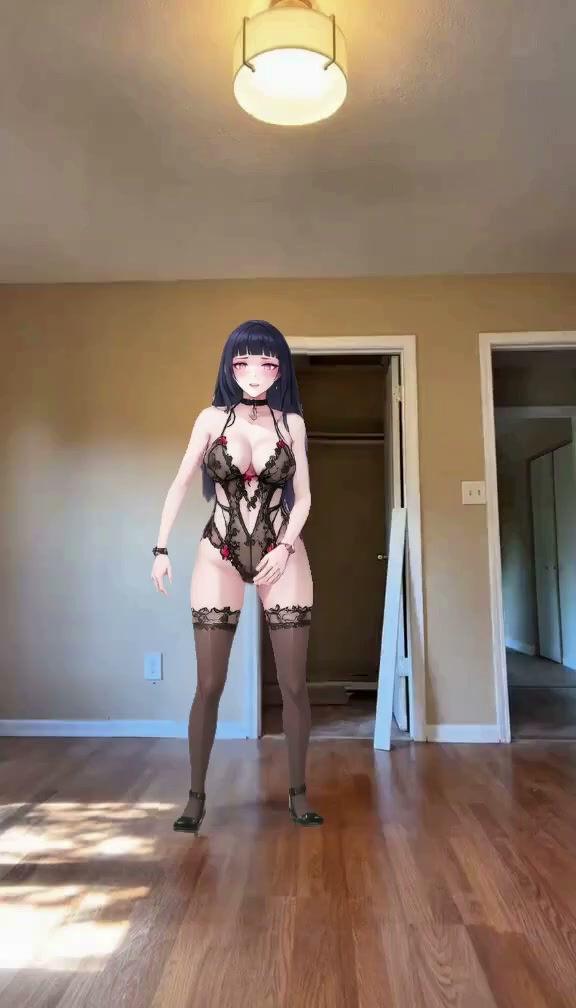
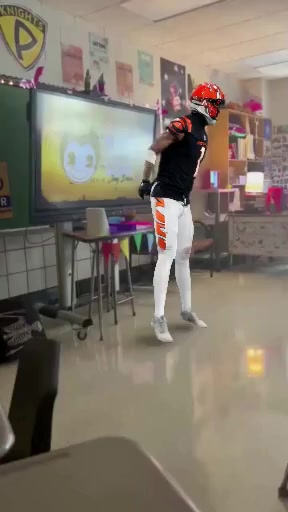
What comes back
- The clip, recast. The moves, timing, camera and background stay the clip's; the lead is you.
- Your look. Face, hair, skin tone and the outfit you wear in the photo.
- The original audio. Remix keeps the clip's sound as it was.
- Up to 15 seconds. Templates arrive cut to length; longer links stop at the 15-second mark.
Remix and Animate: two Viggle modes
Remix isn't Viggle's only mode. Animate works from a written prompt, with character tags that say who goes where. Remix needs only the photo and the clip, and it's the one Bolly's free video runs on: one photo in, one person swapped.
After the free video: Kling 4.0
After the free video, Mix comes with the paid plans, and every paid run moves from Viggle to Kling 4.0 video edit. It recreates the clip shot for shot at 720p, changing only the person, and can swap up to two people at once. Paid videos are never watermarked.
In our test on six templates in October 2026, with the same photo, Viggle Remix finished in 37 to 68 seconds. Kling 4.0 took 81 to 206 seconds and matched the photo's face more closely on most clips.
Paid runs are priced per second of clip: 113 credits for a full 15-second template, 46 for a short meme loop, usually ready in 2 to 4 minutes. Starter ($19 a month with 300 credits) covers two full-length runs or six loops. See the plans, or read the Kling AI character swap page.
Viggle through Bolly or on viggle.ai?
Both get you a Viggle swap, on different terms. Viggle's side is as of September 2026, when we last checked its site.
- Free videos. Viggle's free plan listed 5 videos a day, one generation at a time, watermarked, with 7-day storage. Bolly gives one free video per account, also watermarked.
- Paid plans. Viggle's started at $9.99 a month, listed unlimited daily videos and dropped the watermark. Bolly's start with Starter at $19 a month, and paid runs move from Viggle to Kling 4.0.
- Clip length. Viggle accepted motion videos up to 1 minute on its free plan and up to 10 minutes on paid plans. Mix works on clips up to 15 seconds.
- Extra tools. Viggle adds Multi-Editor for several characters, real-time Live swaps from a webcam, PINOC 3D motion capture and iOS and Android apps. Bolly runs in your browser, and its credits also cover image, video and audio models.
On Bolly you start with a free swap on a ready-made template, then move to two-person clips and clean downloads on a paid plan. The full side-by-side is on Bolly vs Viggle, and Viggle alternatives lists other options.
Is a Viggle character swap a body swap?
People also call this a Viggle AI body swap, and the name fits. Remix doesn't paste your face onto someone else's body: the whole person changes, clothes included, while the scene stays put. A face swap keeps the original body and changes only the face. More on AI body swap, face swap video and the main AI character swap page.
Photo tips for Remix
- Only you in the picture. Remix places one person, so crop out everyone else.
- Light and angle. Face the camera in good light, with no sunglasses or hands over your face.
- Pick the outfit first. Remix carries your photo's clothes into the clip.
- A clip with a clear lead. Remix always swaps the main person, so on a pasted link, pick one where that's who you mean.
A free photo swap every day, too
Want a still instead? Face Swap runs on Nano Banana 2 and swaps your face into a picture for 4 credits. The Free plan's 10 daily credits come back every day, so that's two free photo swaps a day.
Use your own face, or ask first
Use your own photo, or one of a person who has plainly said yes to this video. A picture posted online isn't permission to put someone in a new clip. Never upload anyone under 18, even with a parent's permission. Many templates come from music videos and shows, so keep what you make personal and non-commercial, and mark it as AI-generated when you post. The rules are in the Responsible AI policy.
Frequently asked questions
Is Viggle AI character swap free?
Your first one is, on Bolly. Each account gets one free video on Viggle's Video Remix, with one photo on one-person templates or pasted links. It unlocks 24 hours after sign-up and carries a Bolly watermark. After that, Mix runs on Kling 4.0 with the paid plans, from Starter ($19 a month with 300 credits).
Is there a watermark?
On the free video, yes. A Bolly.AI logo shifts around the picture as it plays, and a brief end card closes it. Upgrade to any paid plan and the same video downloads clean. Paid runs on Kling 4.0 never carry one.
Do I need to sign up?
Yes. The free video belongs to an account, so sign in with Google first. It unlocks 24 hours later, we email you when it does, and the result waits in your Library.
What's the difference between Viggle Remix and Kling 4.0 on Bolly?
Remix makes the free video: one photo, the clip's main person, no prompt, usually 1 to 3 minutes, watermarked. Kling 4.0 makes every paid run: it recreates the clip shot for shot at 720p, is told who to replace, swaps up to two people and usually takes 2 to 4 minutes, never watermarked.
Can I do a Viggle AI body swap here?
Yes. Remix replaces the whole person, so your face, hair and outfit from the photo show up in the clip, not just your face. The free video swaps one person; paid runs on Kling 4.0 can swap two. See AI body swap for more.
Is Bolly part of Viggle?
No. Bolly is an independent app, not affiliated with Viggle. It runs Viggle's Video Remix through Viggle's developer API for the free first video, and Kling 4.0 for paid runs.
Does viggle.ai have a free plan too?
As of September 2026, yes: 5 videos a day, one generation at a time and 7-day storage, with a watermark on free videos. Paid plans started with Pro at $9.99 a month. Viggle's pricing page has its current terms.
Can I choose who gets replaced?
Not on the free video: Remix always takes the clip's main person, so pick a clip where that's who you mean. Paid runs on Kling 4.0 are told who to replace: the template's person, your pick on a two-person template, or a note of up to 120 characters on a pasted link.
Can I use a TikTok clip?
Yes. Paste a public TikTok or Instagram Reel link and Mix takes its first 15 seconds. Links work for the free video too, with one photo; the result usually lands in your Library in 1 to 3 minutes.