What a Kling AI character swap is
Kling is Kuaishou's family of AI video models. Its video-edit models take an existing clip, a reference photo and a written instruction, and render the clip again with that one change. Aim the change at a person and you get a character swap: the same clip, with someone new in it.
That's closer to a body swap than a face swap. Kling redraws the whole person in every frame, so your hair, build and clothes come through too.
On Bolly, Mix runs every paid character swap on Kling 4.0 video edit, from templates and pasted TikTok links alike. The one exception is the fan outfit transition template, which has its own Seedance 2.5 pipeline.
How to make a Kling 4.0 character swap
Choose a clip
Pick one of 216 templates in the library or paste a public TikTok link. Mix uses up to the first 15 seconds.
Say who to replace
One-person templates already know who's who. On a two-person template, pick one person or both. On a pasted link, add an optional note of up to 120 characters, like "the dancer in the red jacket".
Add a photo for each person
A sharp, front-facing JPG, PNG or HEIC up to 30 MB. Wear what you want to be seen in: Kling 4.0 takes the outfit from your photo.
Press Swap me in
On a paid plan the run goes to Kling 4.0 and usually takes 2 to 4 minutes. The video lands in your Library when it's ready.
What Bolly asks Kling 4.0 to do
You don't write a prompt. Mix writes a detailed one for every run, and on a one-person clip it opens with: "Recreate @Video1 shot-for-shot with only one change." @Video1 is the clip, @Image1 your photo. The rest spells out the change:
- Keep from the clip: every scene, the shot order and timing, camera angles and moves, poses, hand actions, expressions, locations, background, lighting, props, effects and every other person.
- Take from your photo: face, facial features, skin tone, hairstyle, hair color, makeup, body type, outfit, fabrics, colors, footwear, jewelry and accessories.
- Hold it in every shot: the new person must match the photo from the first frame to the last, at the clip's own quality and color grade.
- Avoid: the original person's face or outfit, mixed or morphing faces, identity drift, a changed scene or camera move, extra people, deformed hands, flicker, a plastic or cartoon look, and stray text or logos.
Kling 4.0's edit endpoint has no separate negative prompt, so the Avoid list rides inside the instruction.
Who gets replaced
Each template carries a written description of the people in it: what they wear and where they stand. The one you pick goes into the prompt, so Kling knows who to recast. With two people, each photo is paired with its person and Kling is told not to mix the faces. On a pasted link, your note does that job.
What happens to the sound
Kling 4.0 renders a soundtrack of its own. Mix swaps it for the clip's original audio, so the result sounds like the source, and a silent clip stays silent.
Kling 4.0 vs Kling O3
Kling O3 is the earlier video-edit model, and Mix ran on it until October 2026. In our test on six templates in October 2026, with the same photo and the production prompt, Kling 4.0 matched the photo's face more closely than Kling O3 on four of the six, and finished in 81 to 206 seconds against 202 to 600 for O3. So Mix moved to Kling 4.0.
Kling O3 is still on Bolly as Kling O3 Video Edit, for footage you shot: an MP4 or MOV of 3 to 15 seconds, up to four reference images and a prompt you write. It renders up to 4K, keeps the clip's audio and needs Plus or higher.
Which Kling tool to use
- Kling 4.0 video edit, inside Mix: you in a template or TikTok clip, with the prompt written for you. 720p, up to 15 seconds and two people. From Starter.
- Kling O3 Video Edit: restyle or edit a video you upload, by prompt, up to 4K. From Plus.
- Kling Motion Control: your image, moving like a reference video, in your image's own scene. From Starter.
Kling Motion Control: animate instead of replace
Kling Motion Control is the other Kling tool people use for character swaps, and it works the other way round. You give it a character image and a reference video, and the character in your image moves the way the person in the video moves.
The scene comes from your image, not the clip: your room, your drawing's background, your render's lighting. The video's set, camera and other people don't carry over. Mix does the opposite and keeps the clip's world, changing only the person.
- Keep the clip's scene and put yourself in it: use Mix, on Kling 4.0.
- Keep your picture's scene and borrow the moves: use Kling Motion Control.
On Bolly, Motion Control runs Kling 2.6 motion control as a standalone video tool, from Starter. It needs one person clearly in frame, head and chest visible, in both the image and the video.
Start free, then move up to Kling 4.0
Note: The free video runs on Viggle
Your first character swap is free, and it's made with Viggle's Video Remix, not Kling 4.0. Kling swaps come with the paid plans.
- It opens 24 hours after you sign up. Sign in with Google, and we email you when it unlocks.
- One photo, one person. It works on 140 of the 216 templates, on community templates and on a pasted TikTok link.
- Viggle makes it. Video Remix puts you in place of the clip's main person, usually in 1 to 3 minutes. More on the Viggle AI character swap page.
- It's watermarked. A Bolly.AI mark moves around the frame, and a short end card closes the video. Upgrade and the same video downloads clean.
- It costs 5 of your 10 daily credits. The Free plan refills them every day for image, audio and tool models, enough for two photo swaps with Face Swap a day.
The free video doesn't cover two-person templates or the templates kept on Kling 4.0 (Raindance, Car Jump and Storm - Assembly). Those need a paid plan, where swaps run on Kling 4.0 and download without a watermark.
Clips to start with
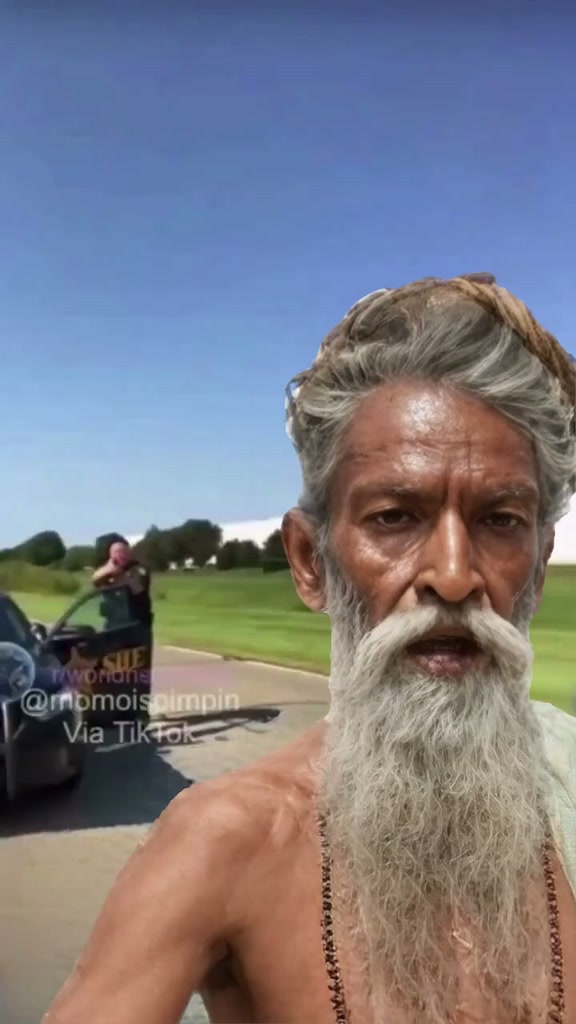
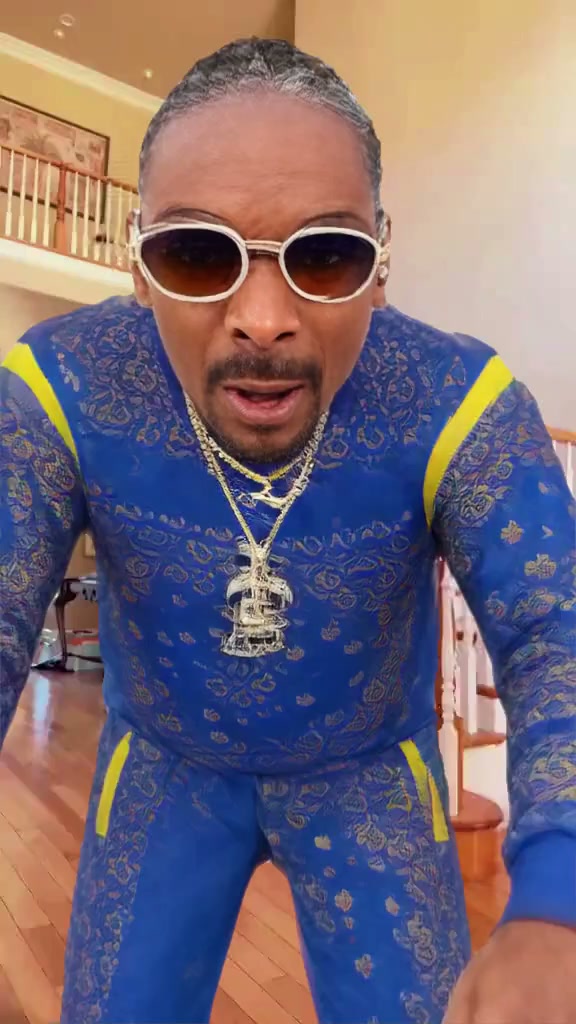
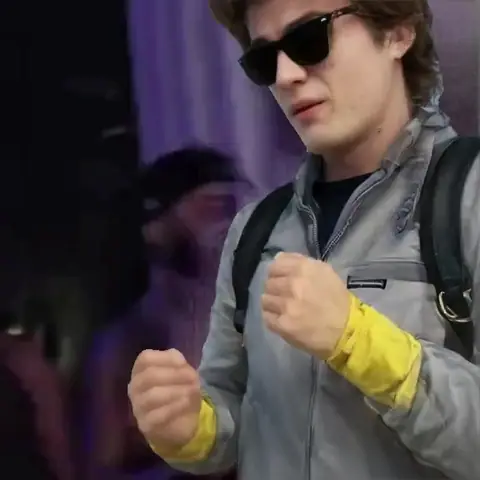
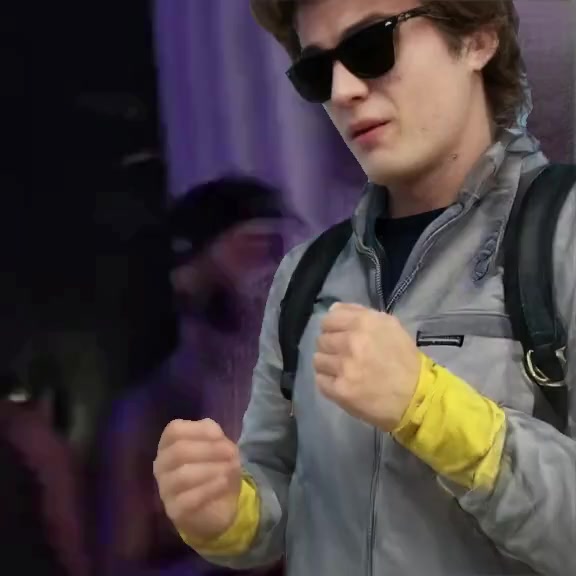
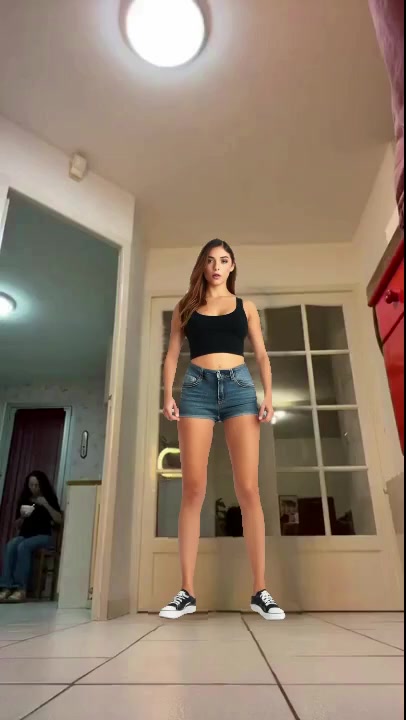
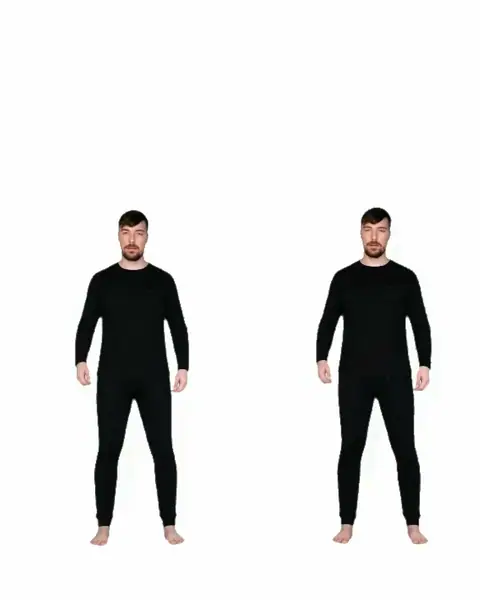
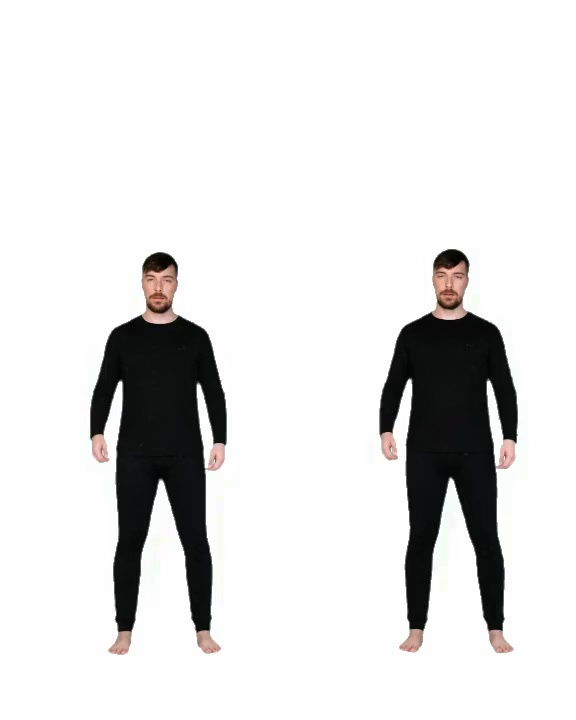
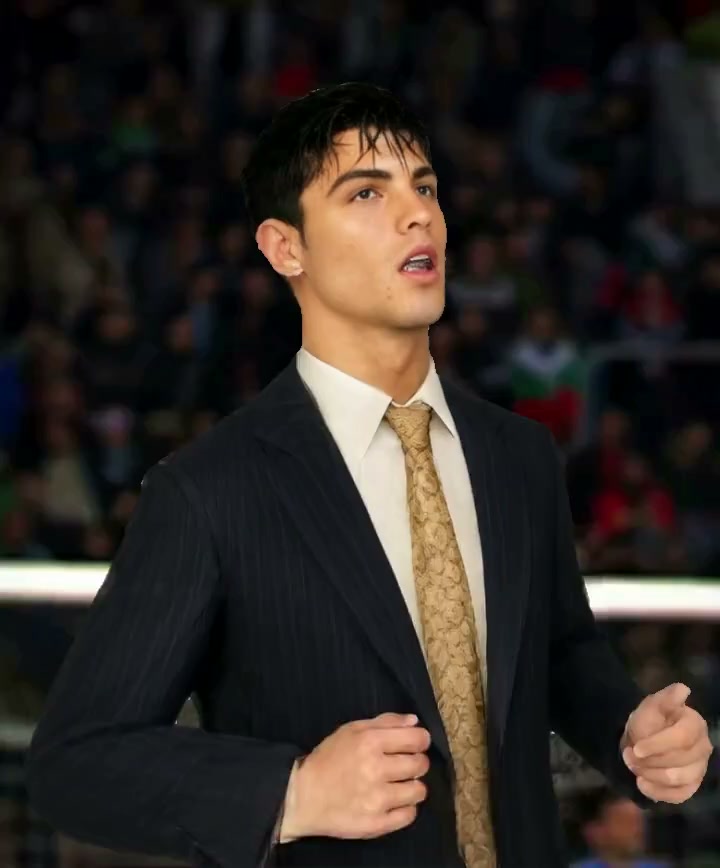
These one-person templates take the free first video on Viggle. On a paid plan, the same clips run on Kling 4.0.

What a Kling 4.0 swap costs
Mix charges by the second of clip. On Kling 4.0, a 15-second template is 113 credits and a two-second meme loop, played out to six seconds, is 46. Two photos cost the same as one.
Starter is $19 a month with 300 credits: two full-length swaps or six loops. Plus is $59 a month with 1,200 credits, enough for ten full-length swaps, and Ultra is $129 a month with 3,000 credits. Compare plans.
Whose face you can use
Swap in your own face, or the face of someone who has said yes to this exact video. Never use a photo of anyone under 18. Many templates are cut from music videos and shows, so keep what you make personal and non-commercial, and mark it as AI when you share it. The full rules are in the Responsible AI policy.
Frequently asked questions
Is Kling AI character swap free on Bolly?
Not on Kling. Your first video is free, but it runs on Viggle: it opens 24 hours after you sign up, takes one photo on a one-person template or a pasted TikTok link, and carries a Bolly watermark. Kling 4.0 swaps come with the paid plans, starting with Starter at $19 a month with 300 credits.
What is the difference between Kling 4.0 and Kling O3?
Both are Kling video-edit models. Kling 4.0 is the newer one and runs paid swaps in Mix at 720p, with a prompt Bolly writes and the clip's sound put back afterward. Kling O3 is a standalone model on Bolly for your own footage: you write the prompt, it renders up to 4K, it keeps the clip's audio, and it needs Plus or higher.
What is Kling Motion Control?
Kling's model for moving a still character. You add a character image and a reference video, and the character copies the video's motion inside the image's own scene. Bolly offers it as Kling Motion Control, from Starter. Mix keeps the clip's scene instead and swaps you into it.
Can I choose which person Kling replaces?
Yes. One-person templates already describe the person. On two-person templates, pick one or both and add a photo for each. On a pasted link, describe who to replace in up to 120 characters, or leave it blank for the main person.
Does a Kling 4.0 swap keep the original sound?
Yes. Kling 4.0 makes a soundtrack of its own, so Mix swaps in the clip's original audio as soon as the render is back. A silent clip stays silent.
How long does a Kling 4.0 character swap take?
Usually 2 to 4 minutes. The free first video on Viggle usually takes 1 to 3 minutes. Either way, the result shows up in your Library on its own.
Can I use Kling 4.0 on my own video?
Mix takes a template or a public TikTok link, so a clip you've posted on TikTok works. For a file on your device, use Kling O3 Video Edit on Plus and up, where you upload the video and write the prompt.
Can I do a character swap in Kling's own app?
As of September 2026, Kling AI, Kuaishou's own app, offered VIDEO 3.0 Omni, an editor that can replace subjects in footage you upload. Mix is the template route: pick a clip, add a photo, and Bolly writes the Kling 4.0 prompt. Bolly vs Kling AI compares the two on plans and models.